Remove Links from Navigation Menus
Removing links from navigation menus will not affect the underlying page. That page will still existing in the Content > Page Manager > Page Content section of your Admin Area. This is typically done when a page isn't immediately relevant or when the content is undergoing major updates. While the page would still show up in search results, it would not be easy to find otherwise. The page can be added to any menu when it's pertinent again in the future. If a page should be removed permanently and not be included in search results, it should be unpublished after it is removed from all navigation menus.
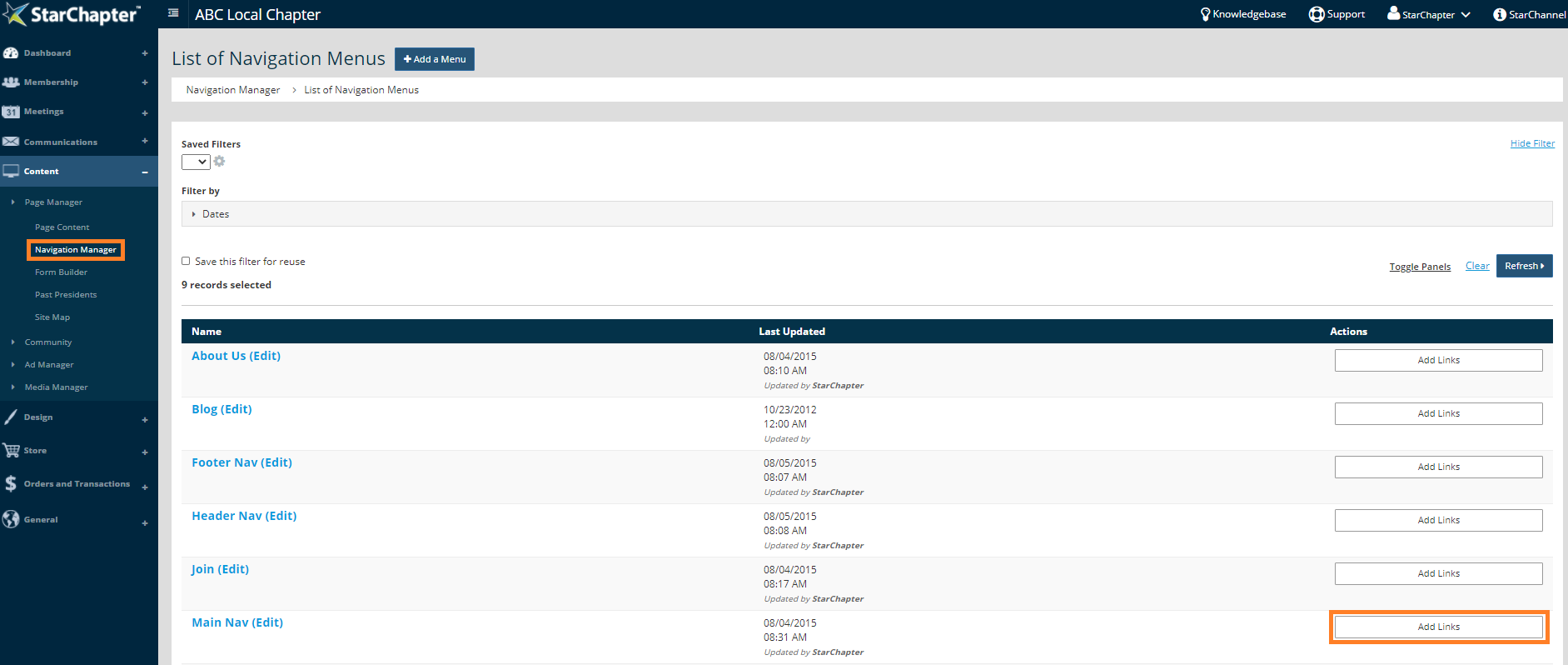
- Go to Content > Page Manager > Navigation Manager.
- Click the Add Links button to the right of the menu you want to edit.
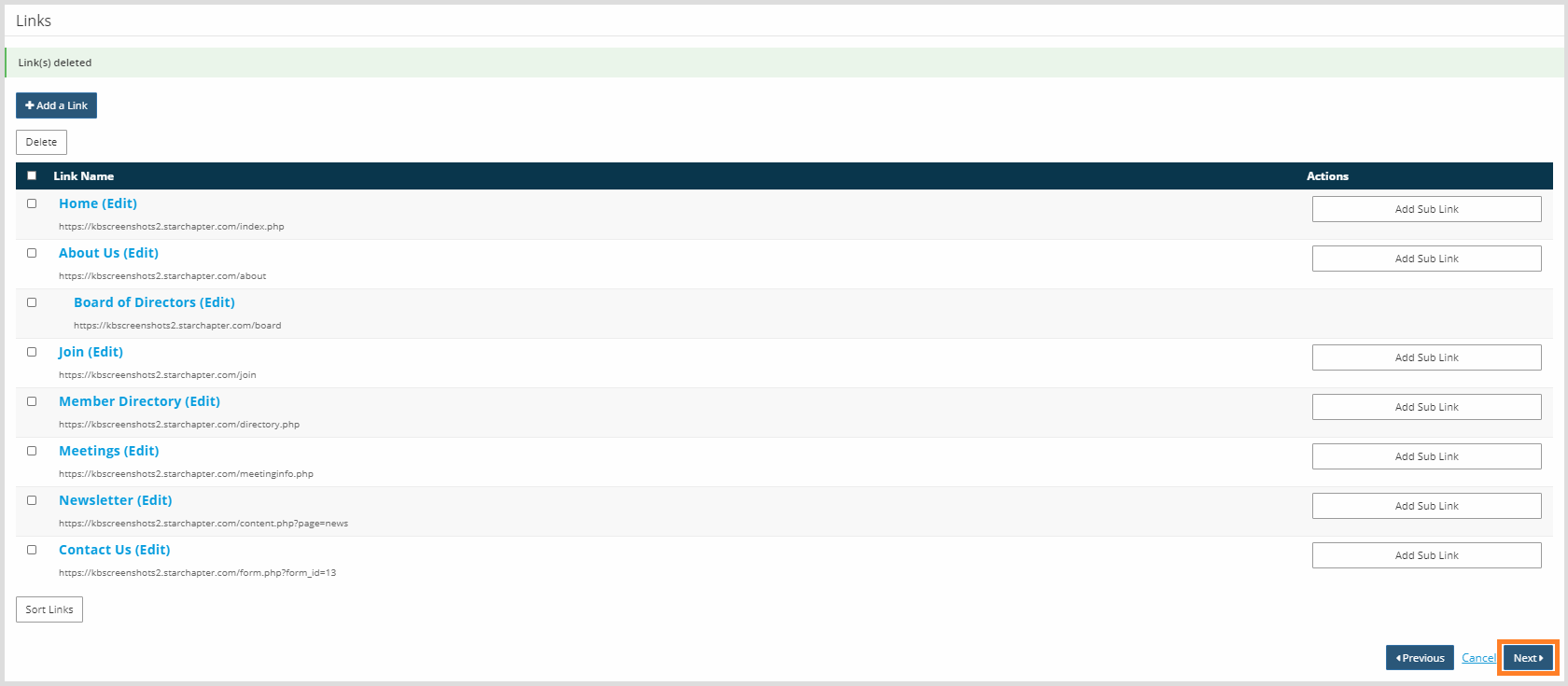
- Check the box to the left of the link to be removed.
- Click the Delete button at the top of the link table.

- Click Next to finalize the menu update.