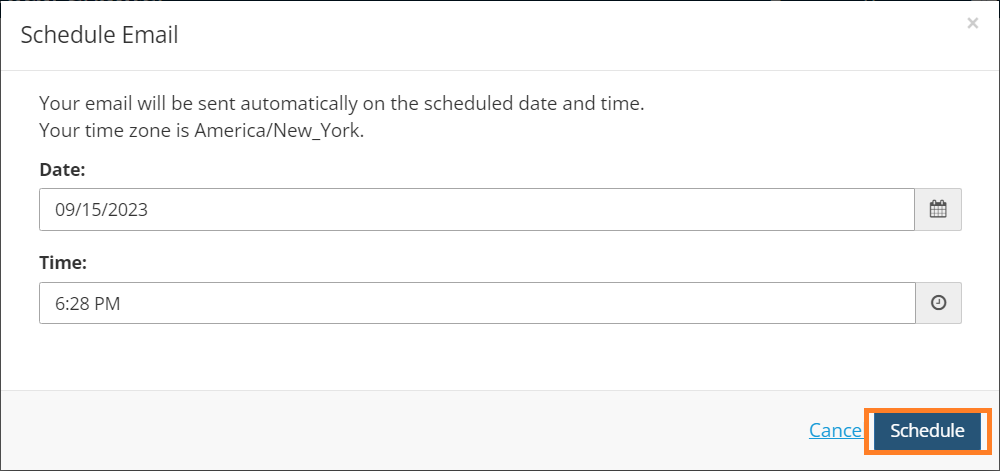
Schedule a Future Email
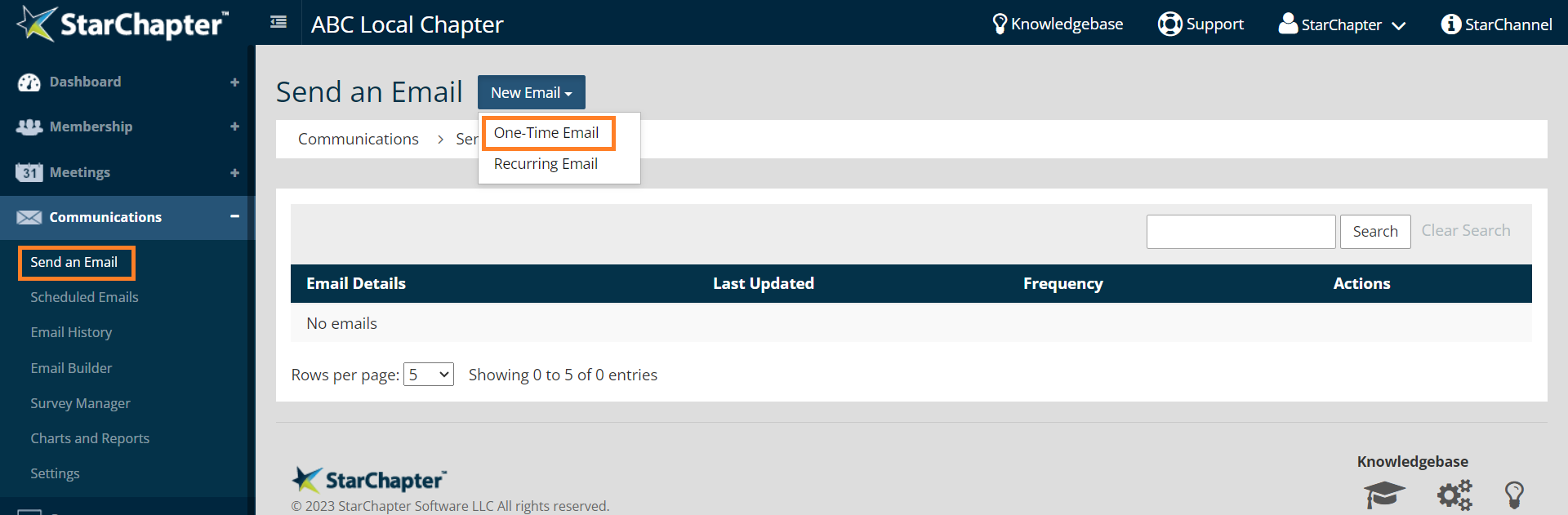
- Go to Communications > Send an Email.
- Click New Email and select One-Time Email from the drop down list.
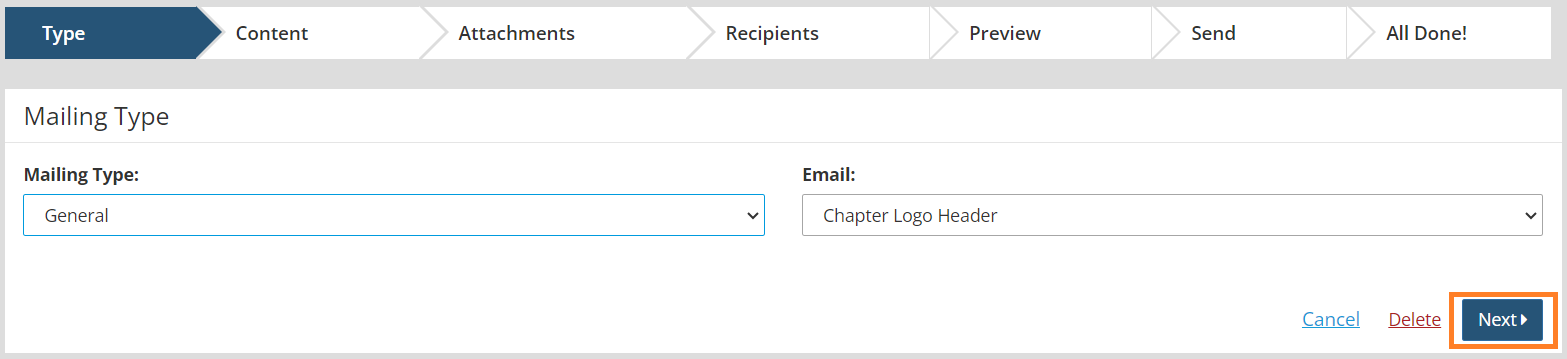
- Choose a Mailing Type.
- Choose the related template and any other options related to the Mailing Type.
- Click Next.
- Review the Subject line, Reply To Email, and email content. Make any necessary changes either in the content of the email or the related area within the system.
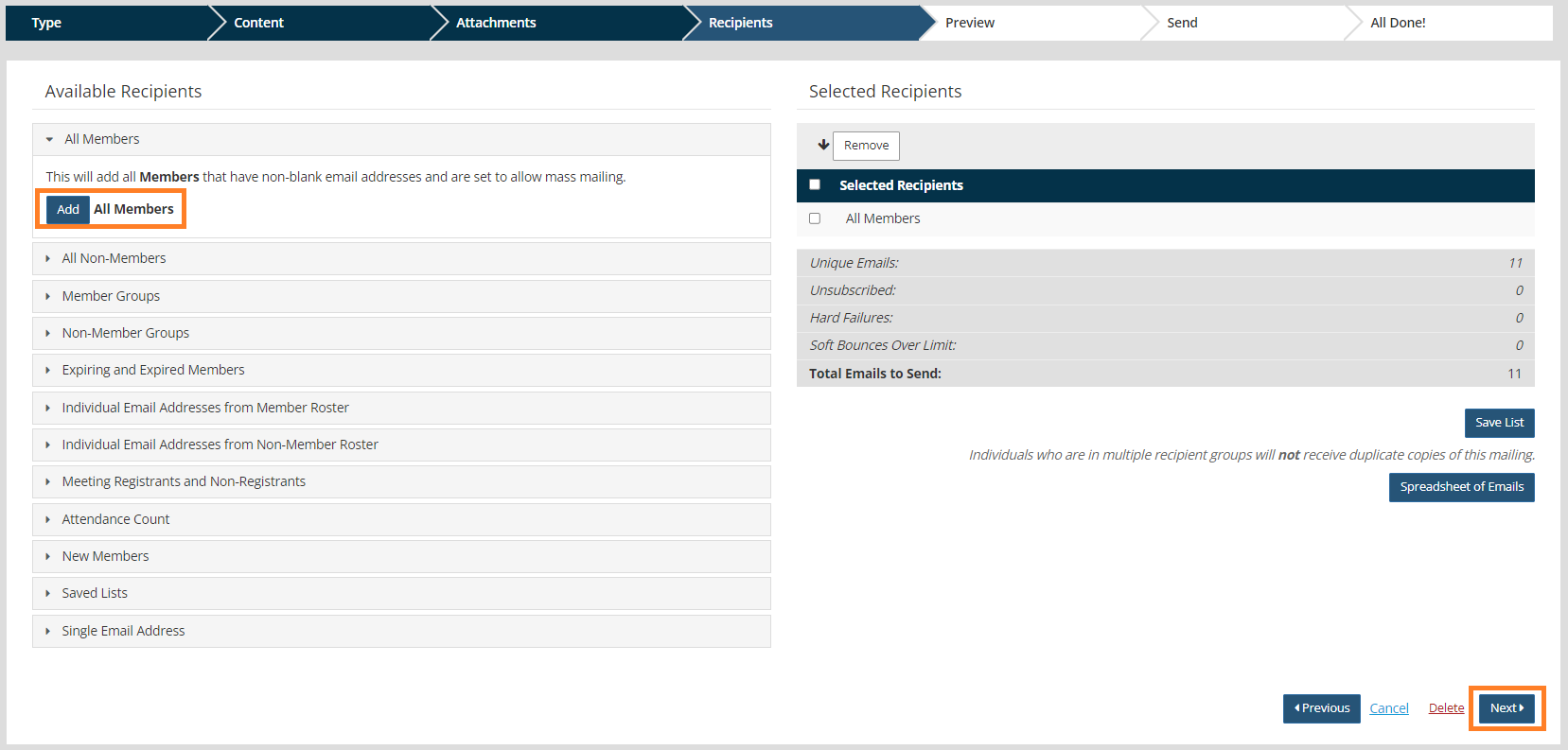
- Click Next twice to reach the Recipients screen.
- Select recipients.
- Click Next.
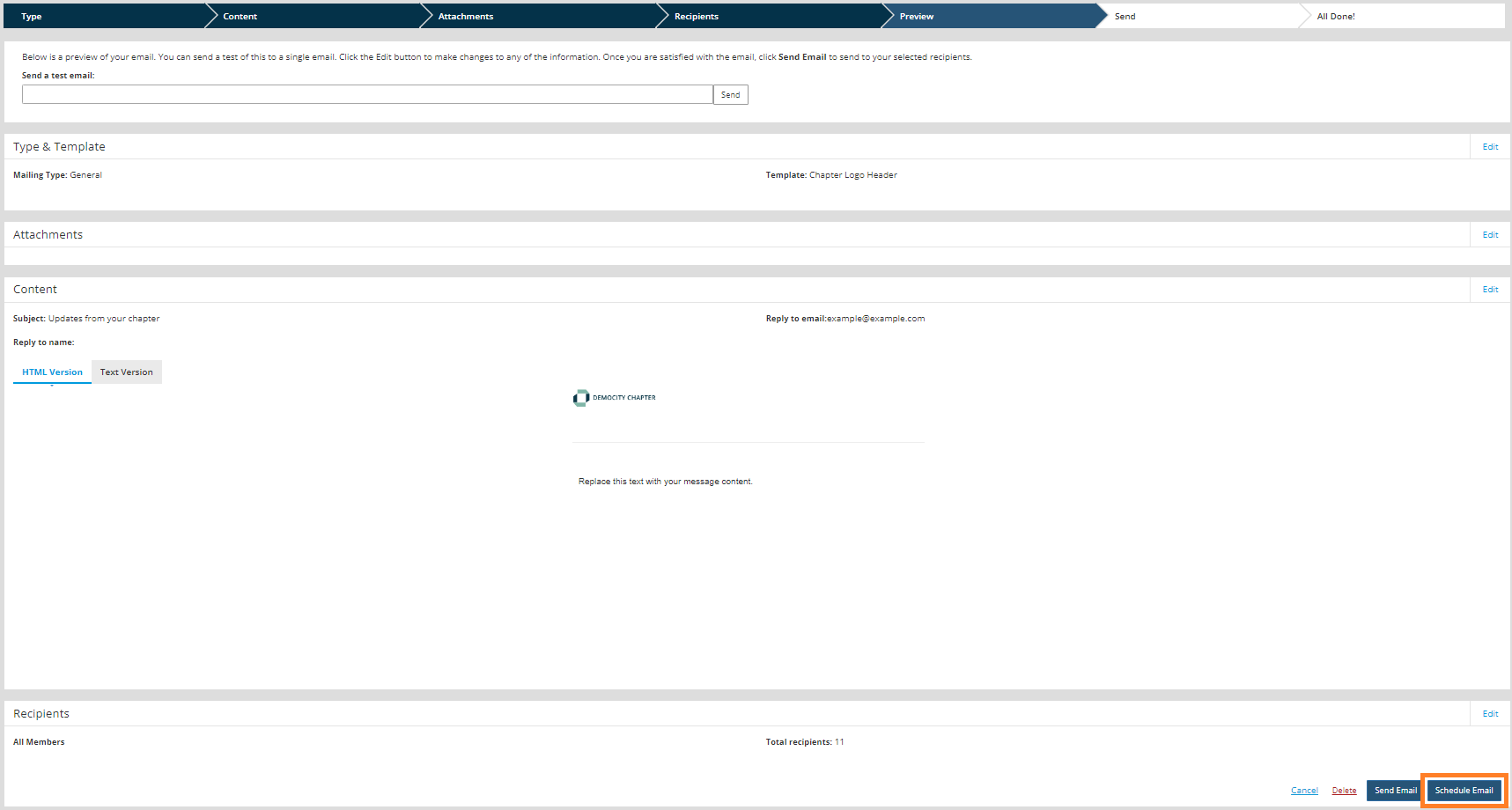
- Review all sections of the email.
- Click Schedule Email.
- Select the date and time that your mailing will be sent.
- Click Schedule.