Replace the Slider with a Preset Design Content Section
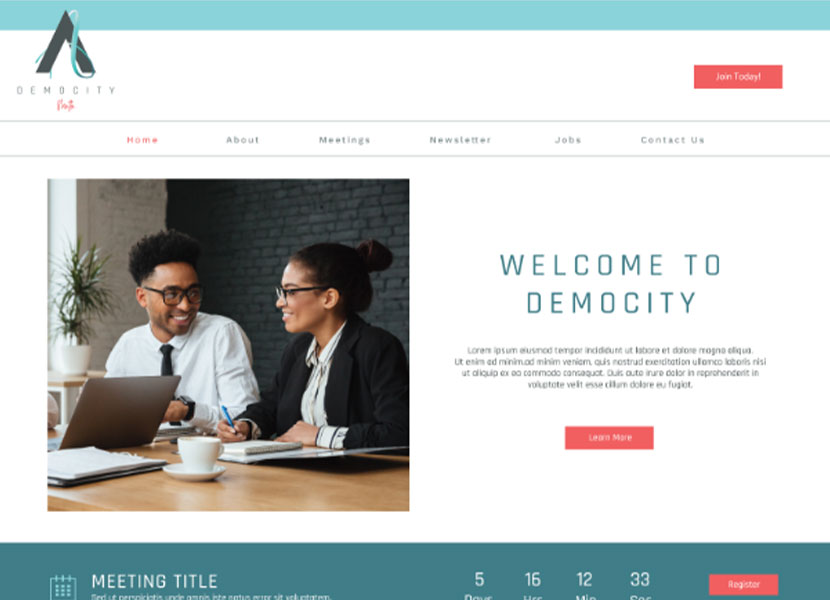
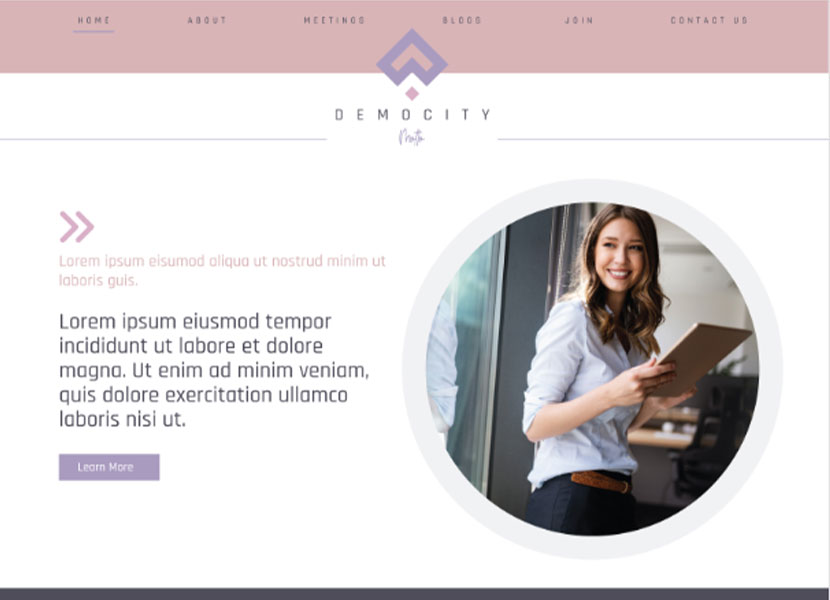
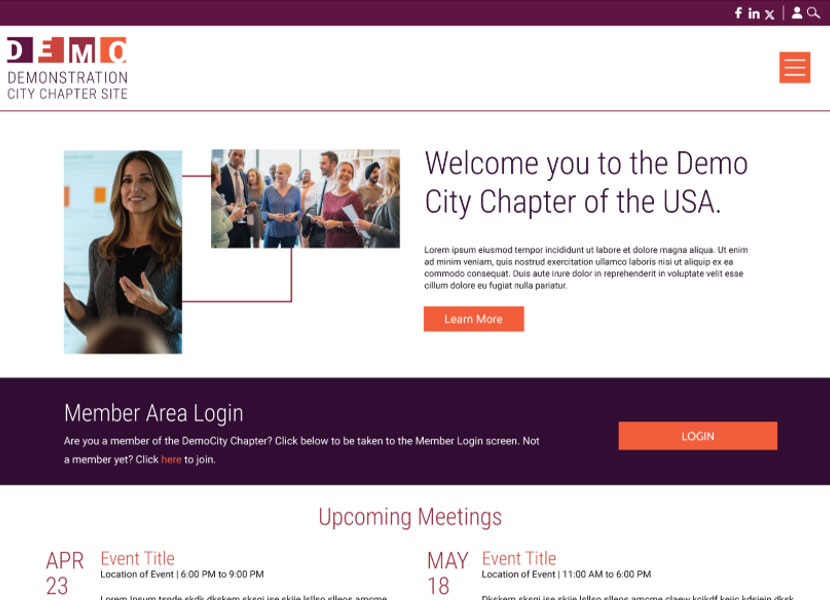
Many StarChapter layouts highlight a Slider on the Home Page by default. However, these are not the only options available to provide a unique and interesting landing page for your site. With a library of Preset Design Content Sections available, you can remove a traditional slider and replace it with combinations of images, headers and text.
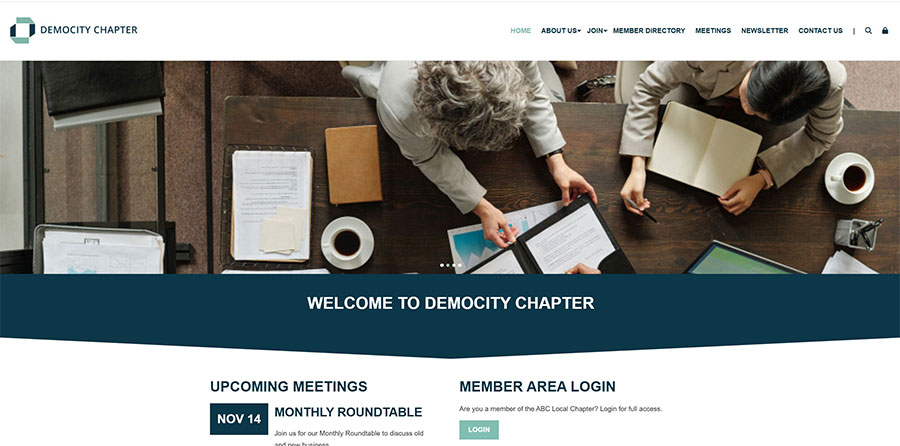
Traditional Slider
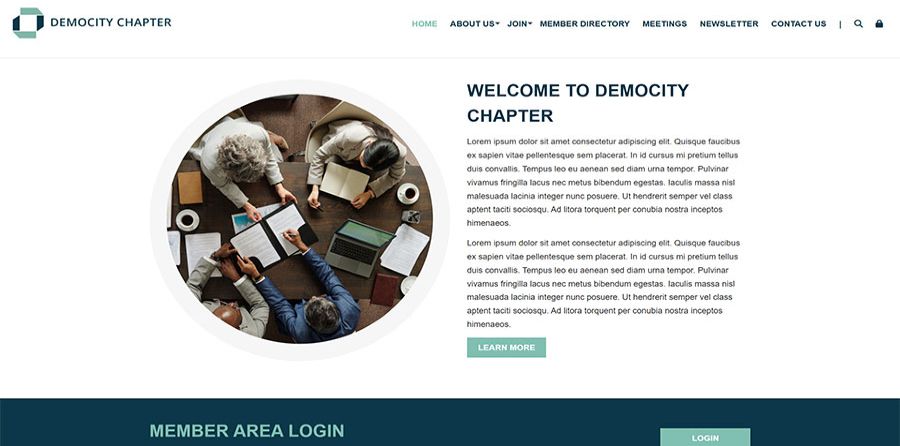
Preset Design Content Section
In this Article
How to Replace the Slider with a Preset Design
- Go to Content > Page Manager > Page Content.
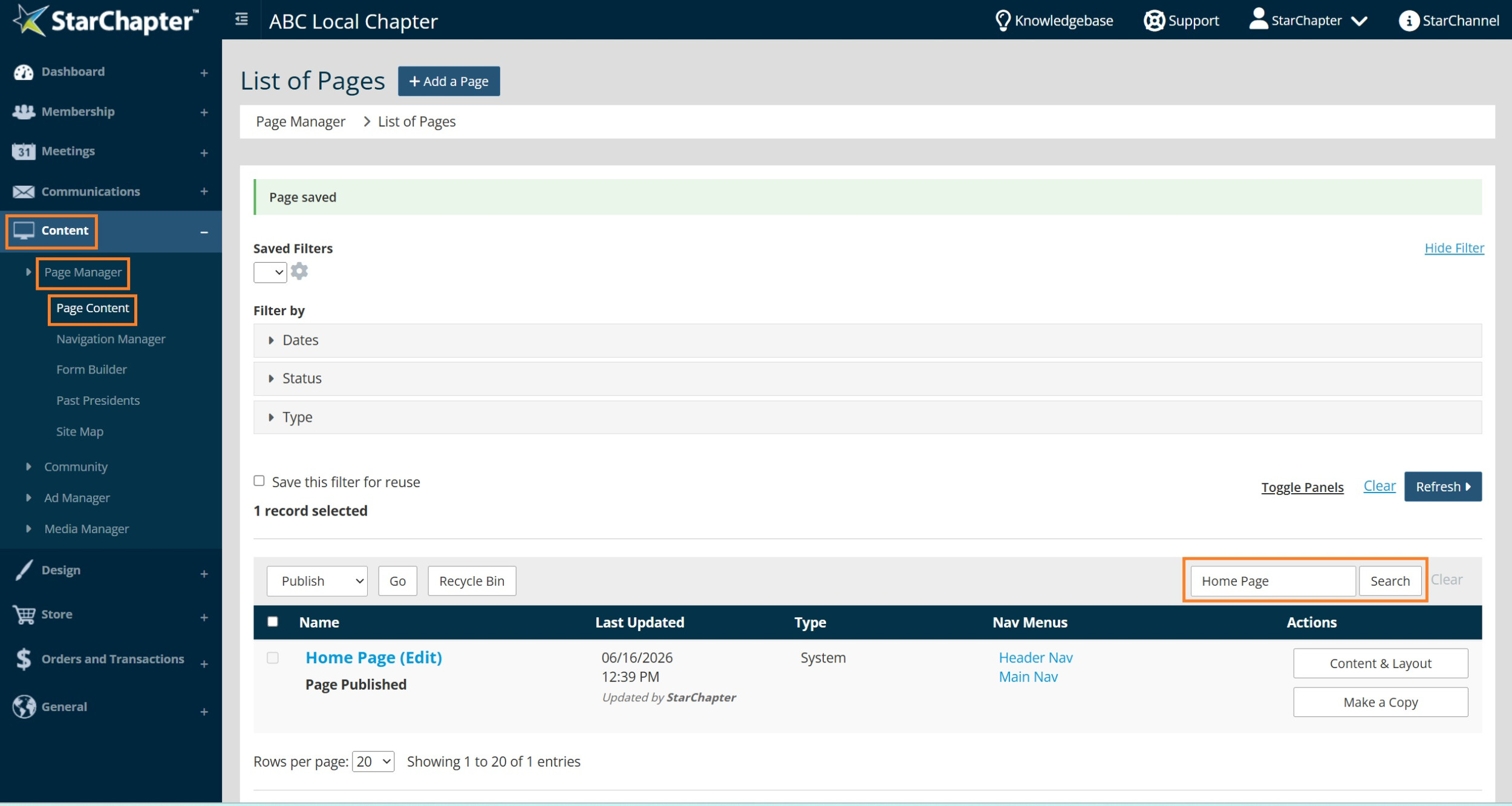
- Search for the 'Home Page', and click the button.

- Click Page View. Select Header Bottom.
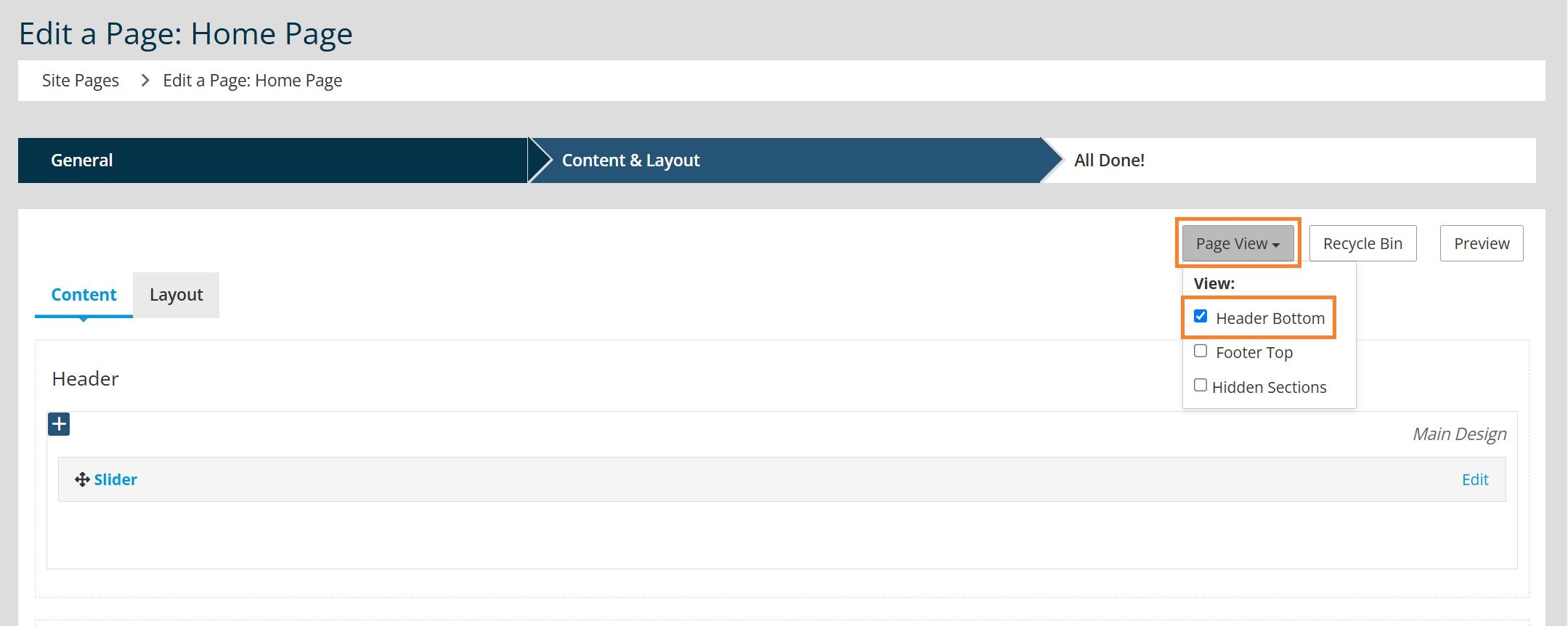
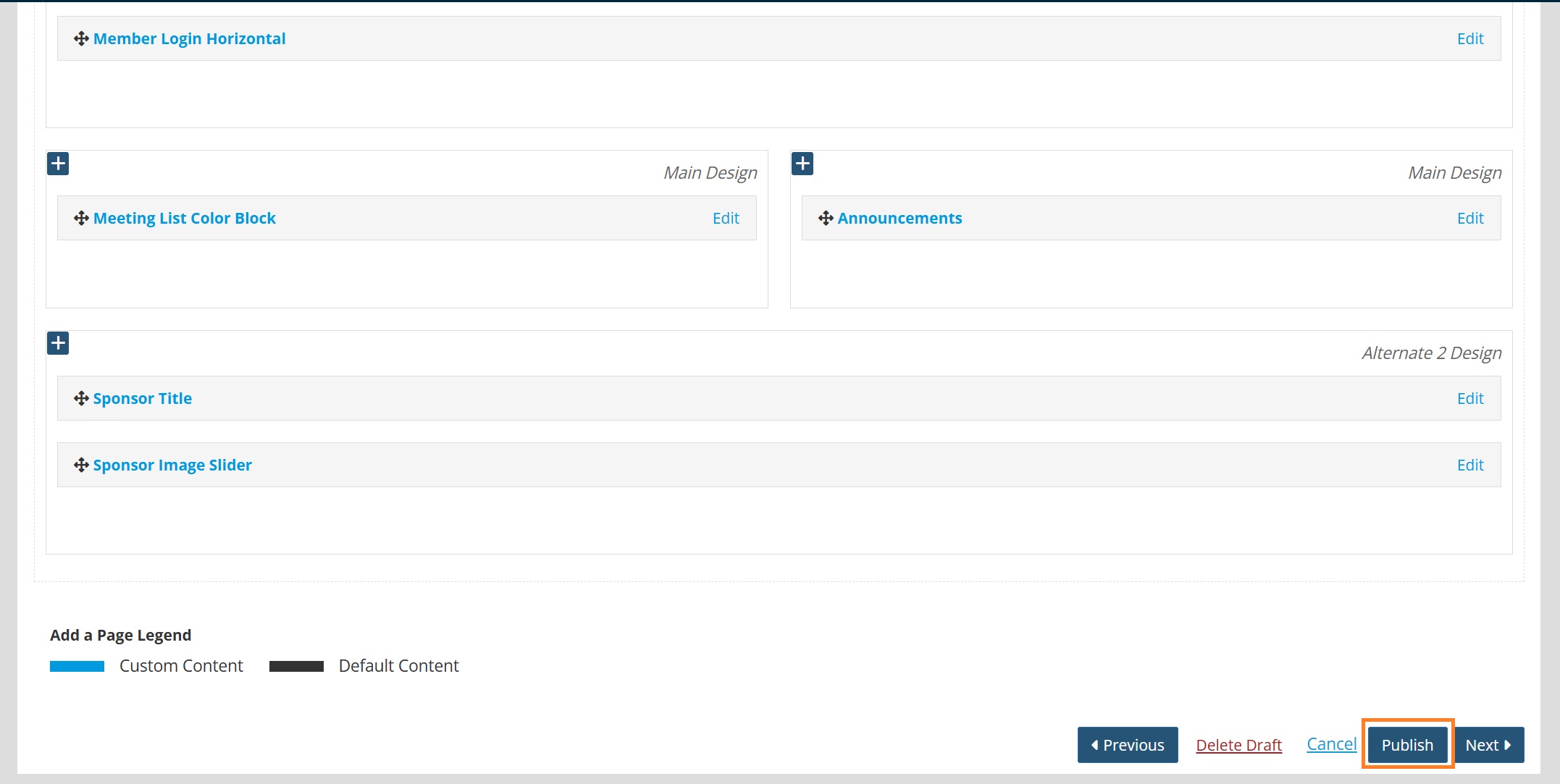
- Click Edit on the existing 'Slider' Content Section.
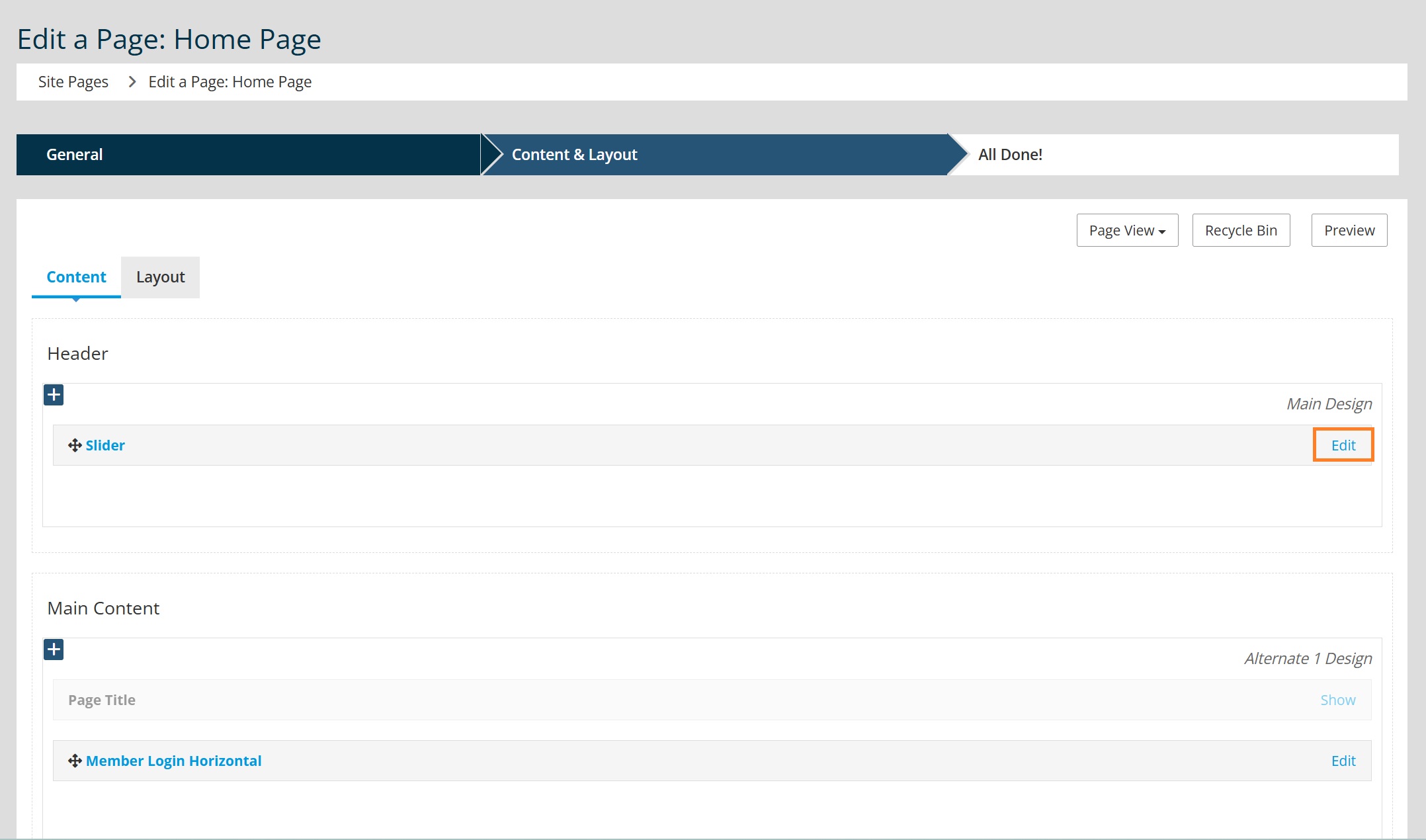
- Scroll to the bottom of the page and click Delete.
- Toggle to the 'Layout' tab.
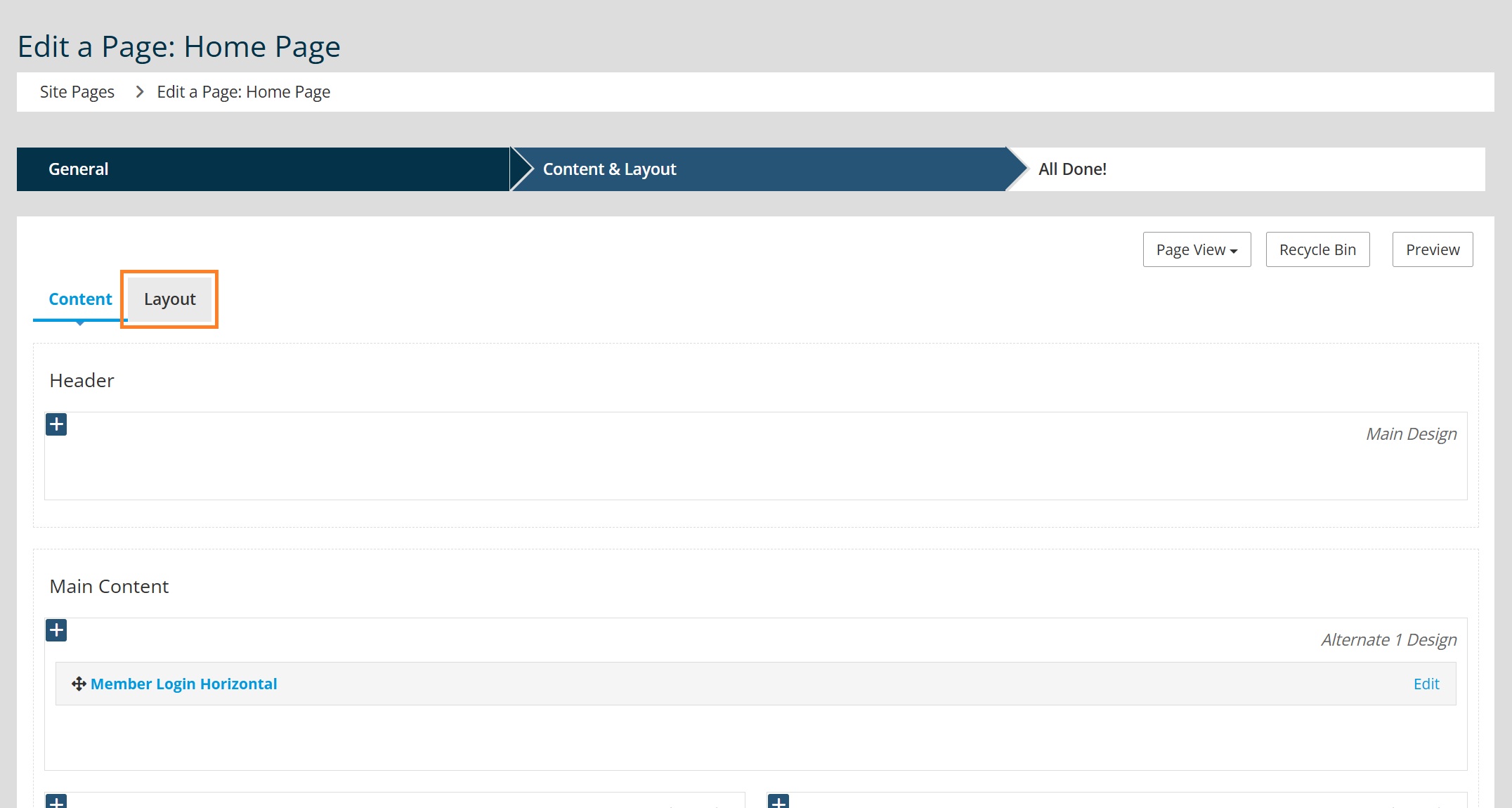
- Click + Add Container in the 'Main Container'. In most cases, a 100% container will be used here.
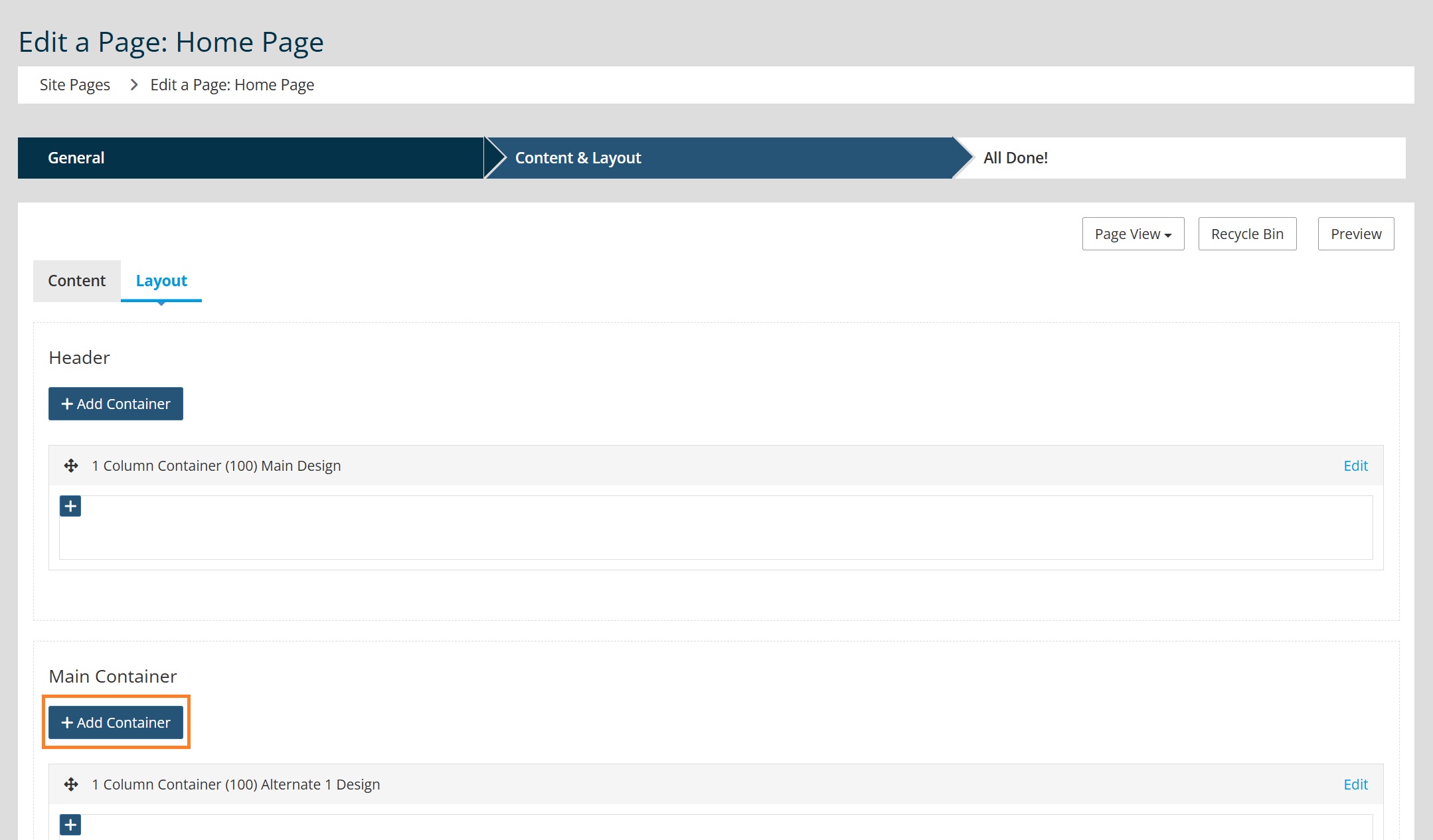
- This new container will automatically be placed at the bottom of the Main Container. Drag this new container from the bottom to the top of the Main Container.
- Toggle back to the Content tab.
- Click the blue + sign in the newly added container.
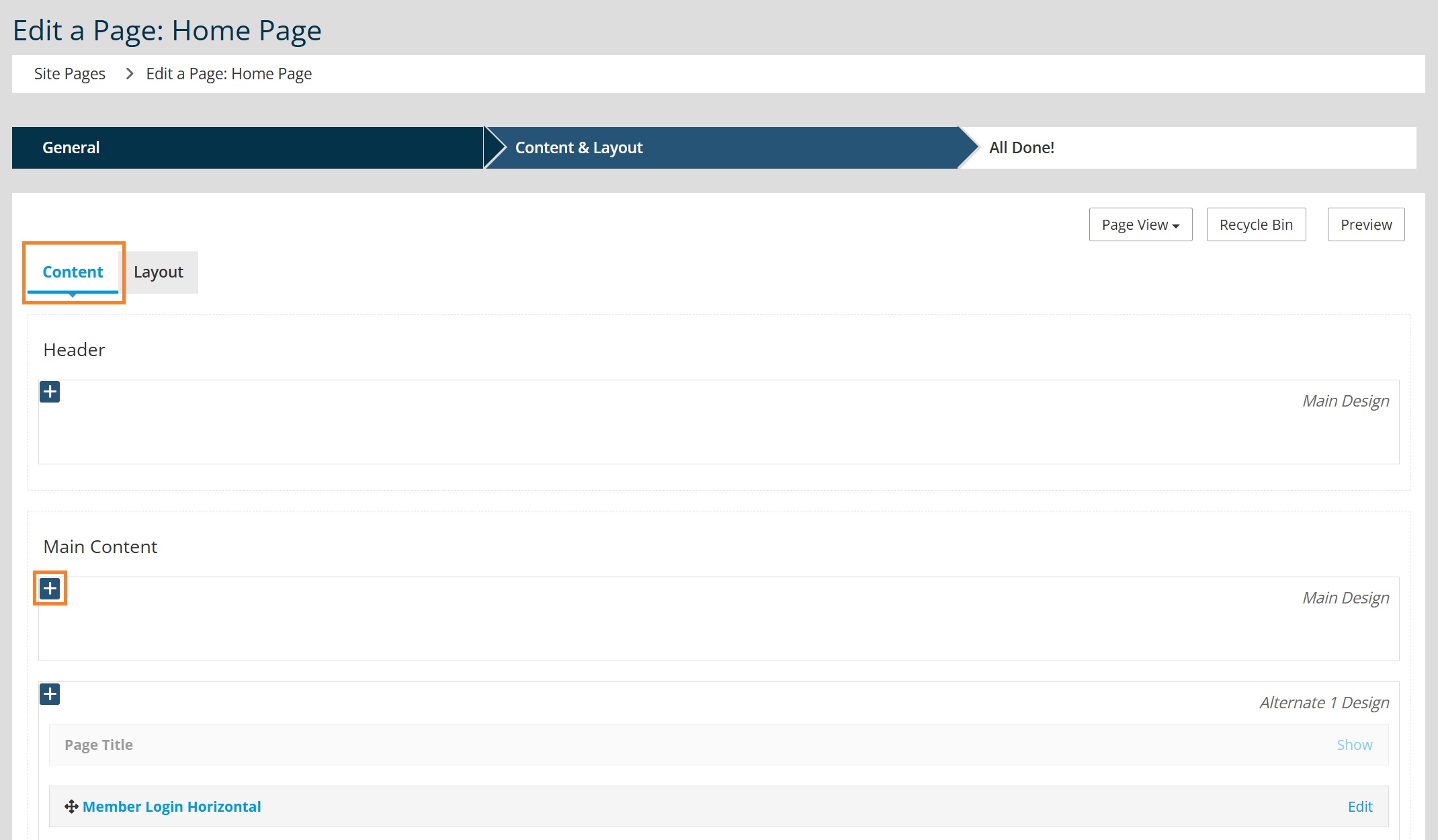
- Go to "Preset Designs" to select your desired content section.

Tip: Go HERE to see recommended Preset Design Content Sections.
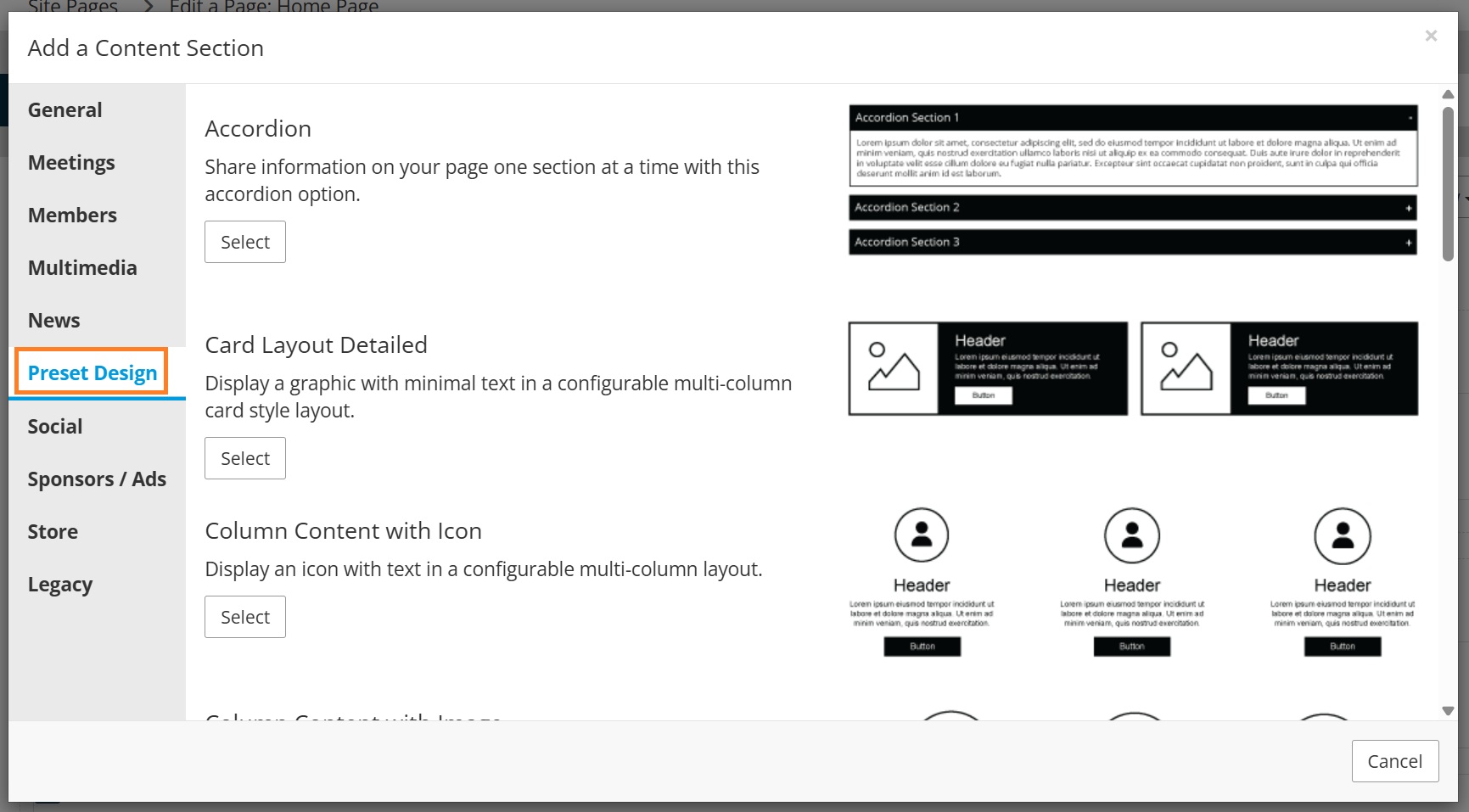
- Add your content to the Preset Design Content Section as desired, including images, text and button links.Click the Add button.
- Click Publish in the lower right to publish the page.