
Filter Order Reports
The Orders and Transactions area of the system includes all completed orders that have been placed within your StarChapter system. Often, that is too much information and a more specific report would be more useful. Within the Orders & Invoices and Payments & Adjustments areas, apply filters to limit the export to pertinent orders prior to clicking the Spreadsheet button to export any of the financial reports.
- Go to Orders and Transactions > Orders & Invoices or Payments & Adjustments.
- Click the Meeting/Catalog filter to expand it and select the event, catalog, or order type of interest.
Donation - This option will display orders for donation products only. These products must be created in Store > Products.
Raffle Ticket - This option will display orders for raffle ticket products only. These products must be created in Store > Products.
Catalogs - The names of specific catalogs will be listed so that the entire catalog can be reviewed in a single report.
Member Dues Payment - This filter will include all orders for dues. All dues must be setup in Membership > Dues Manager.
All Inventory Products - This option will display orders for inventory products only. These products must be created in Store > Products.
All Form Fees - If any forms, such as the Classified forms, have associated fees, they can be reviewed with this filter.
Events - All events, past and future, will be available as a filter. This will include all associated payments including meeting-associated products that are sold through the meeting registration process.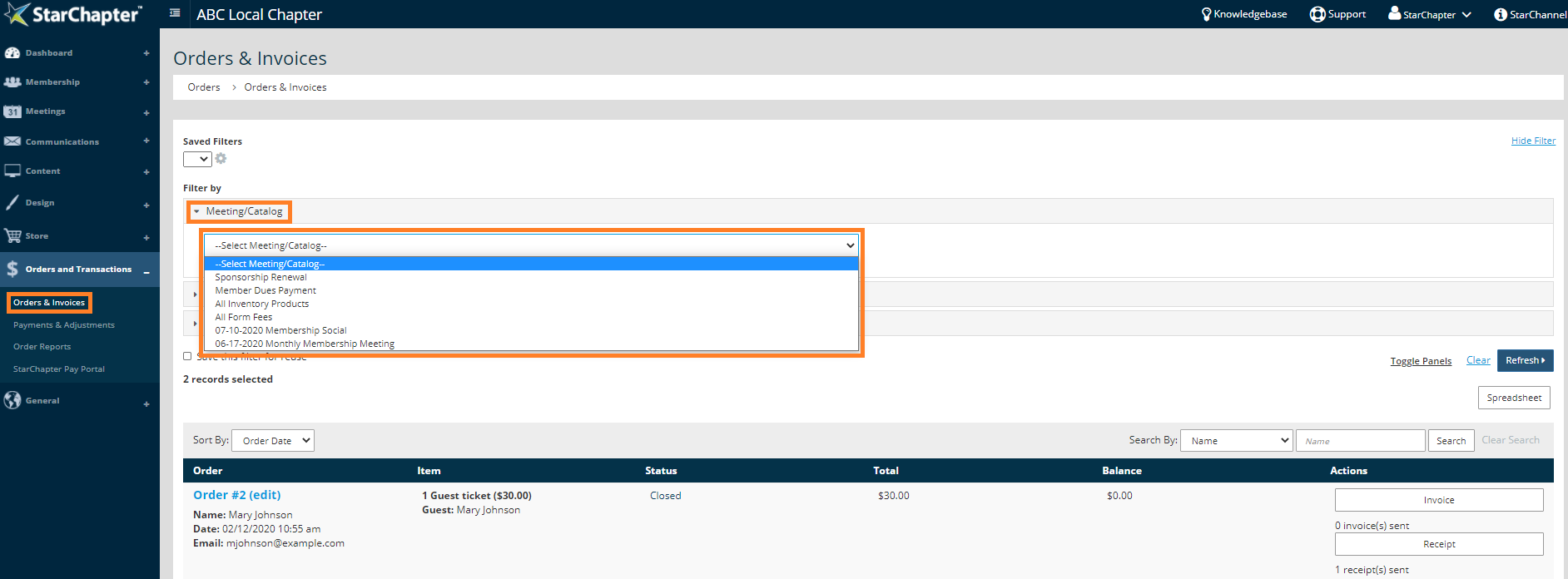
- When the "Meeting/Catalog" is set, an "Items" filter will appear that includes all products, fees, dues, and/or tickets that are included in the original selection. Limit the search to specific items, if necessary.
- Set the "Order Date" range, if necessary. This field will default to one year.
- Set the order "Status," open or closed, if necessary.
- Click Refresh.
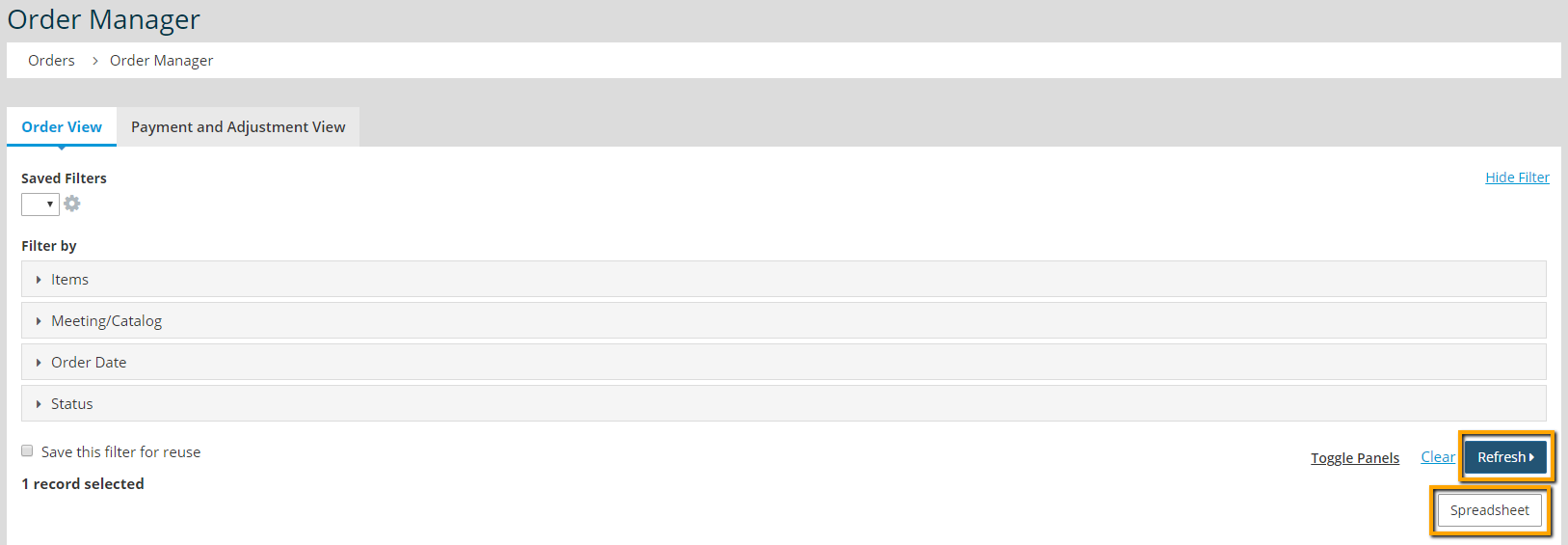
- Click Spreadsheet to export the filtered list of orders.


