
Charge a Fee for Form Submission
StarChapter includes various types of forms that connect to different areas of the system. Using the most appropriate form for your goals can automate information collection and organization. Fees can also be attached to forms which will require payment before the submission is fully processed. This article addresses how to add fees to all forms except Member forms. Member forms should have dues connected to them instead.
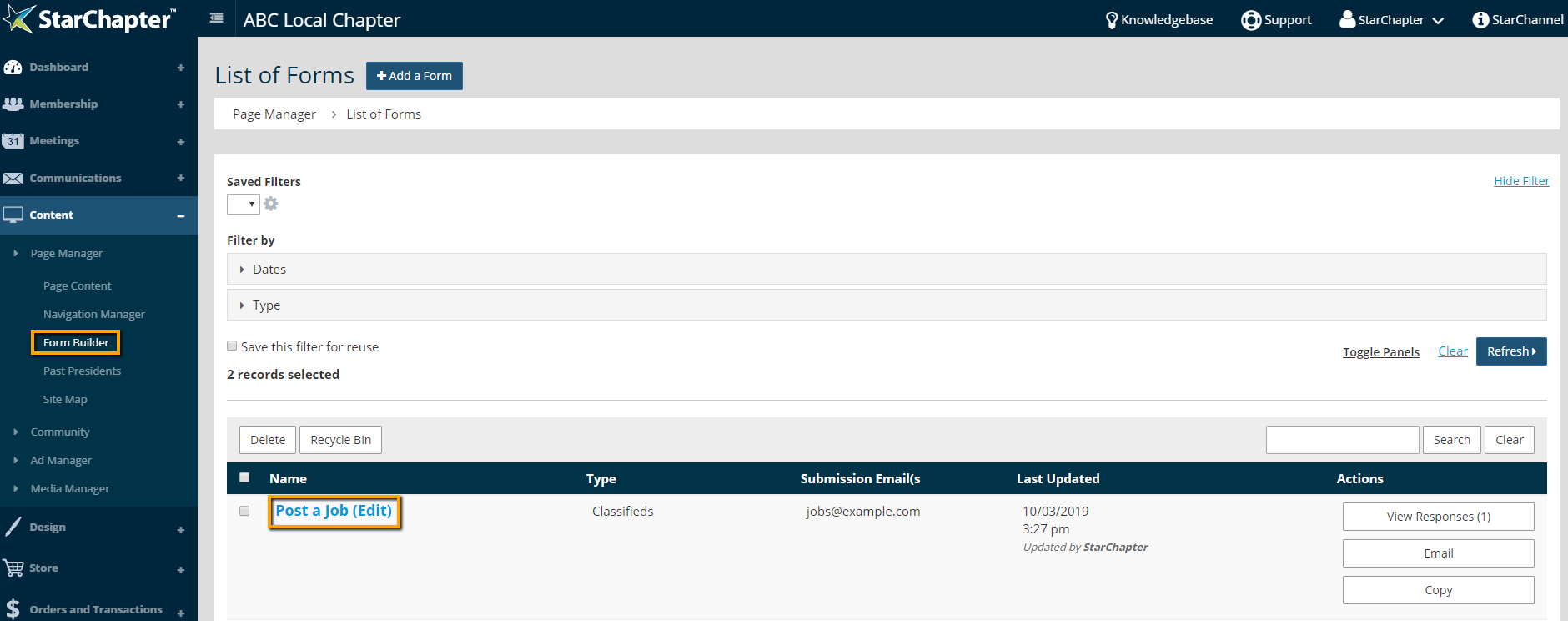
- Go to Content > Page Manager > Form Builder.
- Click the form that should include a fee.
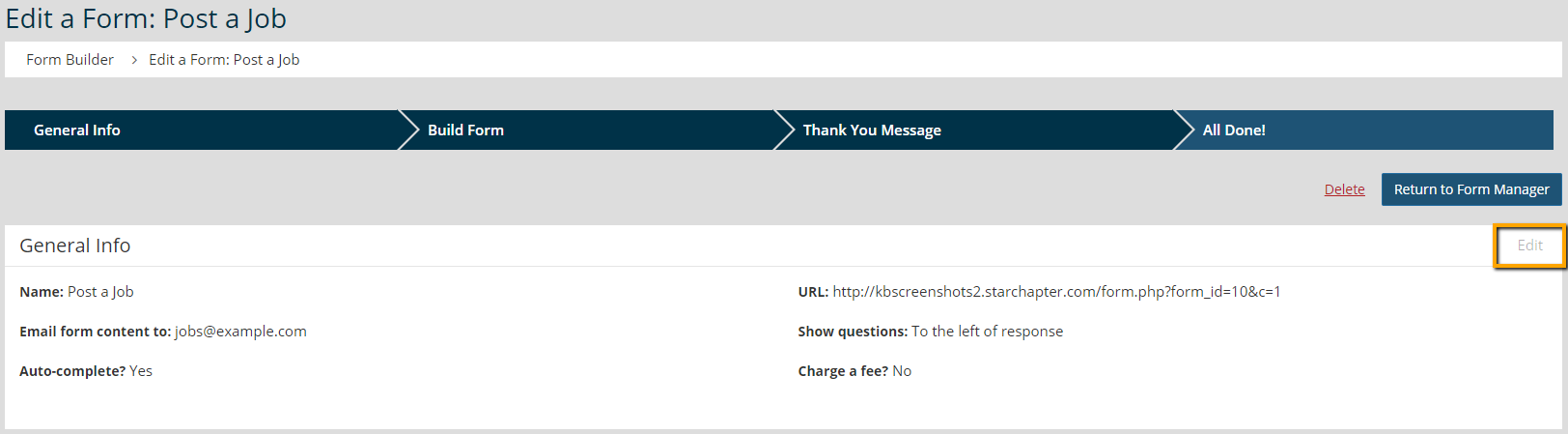
- Click Edit in the General Info section of the form.
- In the Fee section of the form, check the "Charge a fee to fill out this form?" setting.
- Enter the appropriate fee in the "Fee amount" field.

- Click Next.





