Add a Product to a Meeting
Products are created in Store > Products, but they cannot be purchased unless they are made available through a catalog or meeting. Within meetings, products can be used for non-registration items, including sponsorships that do not include registration to the event, raffle tickets, registration upgrades, donations, or physical items.
- Create a product in Store > Products. Be certain to enable the "Show in meeting product list?" setting.
- Go to Meetings > Meeting Manager.
- Click the name of the meeting of interest.
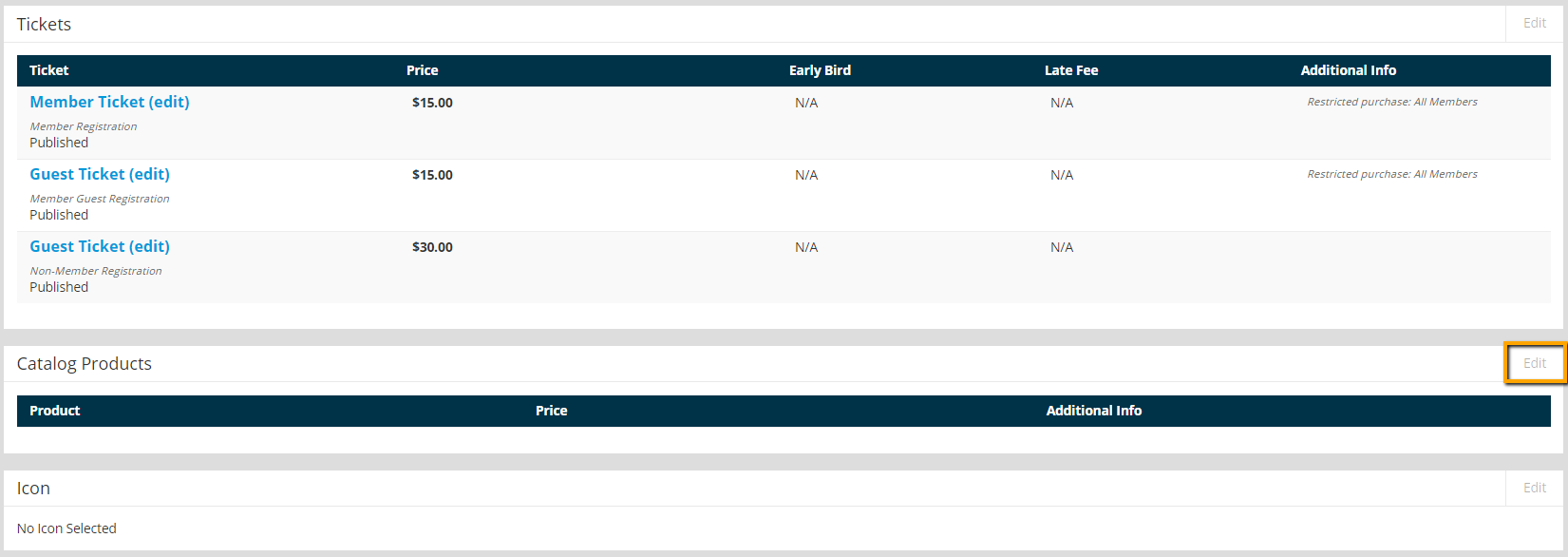
- Click Edit in the Catalog Products section of the meeting setup.
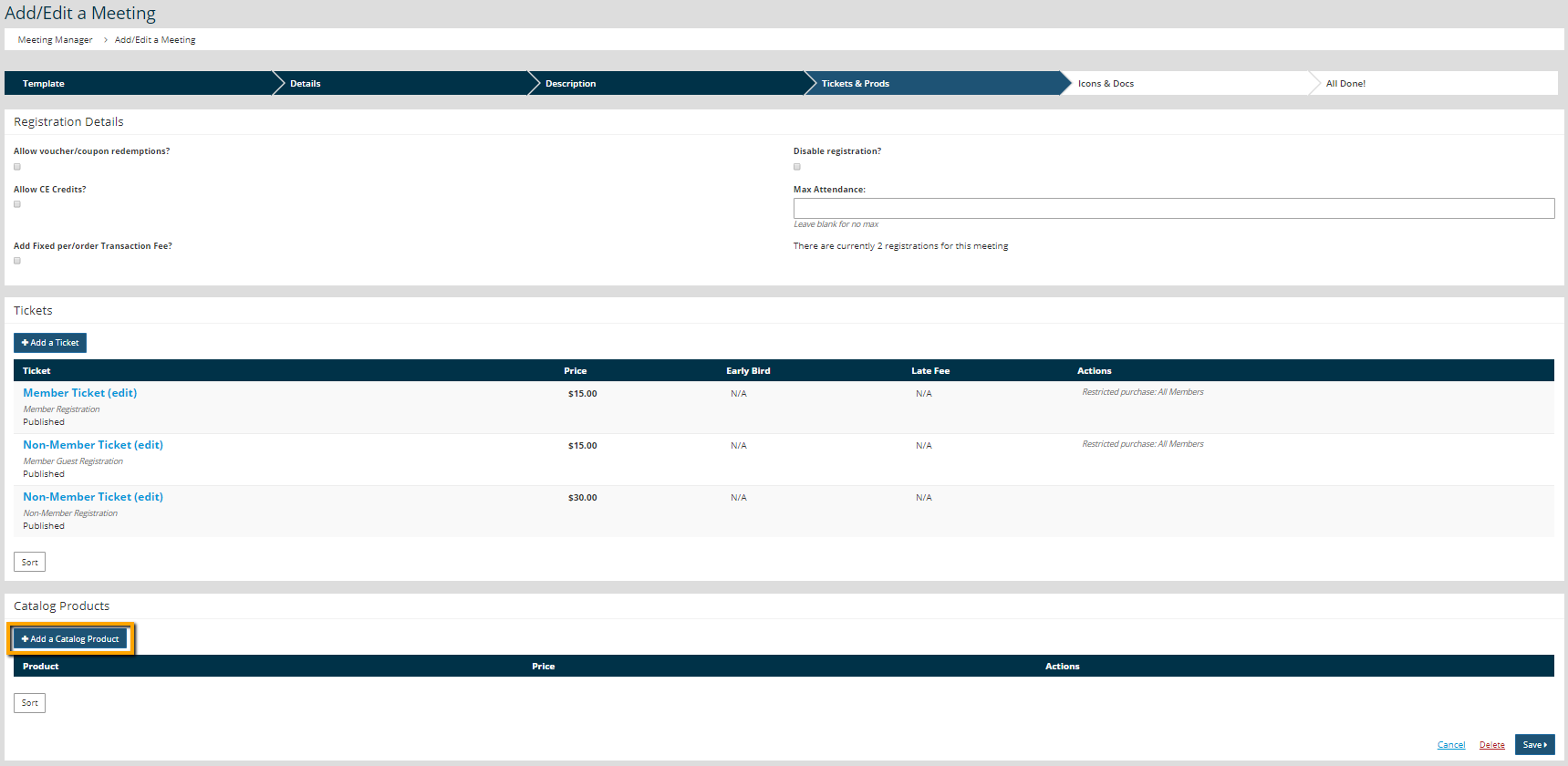
- Click Add a Catalog Product.
- Select the product from the drop-down menu.
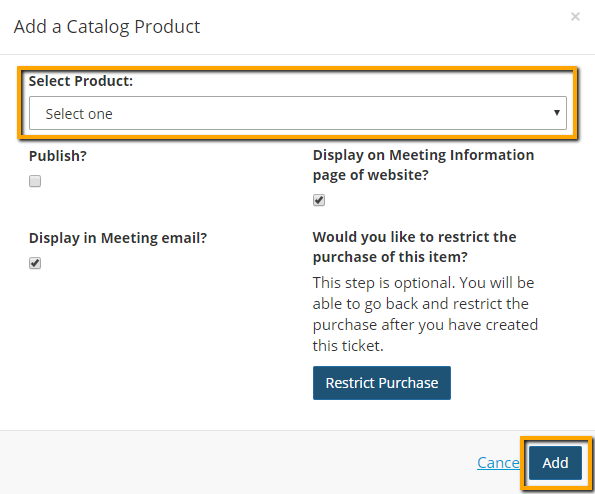
- If the product should not be publicized on the website or any meeting emails, uncheck the "Display on Meeting Information page of website?" and "Display in Meeting email?" settings.
- If the product should be limited to members or another group identified within the Membership > Group Manager, click Restrict Purchase and identify who can purchase this product.
- Click Add.
- Click Save.
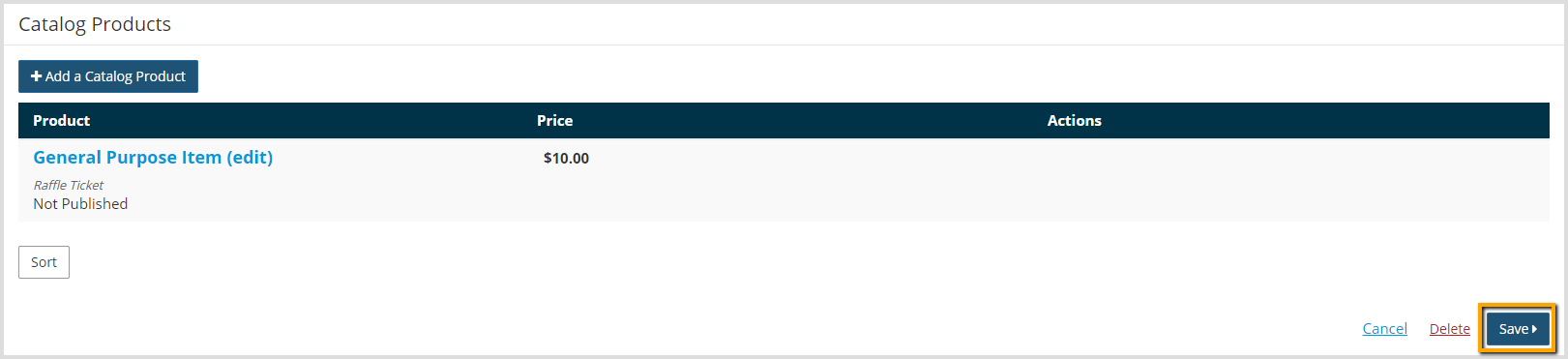
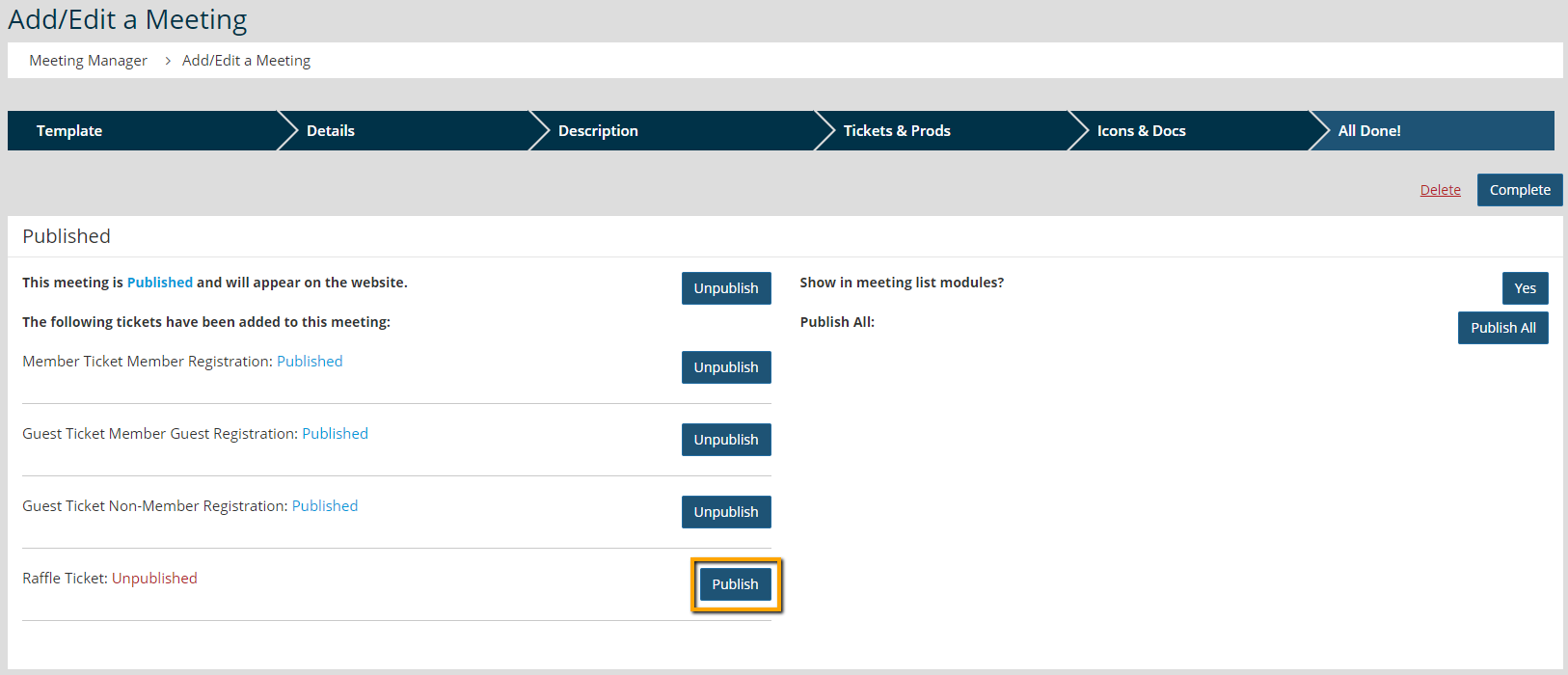
- Click Publish to make the product available for purchase.