Add Sponsors to a Page
Before adding sponsors to a page, create sponsor categories and add sponsors to Content > Ad Manager > Sponsors & Advertisers.
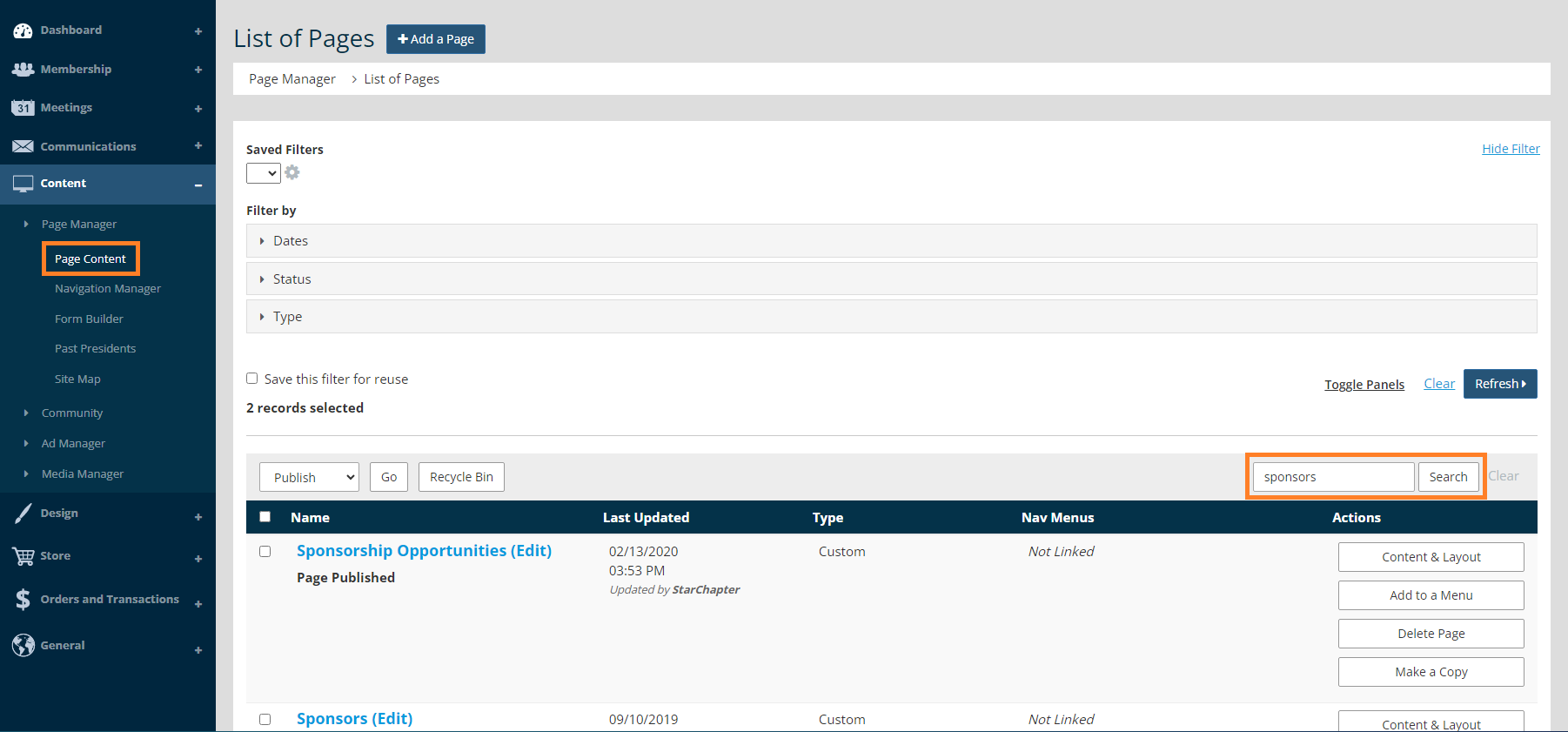
- Go to Content > Page Manager > Page Content.
- Search for the page that you want to add sponsors to.
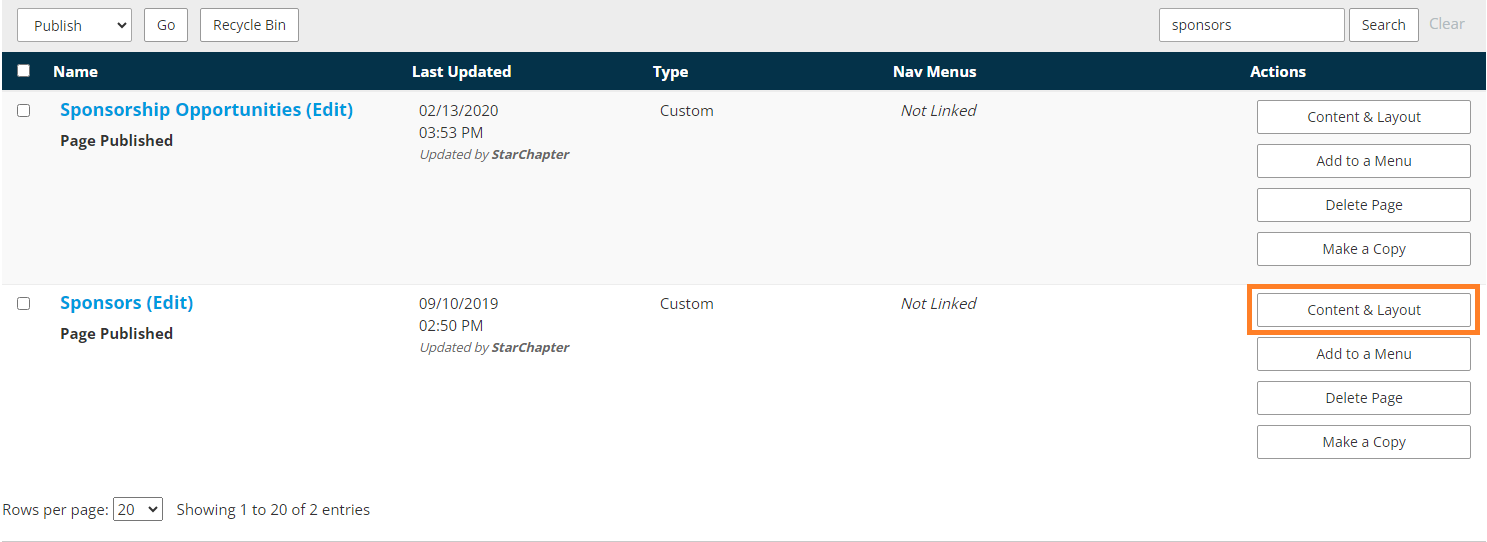
- Click Content & Layout.
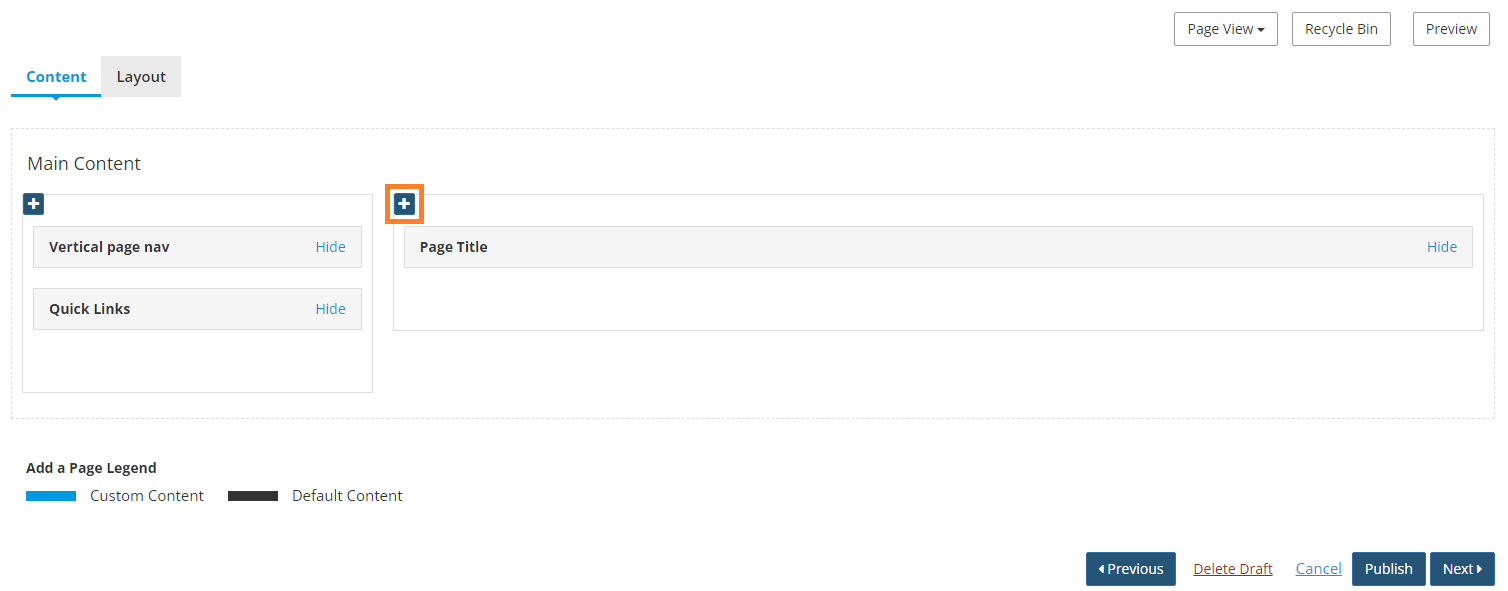
- Click the blue + in any container to add a new content section.
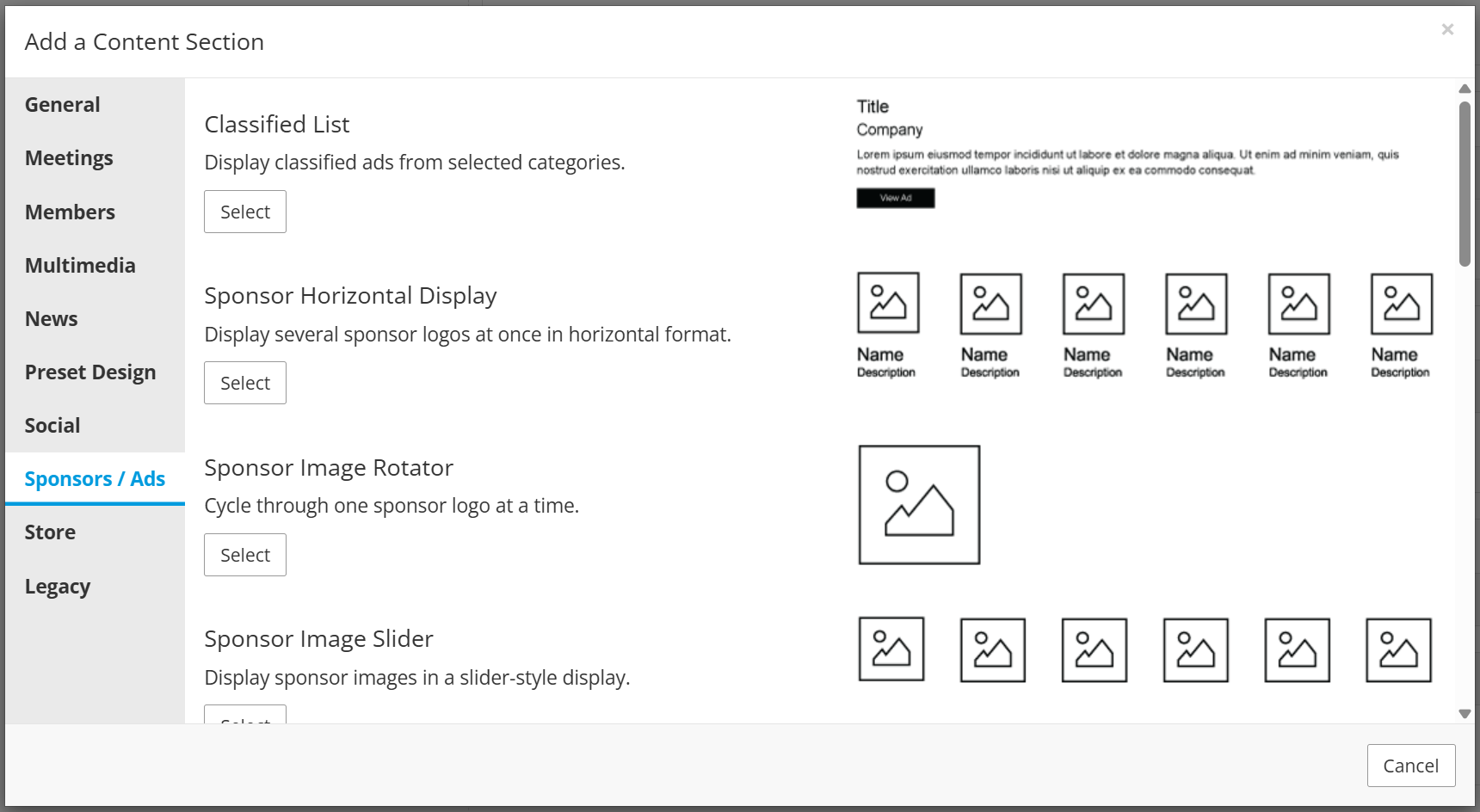
- Under the Sponsors/Ads, select a sponsor content section. Please refer to the content section library for examples of the display of each section.
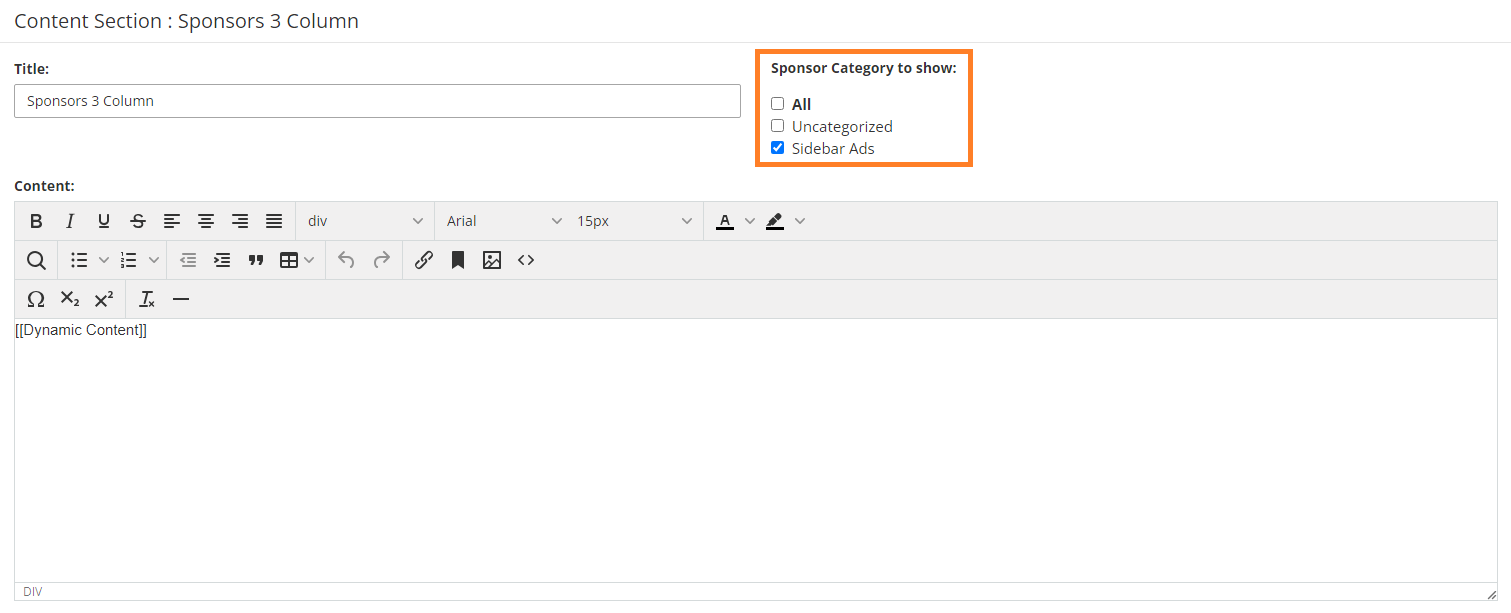
- Under "Sponsor Category to show," select the sponsor category that you want to display.
- Click Save.
- Click the Preview button to preview the page before making your changes permanent.
- Click Publish.
 |
Tip: To sort your sponsors, go to Content > Ad Manager > Sponsors & Advertisers. Scroll to the bottom of the page and click Sort Sponsors & Advertisers. Drag and drop your sponsors into the desired order. Note: The Horizontal Sponsor Display and the Vertical Sponsor Display content sections will only display sponsors in a randomized order; sorting will not impact these displays. |