
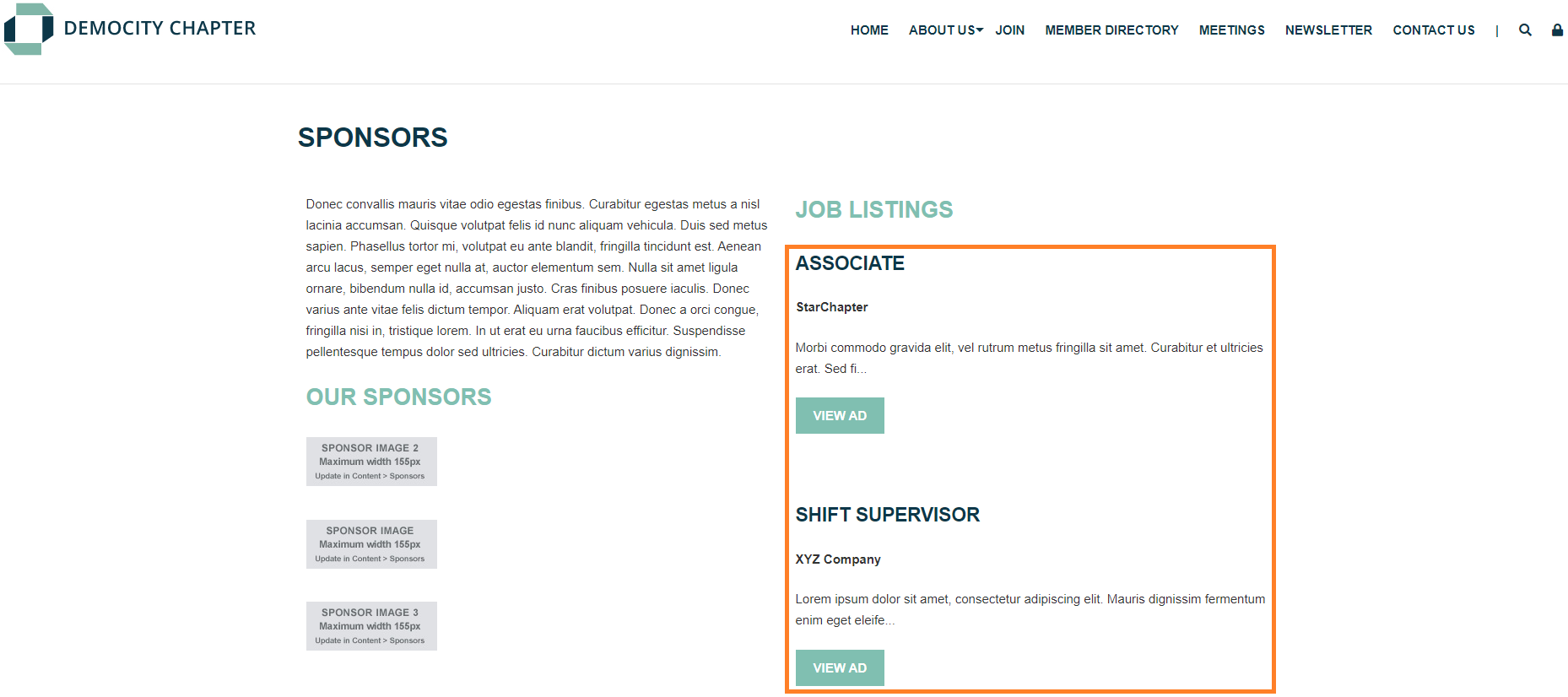
Classified List
- Pull published classified ads from Content > Ad Manager > Classifieds.
- Display includes:
- Job title.
- Company name.
- About 100 characters of the ad copy.
- Button to read the full listing.
Sponsor Horizontal Display
- Pulls published sponsor logos from Content > Ad Manager > Sponsors & Advertisers.
- Logo image will be linked to the website URL from each sponsor's profile.
- Can be configured to display only images from specified Sponsor Categories.

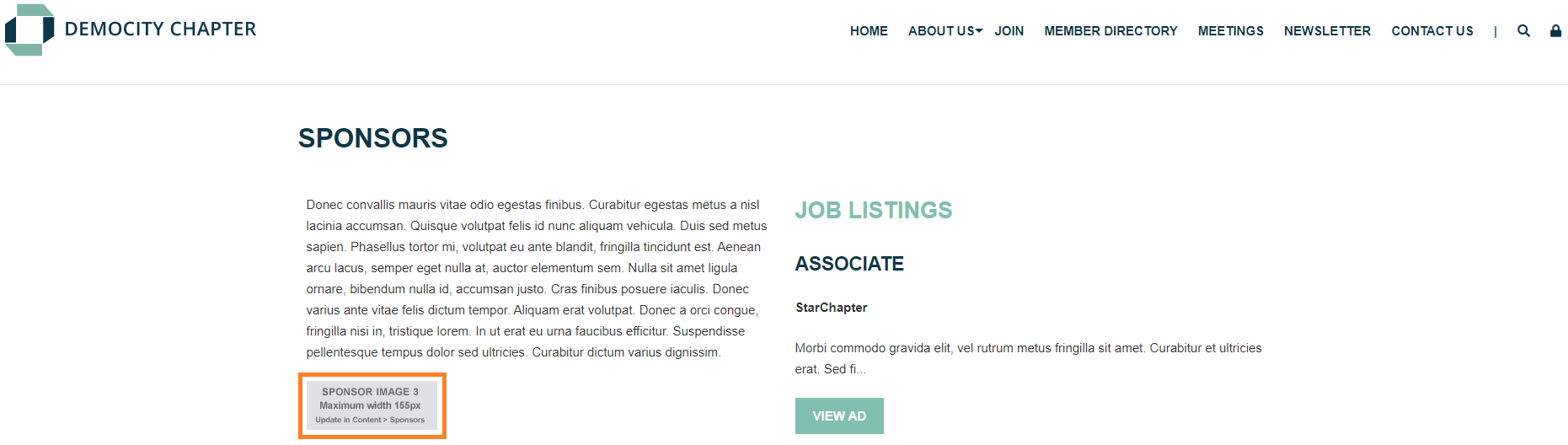
Sponsor Image Rotator
- Pulls published sponsor logos from Content > Ad Manager > Sponsors & Advertisers. The display will
- Includes each sponsor's logo image linked to the website url from their profile.
- Each image will display for a few seconds before rotating to the next sponsor.
- Can be configured to display only images from specified Sponsor Categories.
Sponsor Image Slider
- Display sponsor images in a slider-style display.
- Control over how many sponsors will display at a time through the ‘Number of Sponsors Per Row’
- Set the ‘Duration’ to control how long each image stays on screen before sliding.
- Set the ‘Speed’ to determine how quickly logos transition.
- A more subtle alternative to the faster-paced sponsor ticker.

Sponsor Image Ticker
- Display published sponsor logos from Content > Ad Manager > Sponsors & Advertisers.
- Each sponsor's logo image will be linked to the website URL from their profile.
- Horizontal line of logos will scroll right to left across the content section.
- Can be configured to display only images from specified Sponsor Categories.

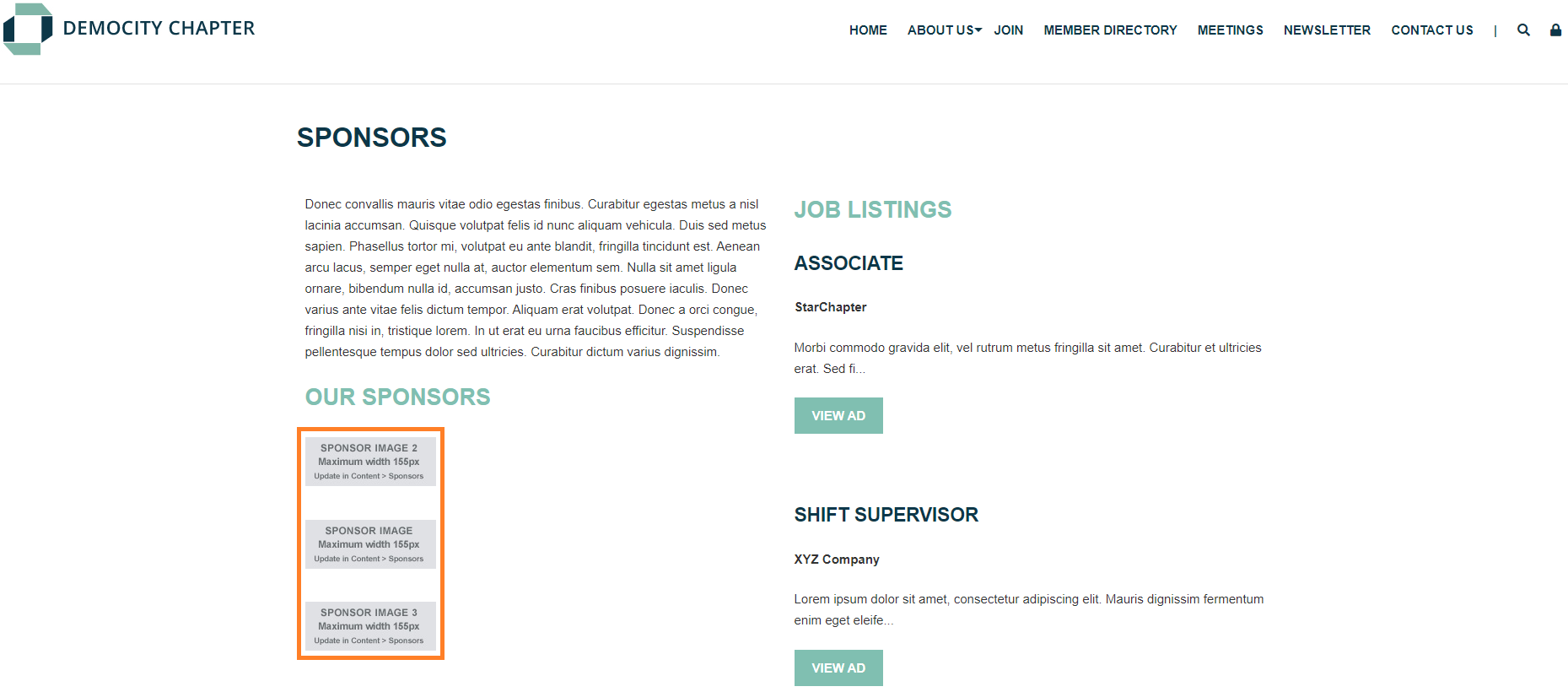
Sponsor Vertical Display
- Pulls published sponsor logos from Content > Ad Manager > Sponsors & Advertisers.
- Includes the logo image linked to the website URL from each sponsor's profile.
- Can be configured to display only images from specified Sponsor Categories.
Sponsors 1 Column
- Pulls published sponsor logos from Content > Ad Manager > Sponsors & Advertisers.
- Groups sponsors based on their Sponsor Category and displays those category headers above each group, as appropriate.
- Each sponsor display includes:
- Logo image linked to the website URL from each sponsor's profile.
- Company name.
- Sponsor description.
- Can be configured to display only images from specified Sponsor Categories.
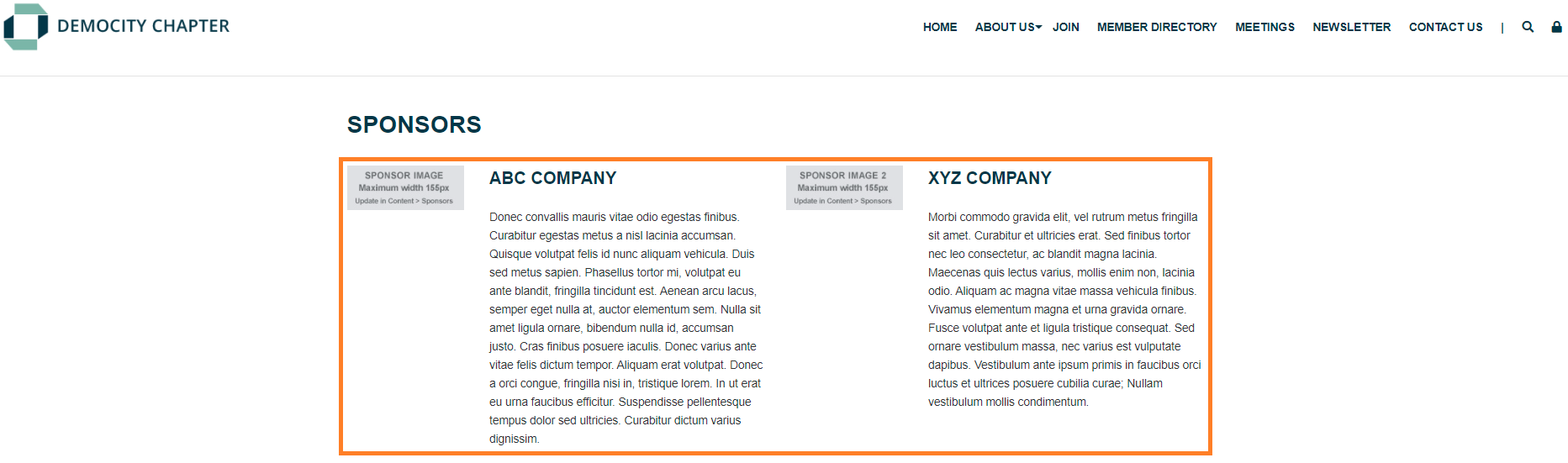
Sponsors 2 Column
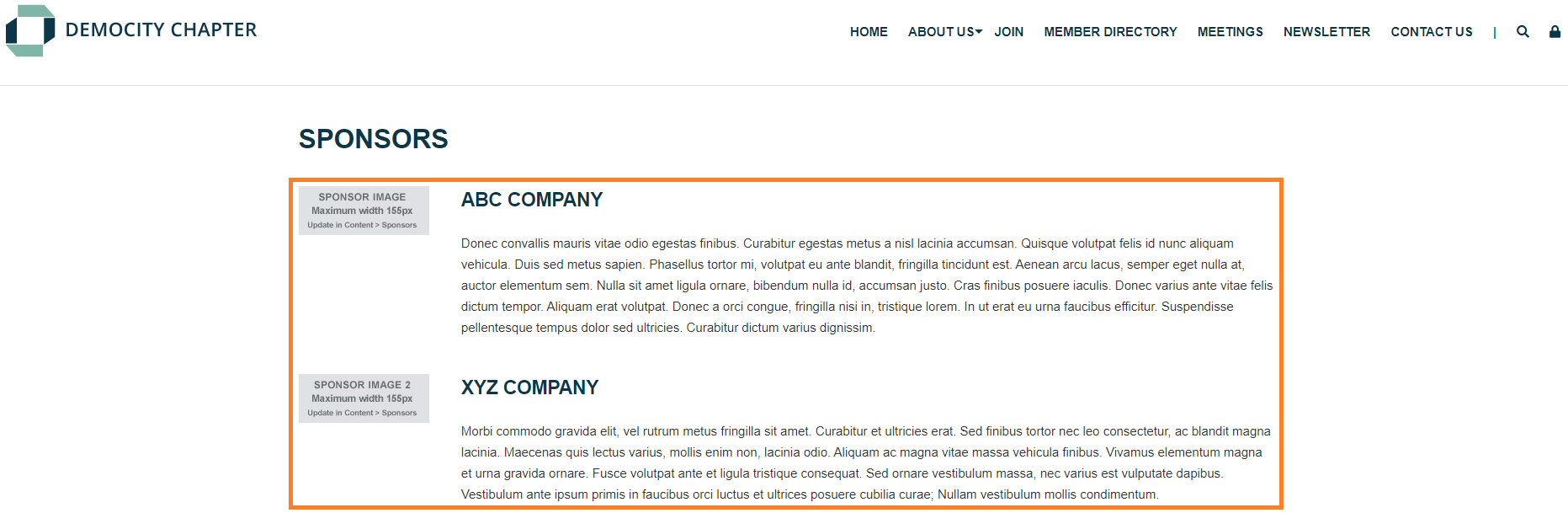
- Pulls published sponsor logos from Content > Ad Manager > Sponsors & Advertisers.
- Groups sponsors based on their Sponsor Category and displays those category headers above each group, as appropriate.
- Each sponsor display includes:
- Logo image linked to the website URL from each sponsor's profile.
- Company name.
- Sponsor description.
- Can be configured to display only images from specified Sponsor Categories.
Sponsors 3 Column
- Pulls published sponsor logos from Content > Ad Manager > Sponsors & Advertisers.
- Groups sponsors based on their Sponsor Category and displays those category headers above each group, as appropriate.
- Each sponsor display includes:
- Logo image linked to the website URL from each sponsor's profile.
- Company name.
- Sponsor description.
- Can be configured to display only images from specified Sponsor Categories.

Sponsors 4 Column
- Pulls published sponsor logos from Content > Ad Manager > Sponsors & Advertisers.
- Groups sponsors based on their Sponsor Category and displays those category headers above each group, as appropriate.
- Each sponsor display includes:
- Logo image linked to the website URL from each sponsor's profile.
- Company name.
- Sponsor description.
- Can be configured to display only images from specified Sponsor Categories.

Sponsors 5 Column
- Pulls published sponsor logos from Content > Ad Manager > Sponsors & Advertisers.
- Groups sponsors based on their Sponsor Category and displays those category headers above each group, as appropriate.
- Each sponsor display includes:
- Logo image linked to the website URL from each sponsor's profile.
- Company name.
- Sponsor description.
- Can be configured to display only images from specified Sponsor Categories.

Sponsors 6 Column
- Pulls published sponsor logos from Content > Ad Manager > Sponsors & Advertisers.
- Groups sponsors based on their Sponsor Category and displays those category headers above each group, as appropriate.
- Each sponsor display includes:
- Logo image linked to the website URL from each sponsor's profile.
- Company name.
- Sponsor description.
- Can be configured to display only images from specified Sponsor Categories.






