
Update Your Email Header in a Classic Design Layout
StarChapter's current designs use Email Builder, rather than the Email Manager tool. If your organization has Email Builder, you'll follow these steps to update the email header.
- Go to Communications > Settings > Templates
- Click Replace Email Header Image
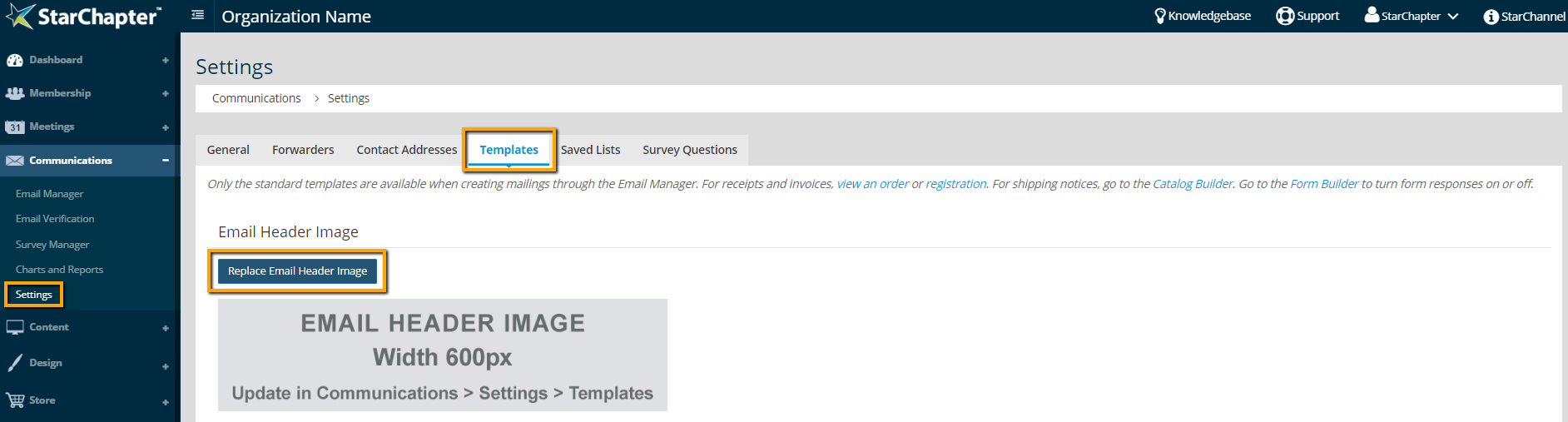
- Click Choose File, select your new logo, and click Update. The logo must be in JPG format. Your new logo will populate in all email template headers.

Tip: The email header image should be sized as 600x150 pixels prior to upload.


