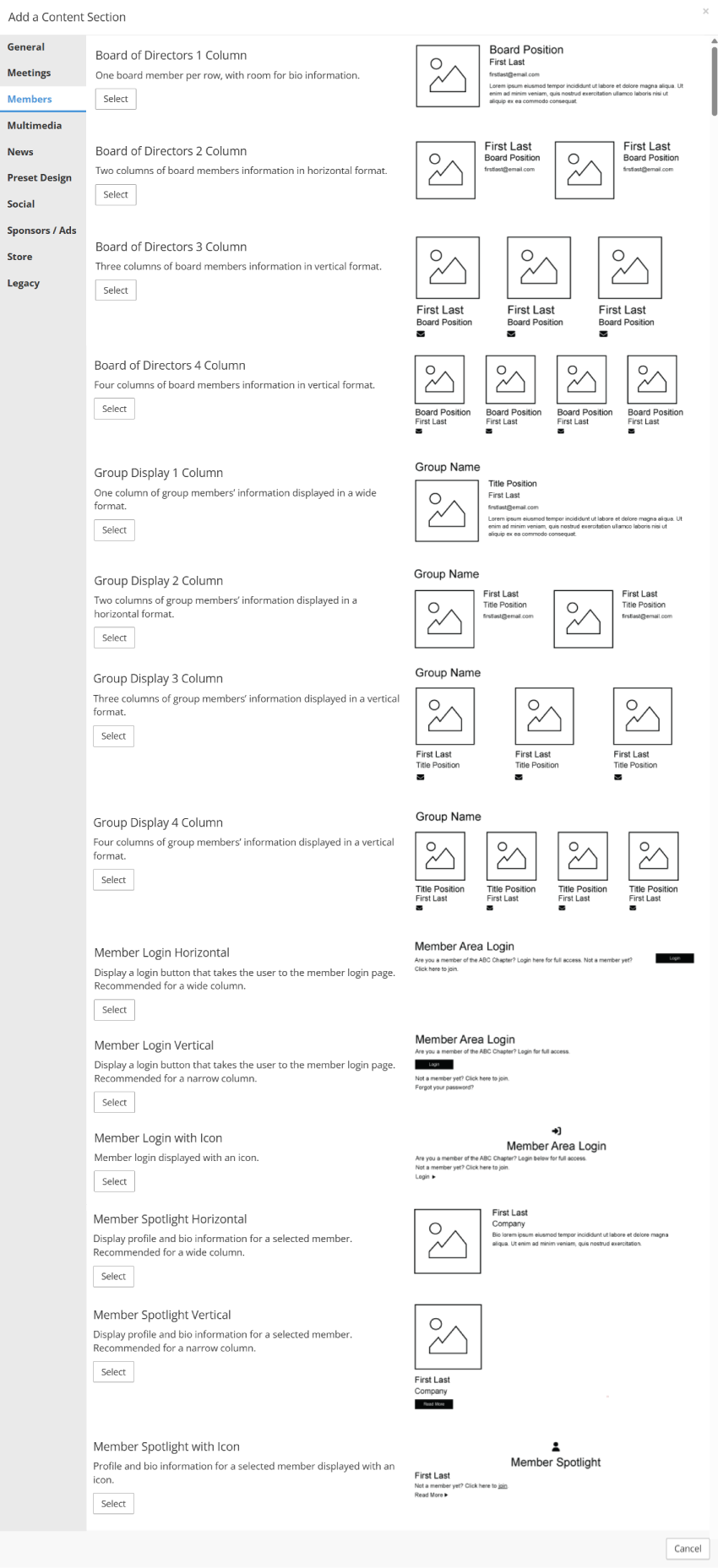
Board of Directors 1 Column
- Includes all members assigned to the Board of Directors group in Membership > Group Manager.
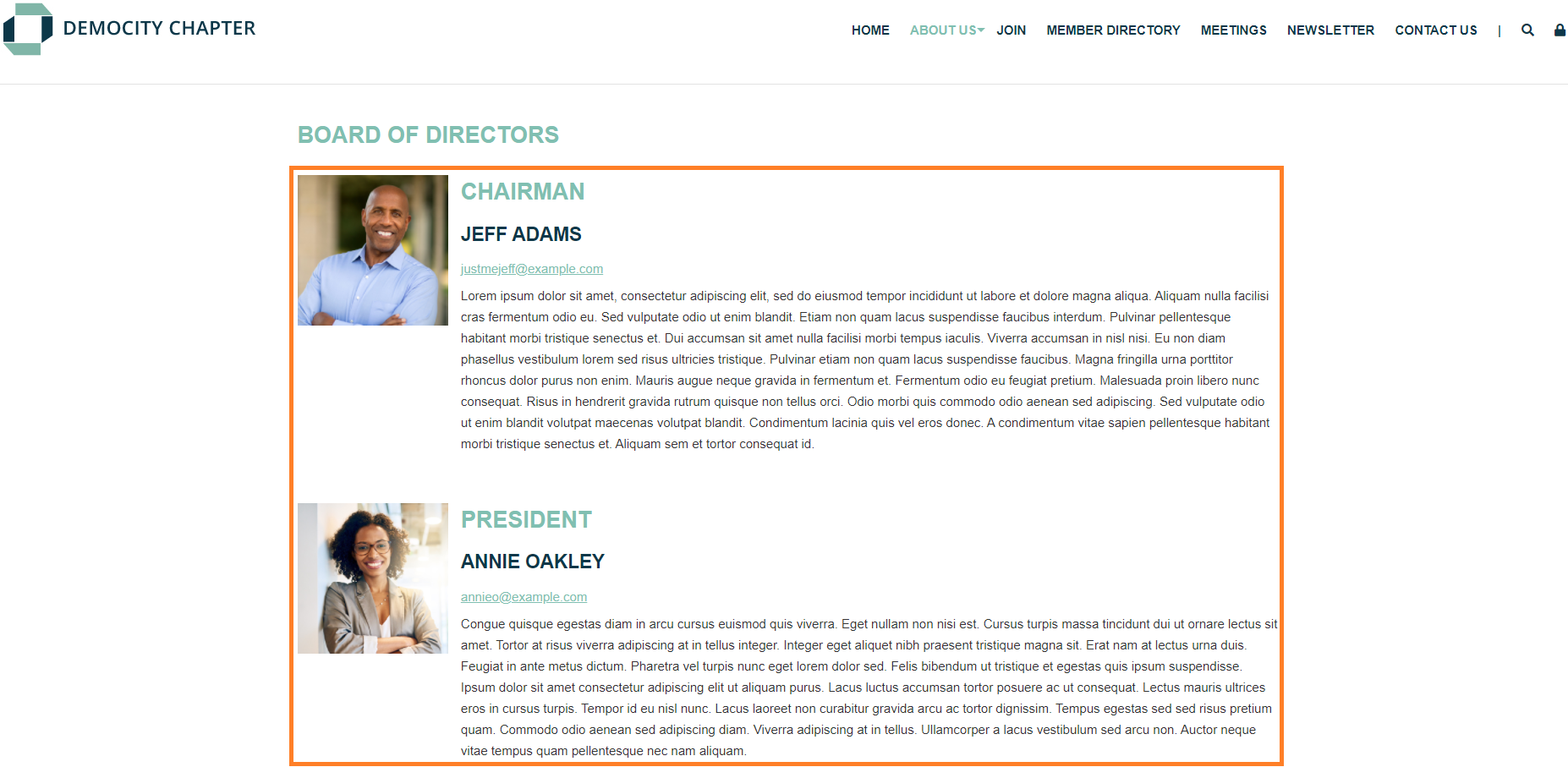
- The 1 Column version typically includes the picture, name, title, email address, and biography for each individual.
- Display can be updated in Design > Page Templates, if different fields are needed.
Board of Directors 2 Column
- Includes all members assigned to the Board of Directors group in Membership > Group Manager.
- The 2 Column version typically includes the picture, name, title, and email address for each individual.
- Display can be updated in Design > Page Templates, if different fields are needed.
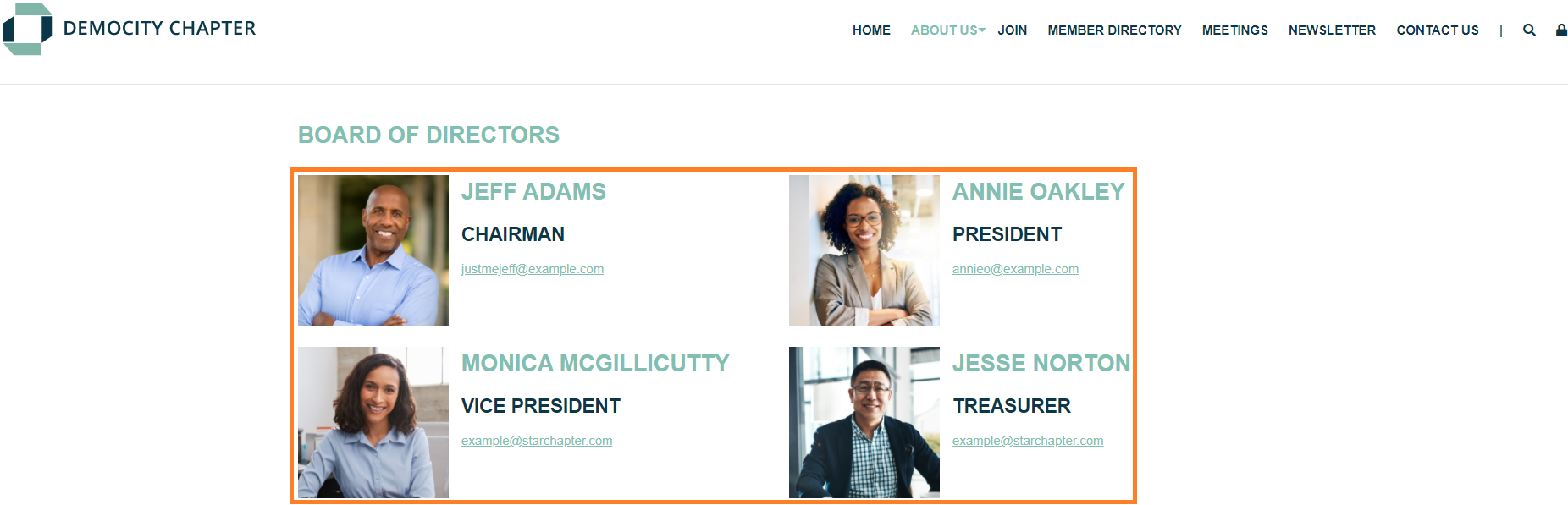
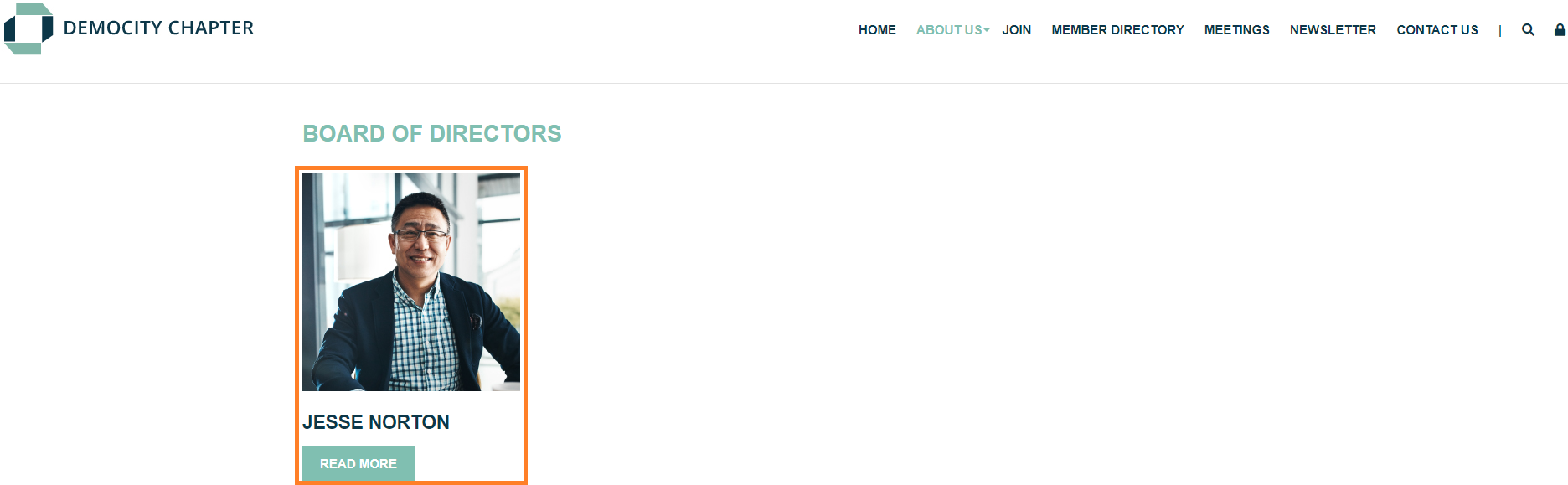
Board of Directors 3 Column
- Includes all members assigned to the Board of Directors group in Membership > Group Manager.
- The 3 Column version typically includes the picture, name, and title for each individual.
- Display can be updated in Design > Page Templates, if different fields are needed.

Board of Directors 4 Column
- Includes all members assigned to the Board of Directors group in Membership > Group Manager.
- The 4 Column version typically includes the picture, name, title, and email address for each individual.
- Display can be updated in Design > Page Templates, if different fields are needed.

Group Display 1 Column
- Pulls member information based on assignments to the Member Groups group in Membership > Group Manager and the subgroup selection within the content section itself.
- The 1 Column version typically includes the subgroup name, picture, name, title, and email address for each individual.
- Display can be updated in Design > Page Templates, if different fields are needed.
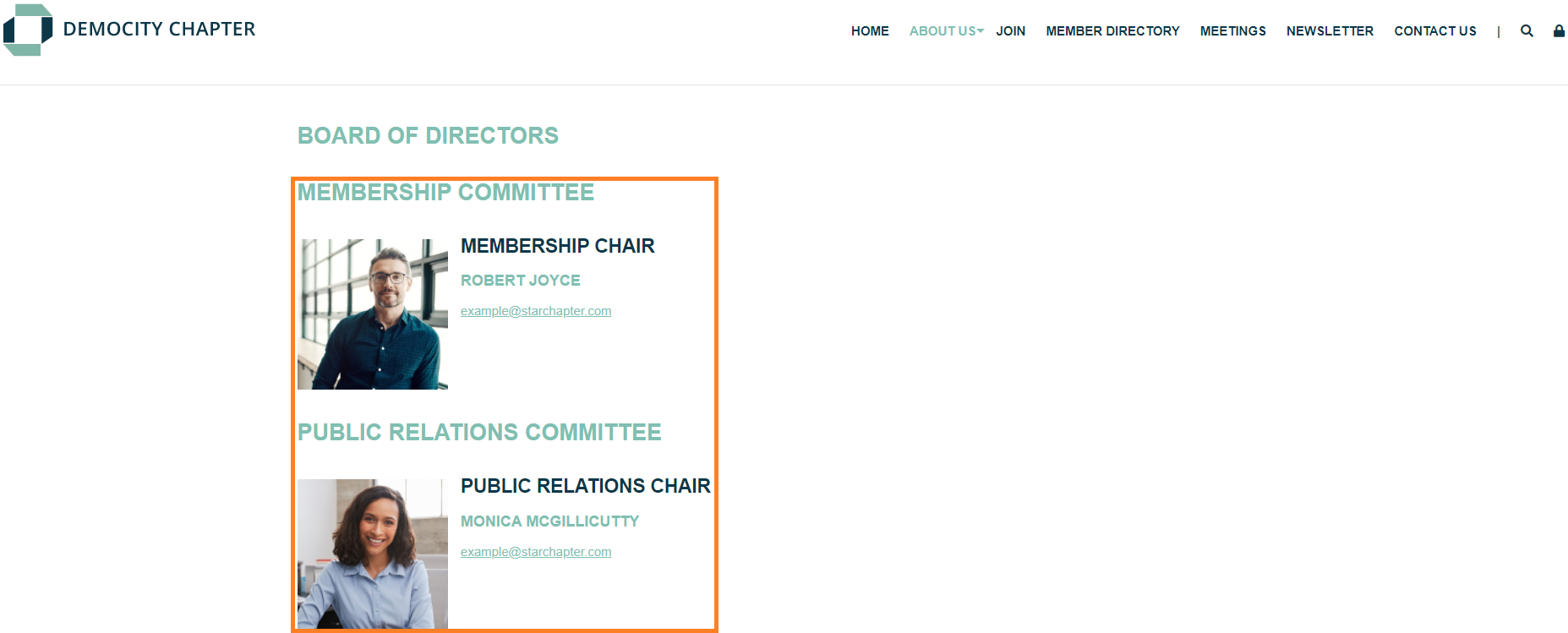
Group Display 2 Column
- Pulls member information based on assignments to the Member Groups group in Membership > Group Manager and the subgroup selection within the content section itself.
- The 2 Column version typically includes the subgroup name, picture, name, title, and email address for each individual.
- Display can be updated in Design > Page Templates, if different fields are needed.
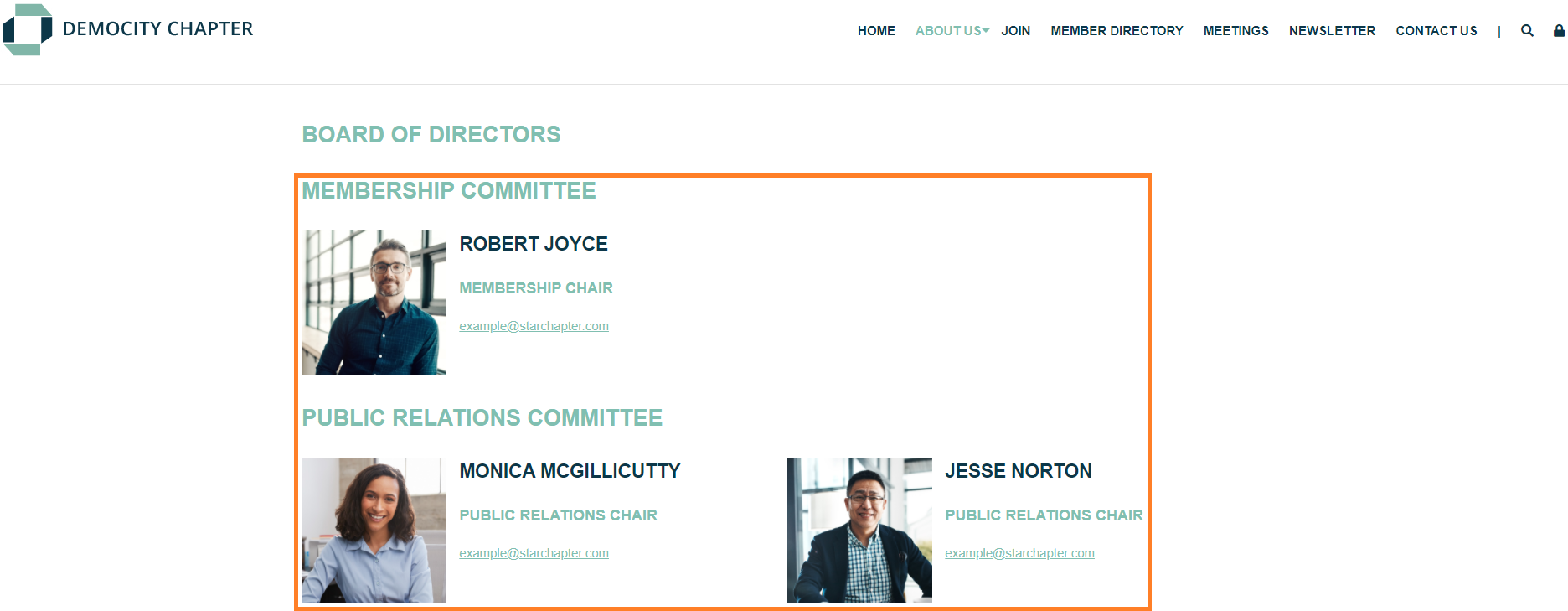
Group Display 3 Column
- Pulls member information based on assignments to the Member Groups group in Membership > Group Manager and the subgroup selection within the content section itself.
- The 3 Column version typically includes the subgroup name, picture, name, title, and email address for each individual.
- Display can be updated in Design > Page Templates, if different fields are needed.
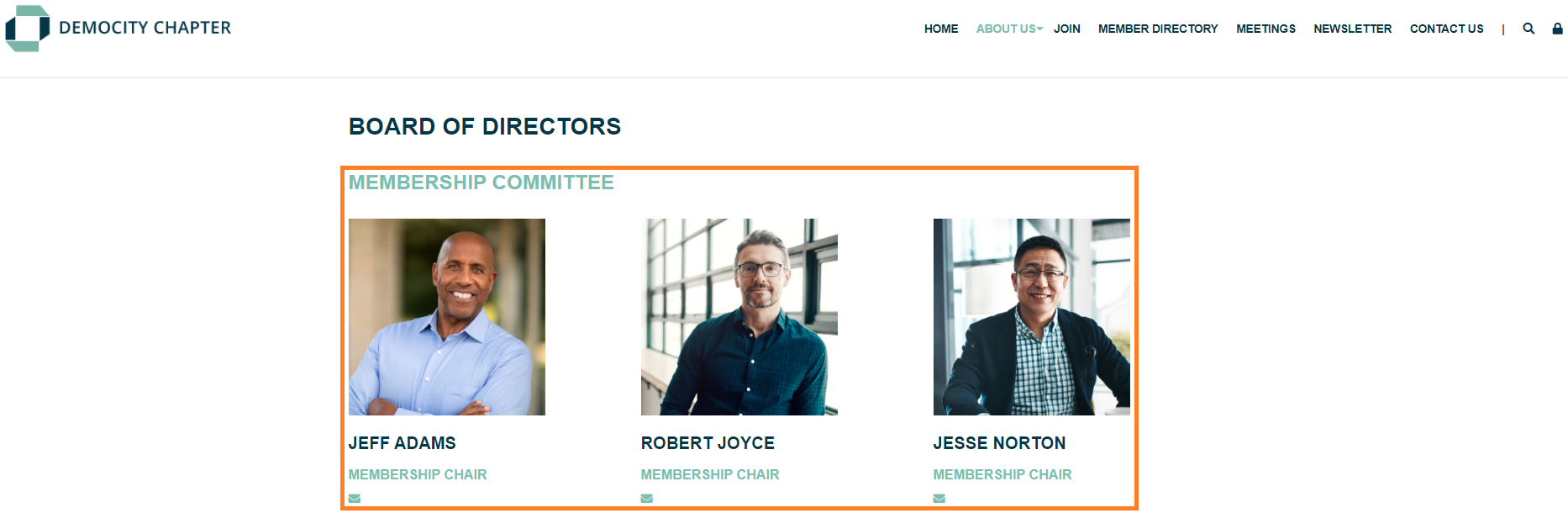
Group Display 4 Column
- Pulls member information based on assignments to the Member Groups group in Membership > Group Manager and the subgroup selection within the content section itself.
- The 4 Column version typically includes the subgroup name, picture, name, title, and email address for each individual.
- Display can be updated in Design > Page Templates, if different fields are needed.

Member Login Horizontal
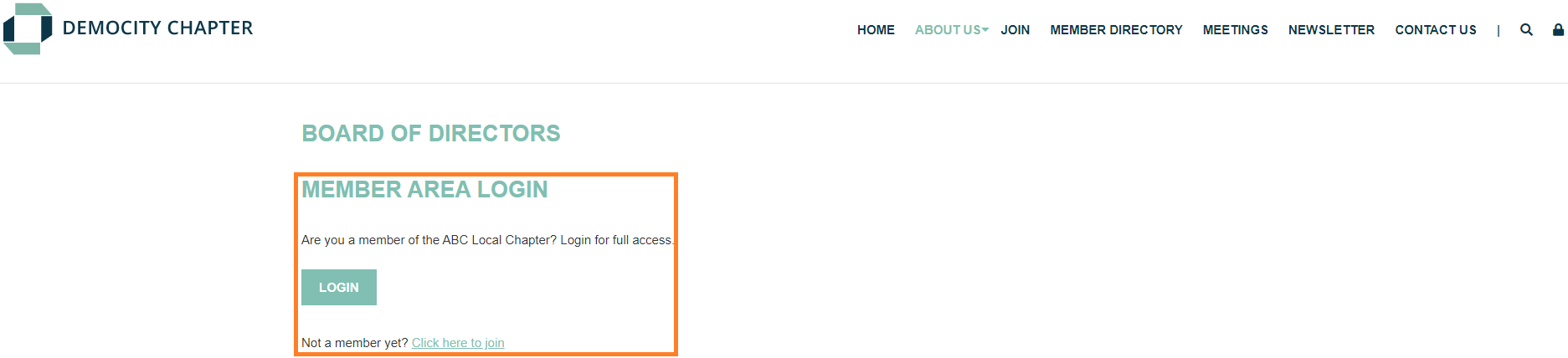
- Includes a header, login button for current members, and a join link for prospective members.
- The horizontal display is ideal for a wider content section.

Member Login Vertical
- Include a header, login button for current members, and a join link for prospective members.
- The vertical version is ideal for a narrow content section.
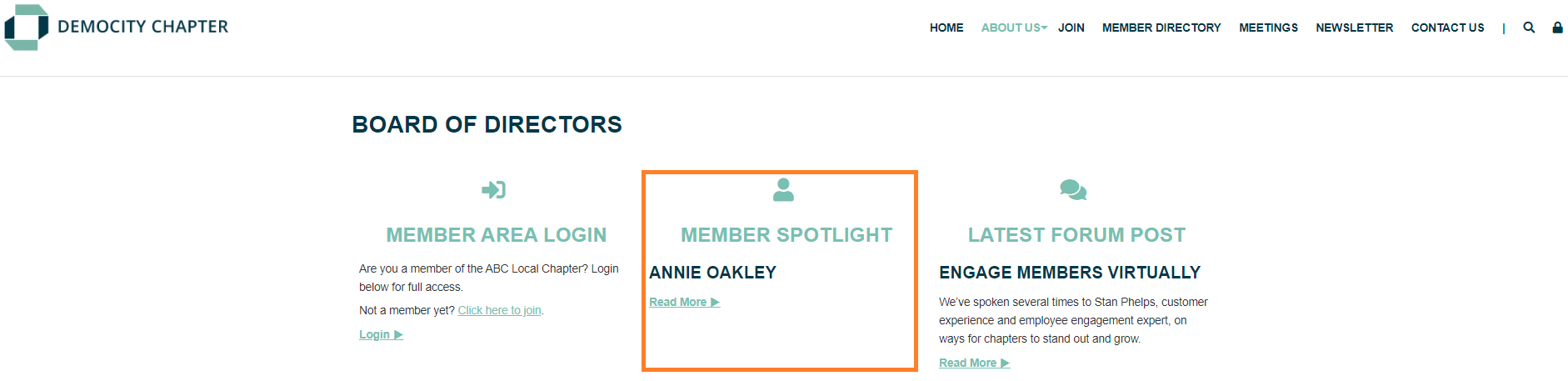
Member Login with Icon
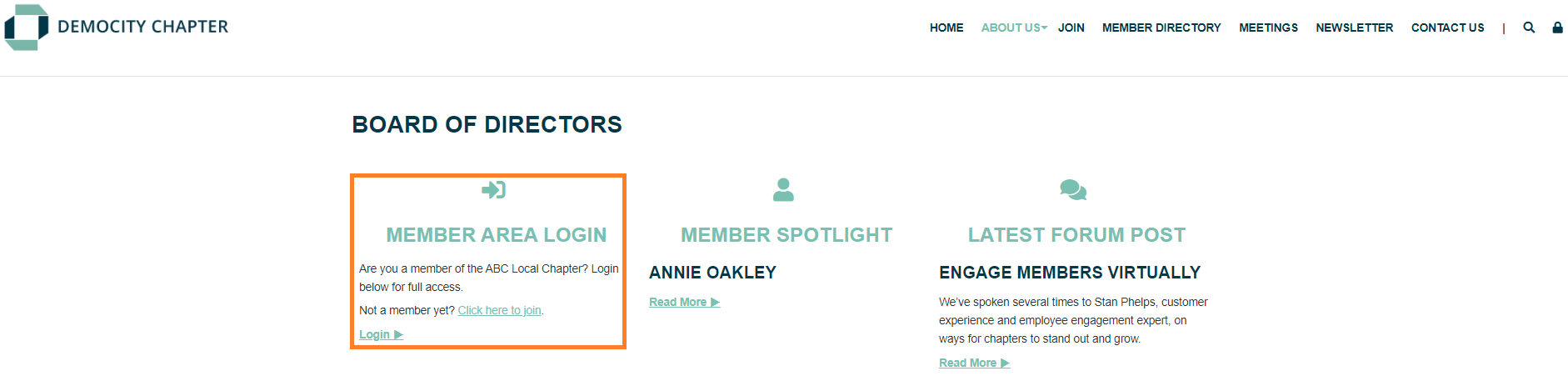
- Includes a header, login button for current members, and a join link for prospective members.
- The Member Login with Icon version is headed with a centered icon and header text.
- Ideal for narrower containers.
Member Spotlight Horizontal
- Includes a header, the Member's name and picture, and a 'Read More' button.
- 'Read More' opens a pop-up window that displays the member's picture, biography, and contact information.
- Ideal for a wider content section.

Member Spotlight Vertical
- Includes a header, the member's name and picture, and a 'Read More' button.
- The 'Read More' link opens a pop-up window with their picture, biography, and contact information.
- Ideal for a narrow content section.