Add a Board Member Photo and Biography
The Board of Directors page pulls information from individual member profiles based on a Page Template and assignments in Group Manager. To add/edit a bio and photo for a board member, this update needs to take place in the board member's individual member profile.
- Go to Membership > Member Manager.
- Search for the board member's profile.
- Click the Edit link for the member profile.

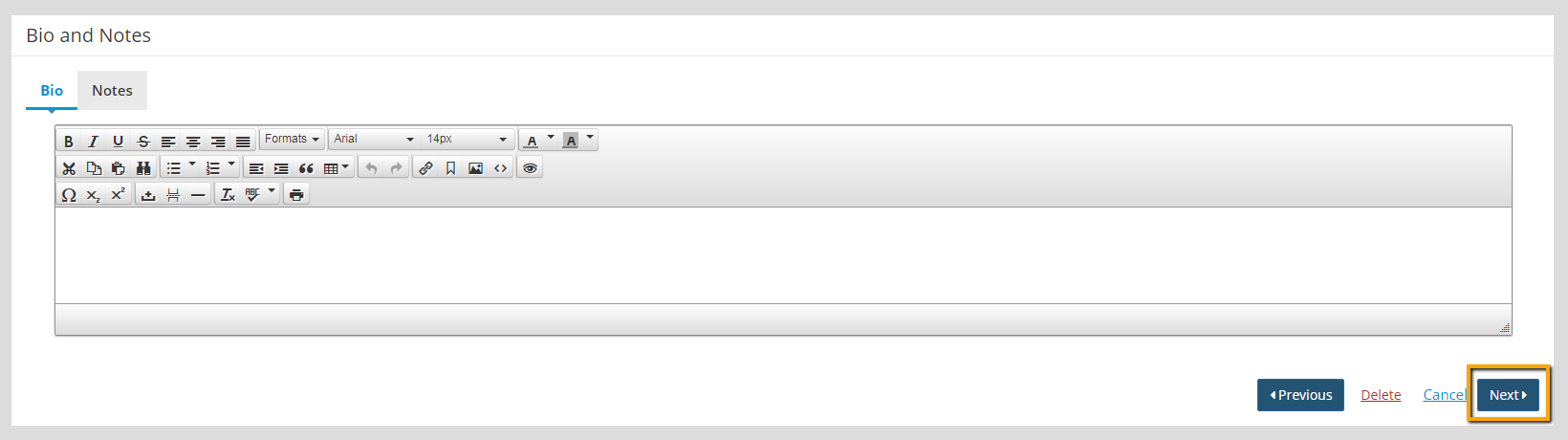
- Click Edit on the Membership Information, Bio & Notes section to add a bio.

- Add any text to the Bio section.

Tip: The Notes tab is intended for internal notes and will not be visible by the member.
- Click Next.
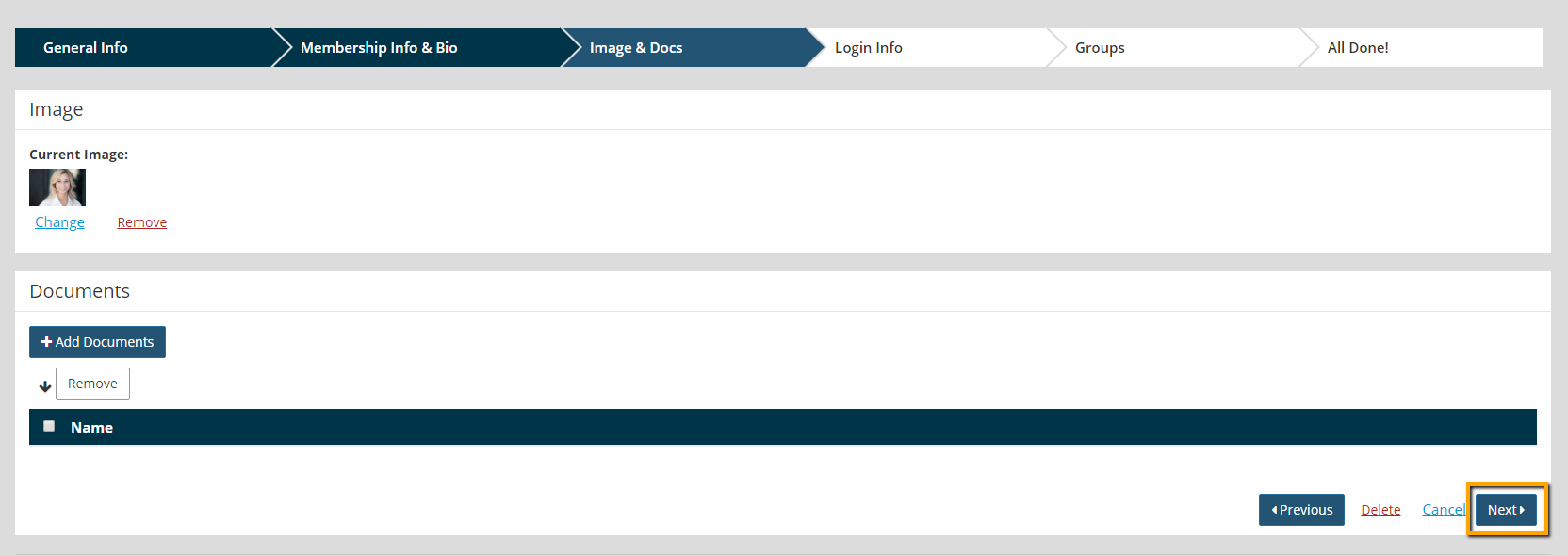
- Click Edit on the Image and Documents section to add a photo.

- Click + Add Image.

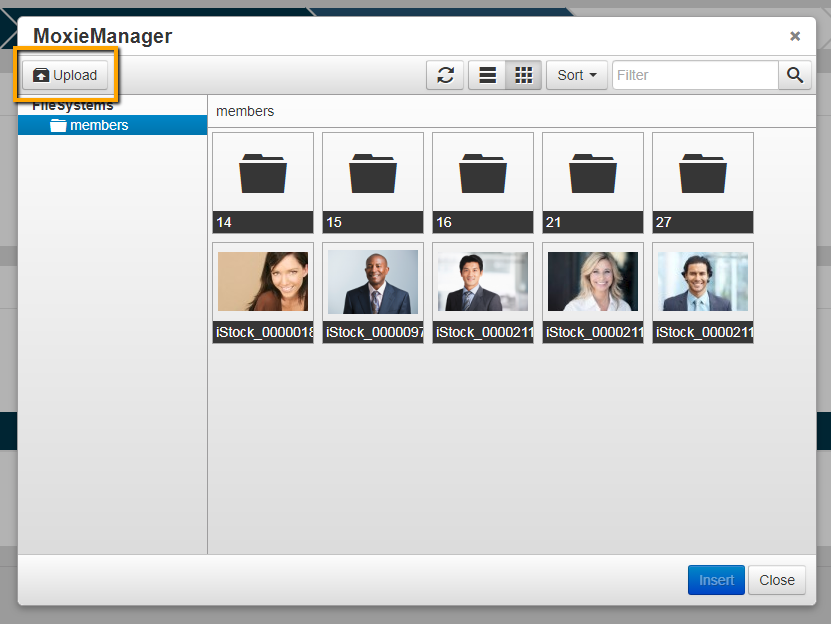
- Click Upload, if the photo is not already add to Moxie Manager.
- Click Add Files to add a file from your local network.
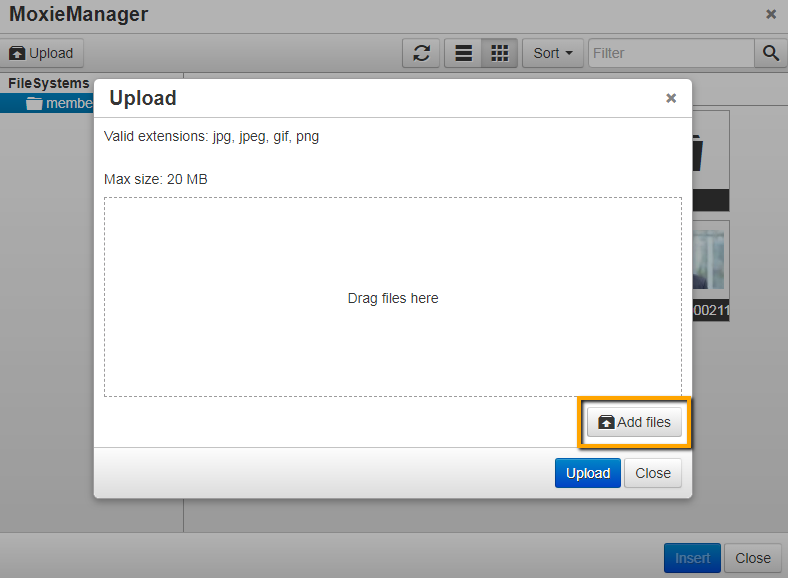
- Click Upload.
- Click Close.
- Select the image that has been uploaded, and click Insert.
- Once the image is added, click Next.