Email Builder Meetings Content Library
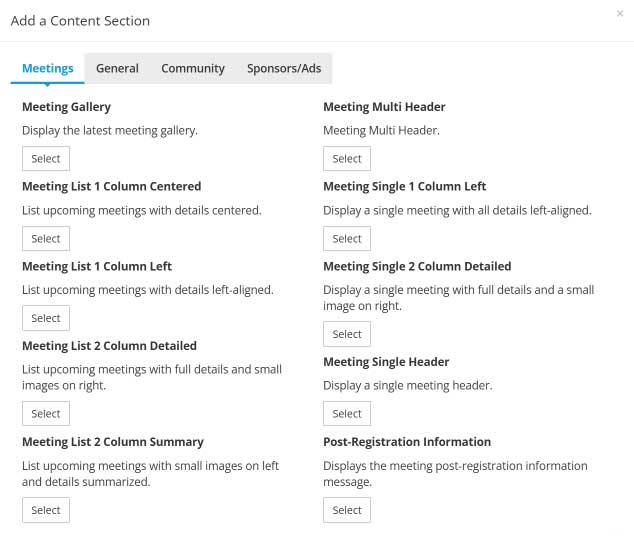
StarChapter's Email Builder uses content sections to pull content dynamically from multiple areas throughout the system into a single Email Build. This allows admin users to efficiently and consistently draft emails and eliminate the need to duplicate effort. Each available content section has a different use and/or display.
Email Builder is only available on current design layouts. If your StarChapter system does not include Email Builder, you may want to consider a redesign of your StarChapter website.
Select a content section in the screenshot on the right to learn more about that specific content section.
Meeting Gallery
- Displays the latest meeting gallery
 |
Tip: In Email Builder, this content section is available in ALL mailing types. |
Meeting List 1 Column Centered
- Lists your upcoming meetings in a centered design
- In Email Builder you are able to select which meeting categories you wish to include
- In Email Builder you are able to enter a max # of meetings to display when the email sends; leave blank for no max
- Send our pre built system email build called "Upcoming Meetings 1 Column Centered" or create your own custom email build and add this content section to it
|
Tip: In Email Builder, this content section is available in ALL mailing types. |
Meeting List 1 Column Left
- Lists your upcoming meetings in a left-aligned design
- In Email Builder you are able to select which meeting categories you wish to include
- In Email Builder you are able to enter a max # of meetings to display when the email sends; leave blank for no max
- Send our pre built system email build called "Upcoming Meetings 1 Column Left" or create your own custom email build and add this content section to it
|
Tip: In Email Builder, this content section is available in ALL mailing types. |
Meeting List 2 Column Detailed
- Lists your upcoming meetings with the full meeting details displayed in the left column and a small image in the right column
- In Email Builder you are able to select which meeting categories you wish to include
- In Email Builder you are able to enter a max # of meetings to display when the email sends; leave blank for no max
- Send our pre built system email build called "Upcoming Meetings 2 Column Detailed" or create your own custom email build and add this content section to it
|
Tip: In Email Builder, this content section is available in ALL mailing types. |
Meeting List 2 Column Summary
- List your upcoming meetings with a small image in the left column and the meeting details summarized in the right column
- In Email Builder you are able to select which meeting categories you wish to include
- In Email Builder you are able to enter a max # of meetings to display when the email sends; leave blank for no max
- Send our pre built system email build called "Upcoming Meetings 2 Column Summary" or create your own custom email build and add this content section to it
|
Tip: In Email Builder, this content section is available in ALL mailing types. |
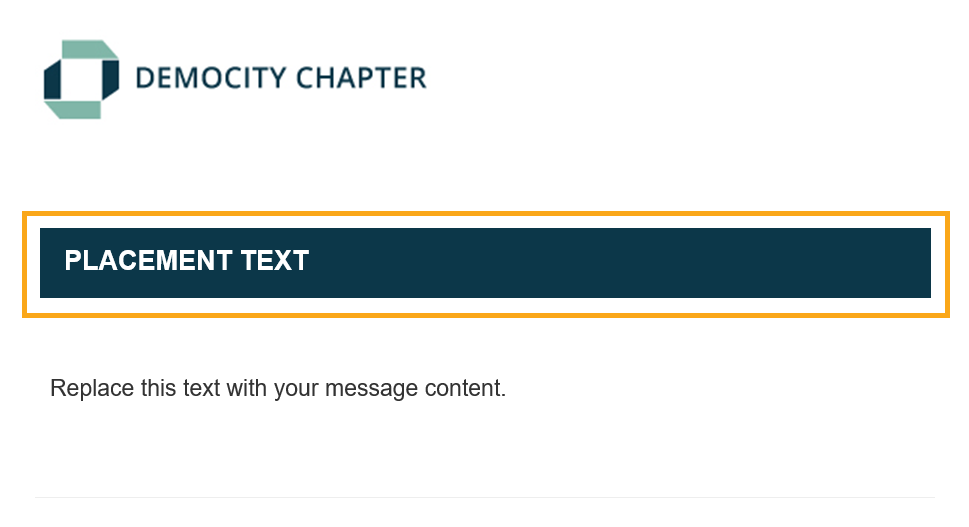
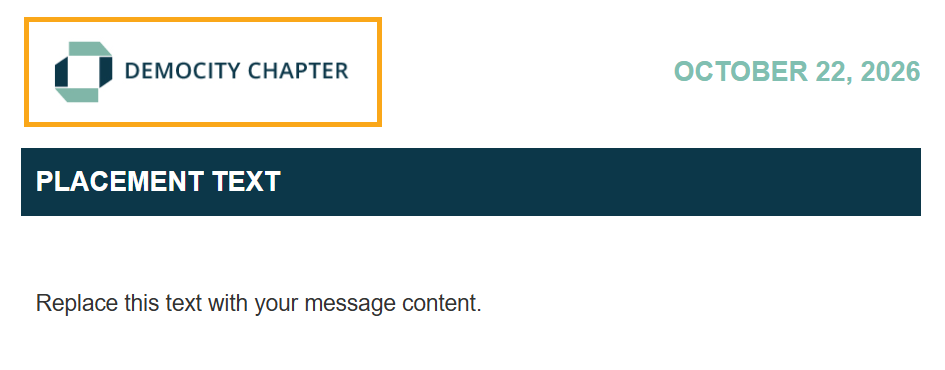
Meeting Multi Header
- Displays the text "Upcoming Meetings" in a header bar design style
- Send one of our pre built system email builds for Upcoming Meetings, such as "Upcoming Meetings 1 Column Centered", or create your own custom email build and add this content section to it
|
Tip: In Email Builder, this content section is available in "Meeting" mailing types only. |
Meeting Single 1 Column Left
- Displays a single meeting with full meeting details in a left-aligned design
- Send our pre built system email build called "Single Meeting 1 Column Left" or create your own custom email meeting build and add this content section to it
- At time of send, when you select an email build with this content section included, you will be asked to select which meeting you wish to send
|
Tip: In Email Builder, this content section is available in "Meeting" mailing types only. |
Meeting Single 2 Column Detailed
- Displays a single meeting with the full meeting details displayed in the left column and a small image in the right column
- Send our pre built system email build called "Single Meeting 2 Column Detailed" or create your own custom email meeting build and add this content section to it
- At time of send, when you select an email build with this content section included, you will be asked to select which meeting you wish to send
|
Tip: In Email Builder, this content section is available in "Meeting" mailing types only. |
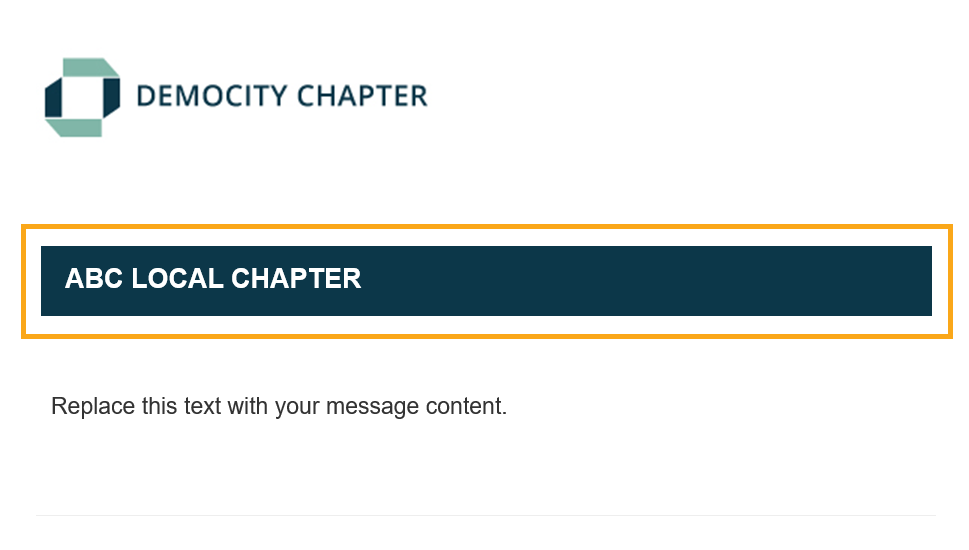
Meeting Single Header
- Displays the title of the meeting you are sending in a header bar design style
- Send one of our pre built system email build such as "Single Meeting 1 Column Left" or create your own custom meeting email build and add this content section to it
- At time of send, when you select an email build with this content section included, you will be asked to select which meeting you wish to send
|
Tip: In Email Builder, this content section is available in "Meeting" mailing types only. |