
Add a Forum Thread
Typically, forum threads are created by website users, but admins can also start discussion threads to steer conversation.
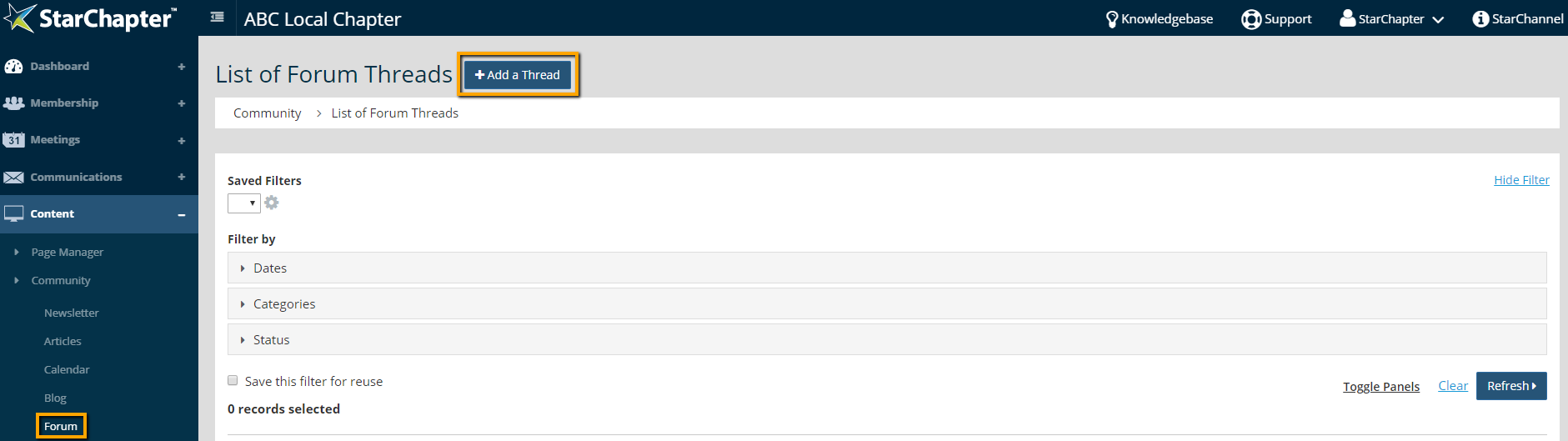
- Go to Content > Community > Forum.
- Click Add a Thread.
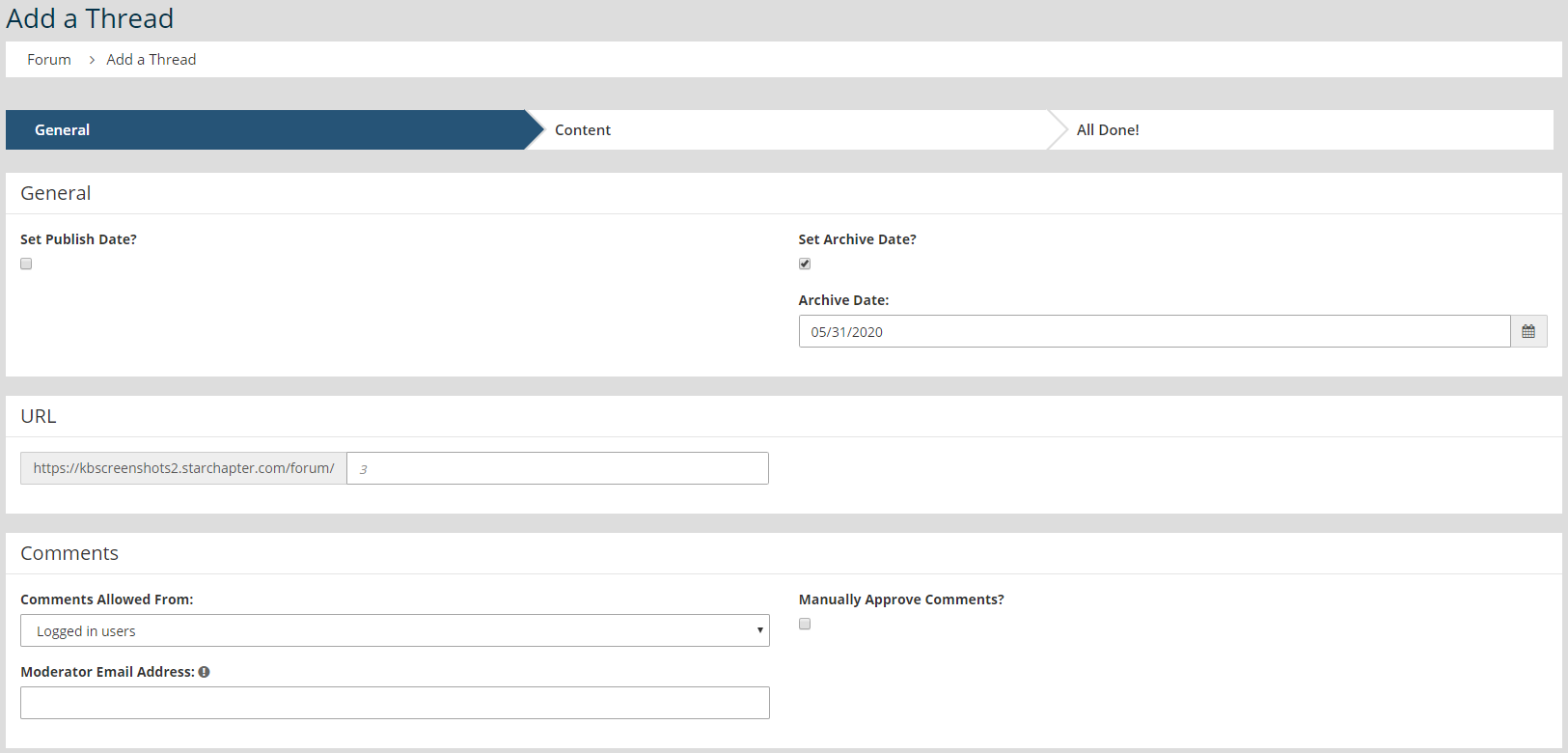
- Set Publish or Archive dates, as appropriate.
- Update the Comments settings, if needed. These will be pre-populated based on the global forum settings in Content > Community > Settings > Forum.
- Add categories, as appropriate. Categories are not necessary in most cases, but they can be managed in Content > Community > Settings > Categories.
- Restrict the thread, as needed. The Forum page can be restricted, so thread-specific restrictions are only needed if the discussion is available to a limited group or if it will be included on an unrestricted page.
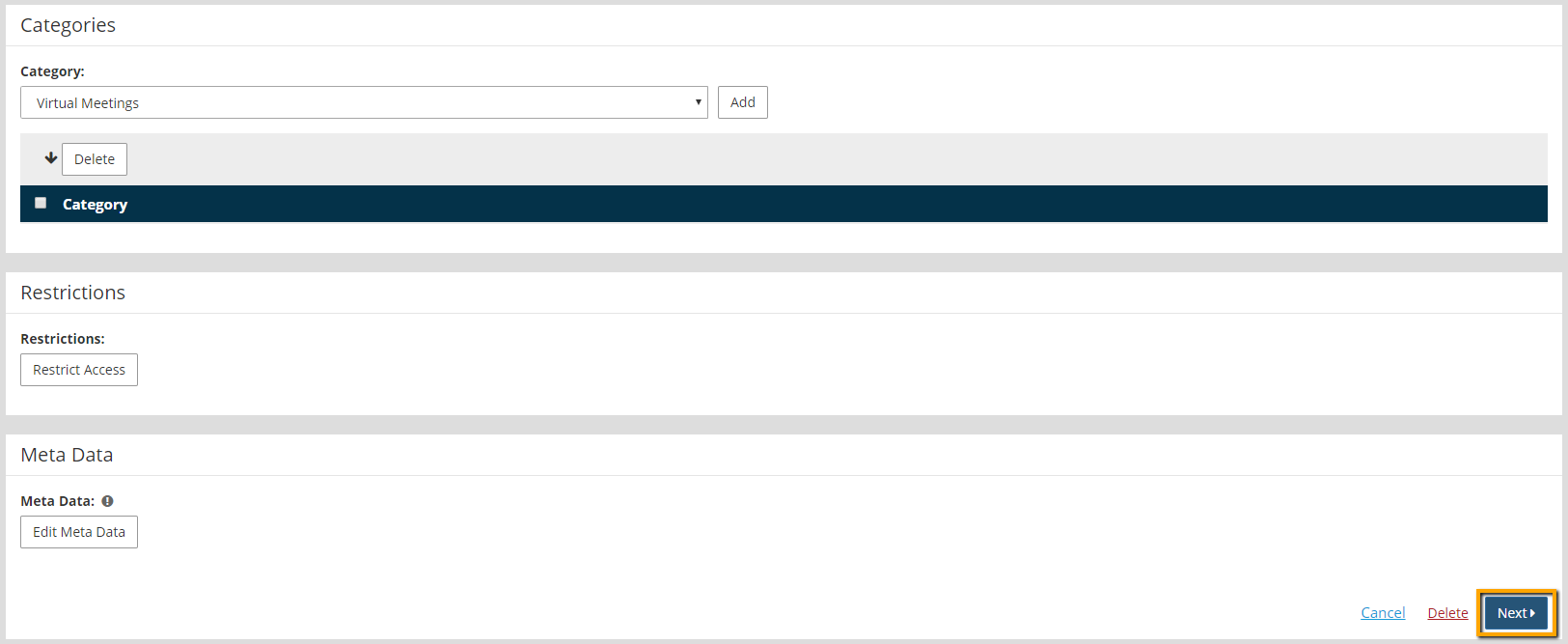
- Click Next.
- Add content to begin the discussion. The Title and Content fields are required. The Icon field is optional. The Excerpt field is only needed if a Forum List content section is being used on another page of the website.

- Click Next.
- If a future publish date wasn't set, click the Publish button, when the discussion should go live on the website.





