Troubleshoot Member Logins
Admins within a StarChapter System
There are various reasons why members may not be able to login. This workflow will guide system admins through troubleshooting possible causes of login issues.
Members within a StarChapter System
All active members within a StarChapter system will have access to the Member Area of their chapter's system. Depending on the permitted username options within that system, the primary email address, member ID, and/or a unique username plus a password can be used to access that account. To log in, go to your organization's website and find the /members.php page. If the username and/or password aren't known, use the "Forgot Username/Password?" link to generate a password reset email. Those emails often go to spam folders, so watch for that possibility for approximately 30 minutes.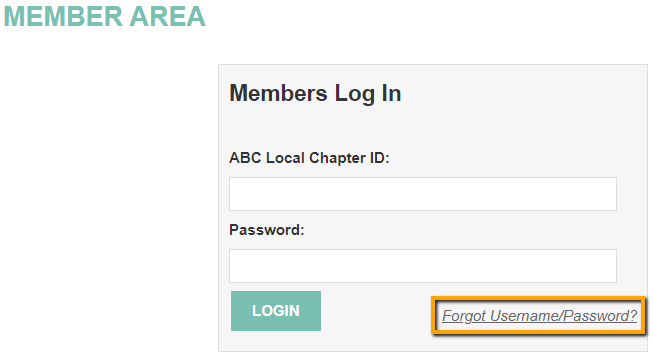
If the password cannot be reset, contact a chapter leader for further assistance. They will have additional options available to assist.