StarChapter's Admin User Policy
StarChapter takes the protection of data and and software security seriously. With this in mind, StarChapter asks all customers to regularly maintain correct login credentials. This decreases the chance of anyone with unauthorized credentials accessing your StarChapter's software.
To setup administrators, go to General > Administration > Admin User Maintenance.
-
Each person accessing the StarChapter software must be setup as an Admin User. An Admin User can have full access to the software or restricted access, which means limited access to certain functionality within StarChapter. Not all plans support restricted access functionality.
-
An Admin User must have a unique user name, a strong password and a valid email address. Admin User accounts may not be shared. Passwords should be changed periodically. Admin User accounts should be added and deleted as responsibilities change.
-
StarChapter automatically deletes abandoned Admin User accounts that have not been used to login to the StarChapter software within 12 months.
-
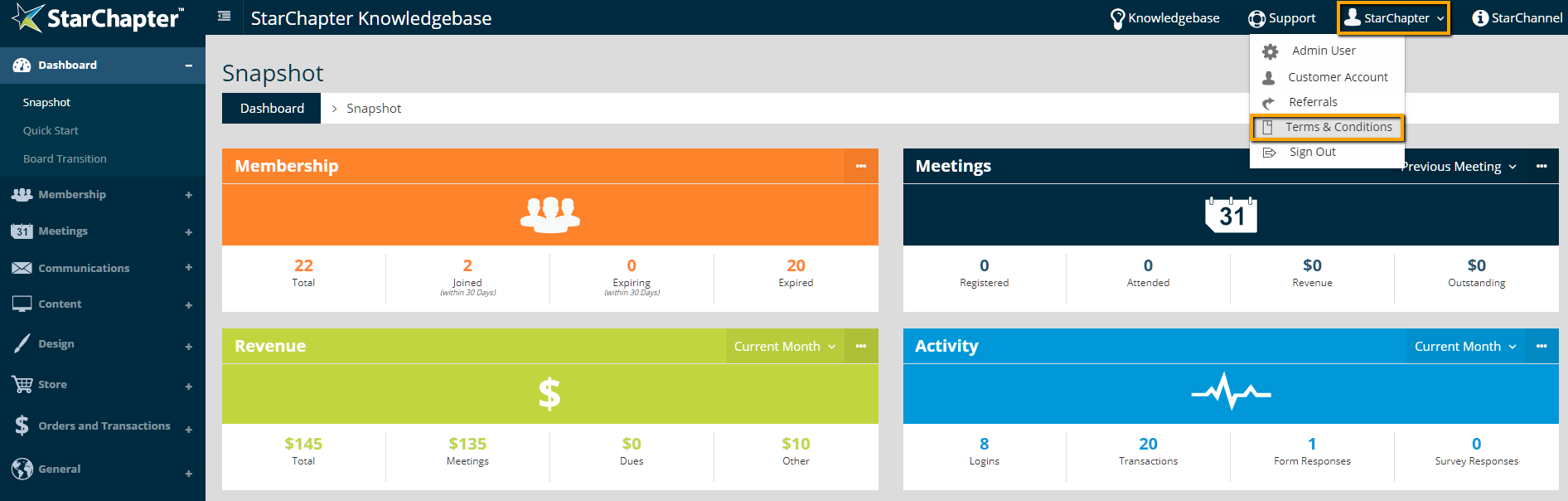
Reference the StarChapter Terms and Conditions for more information. You can access the Terms and Conditions via the Customer Account Portal or within the admin area.