Review Most Visited Pages
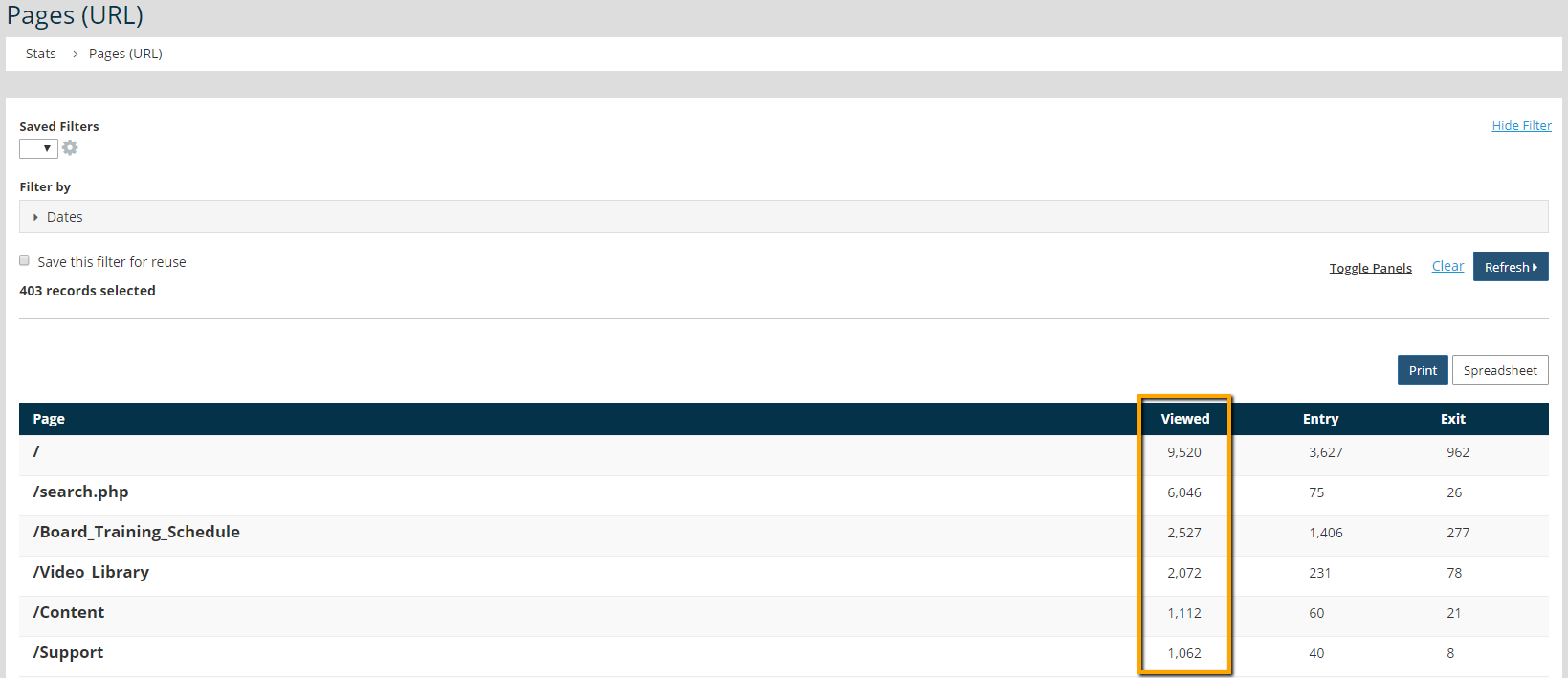
Maintaining current content is important for member engagement and organizational growth, but monitoring page visits ensures that time and effort isn't being spent on content that isn't being viewed. The Pages (URL) report in General > Web Statistics tallies the number of times each web page is visited over a month.
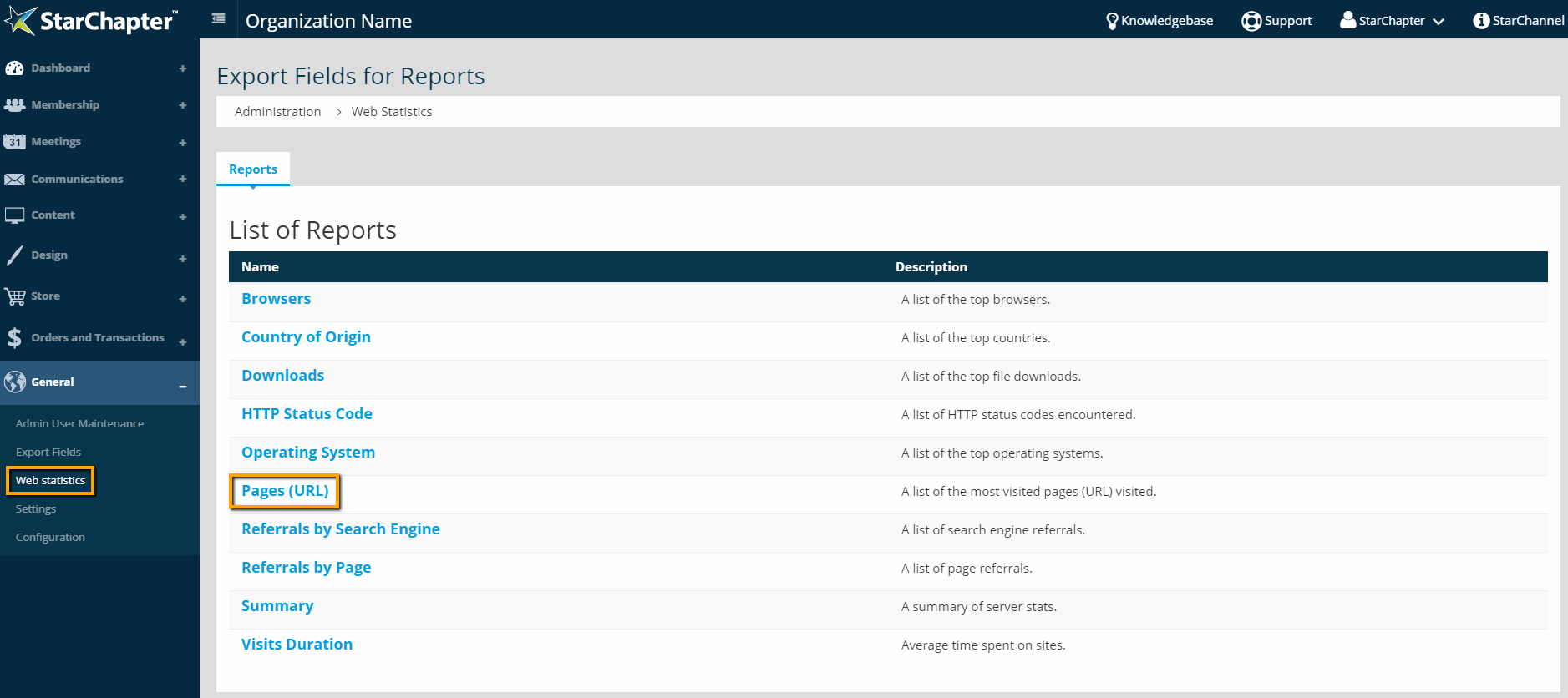
- Go to General > Web Statistics.
- Click the Pages (URL) report.
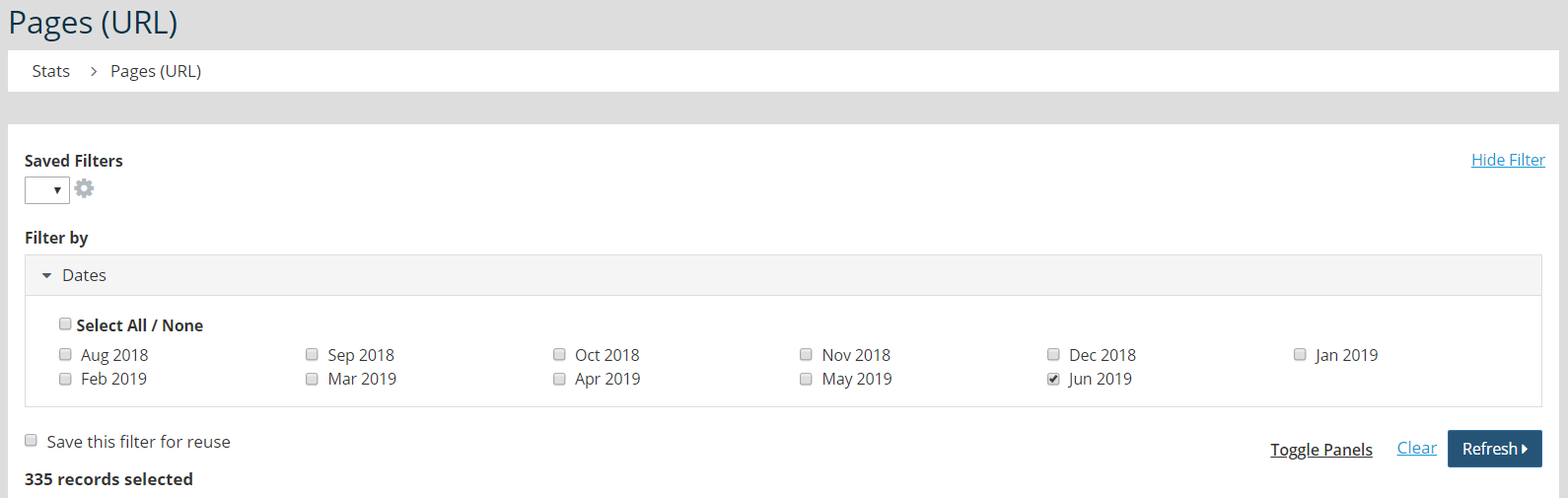
- The Date filter will default to the current month. Update that filter, as needed, and click Refresh.
- Review the Viewed column in the table to see how many times each page was visited during your selected timeframe.