
Review Form Submissions
Each form in Content > Page Manager > Form Builder will generate an email notification to the assigned email address, but there are times when a report of all submissions is helpful. This is available within the Form Builder tool.
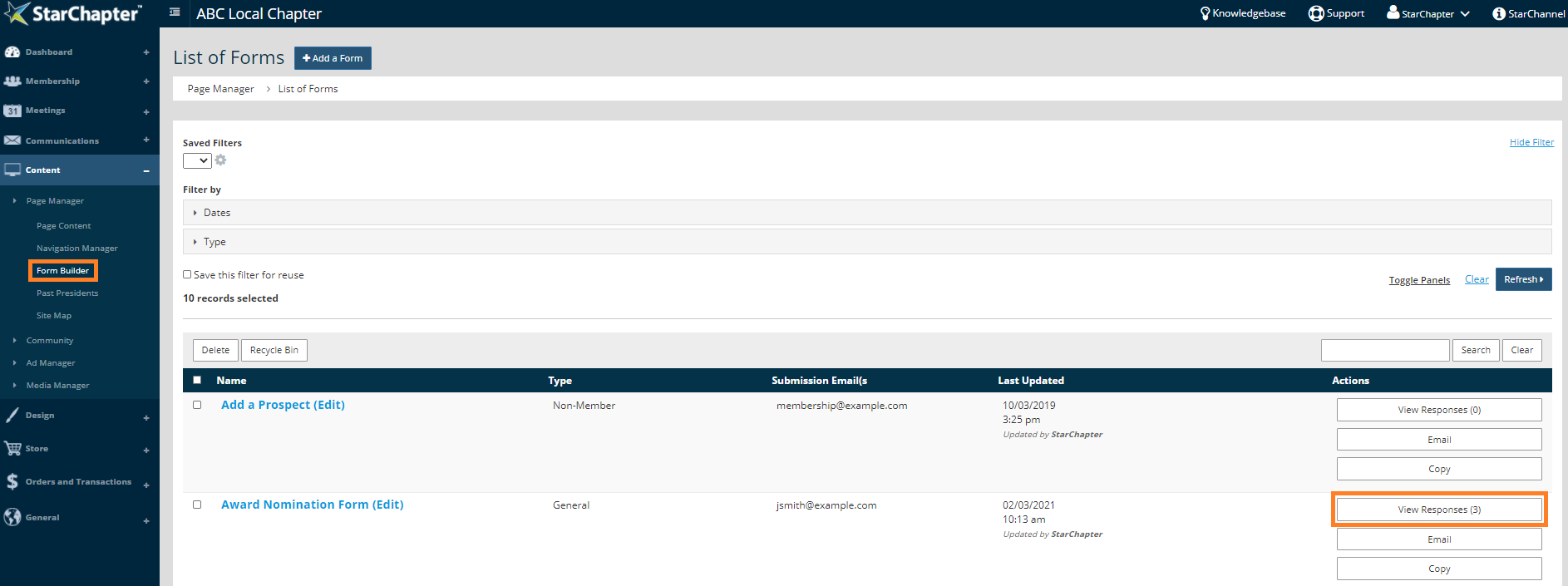
- Go to Content > Page Manager > Form Builder.
- Locate your form of interest.
- Click View Responses.
- Click Download Responses.
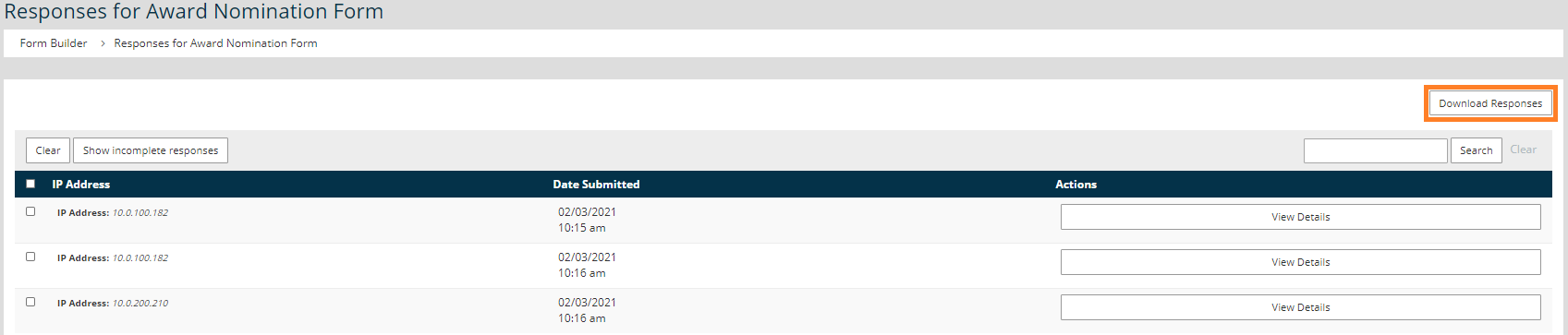

Tip: Uploaded files will not be included on the spreadsheet. To access uploaded files, use the link in the email notification or in the View Details area for each submission.





