Promote Meetings for Other Organizations
It is occasionally necessary to promote a meeting for another organization without hosting registration. To ensure that the meeting can display in commom places, such as the meeting list module, the meeting information page, and calendar of events, the meeting needs to exist in Meeting Manager. All information about the meeting, including tickets, can be entered for the meeting so they dipslay in the meeting information page, but registration can then be disabled to prevent registration occurring with the StarChapter system. Additionally, to ensure visitors have access to registration, a link that directs to the other organzation's registration can be placed in the meeting description.
To Disable Registration for an Event
- Go to Meetings > Meeting Manager.
- Click the Edit link for an existing meeting.
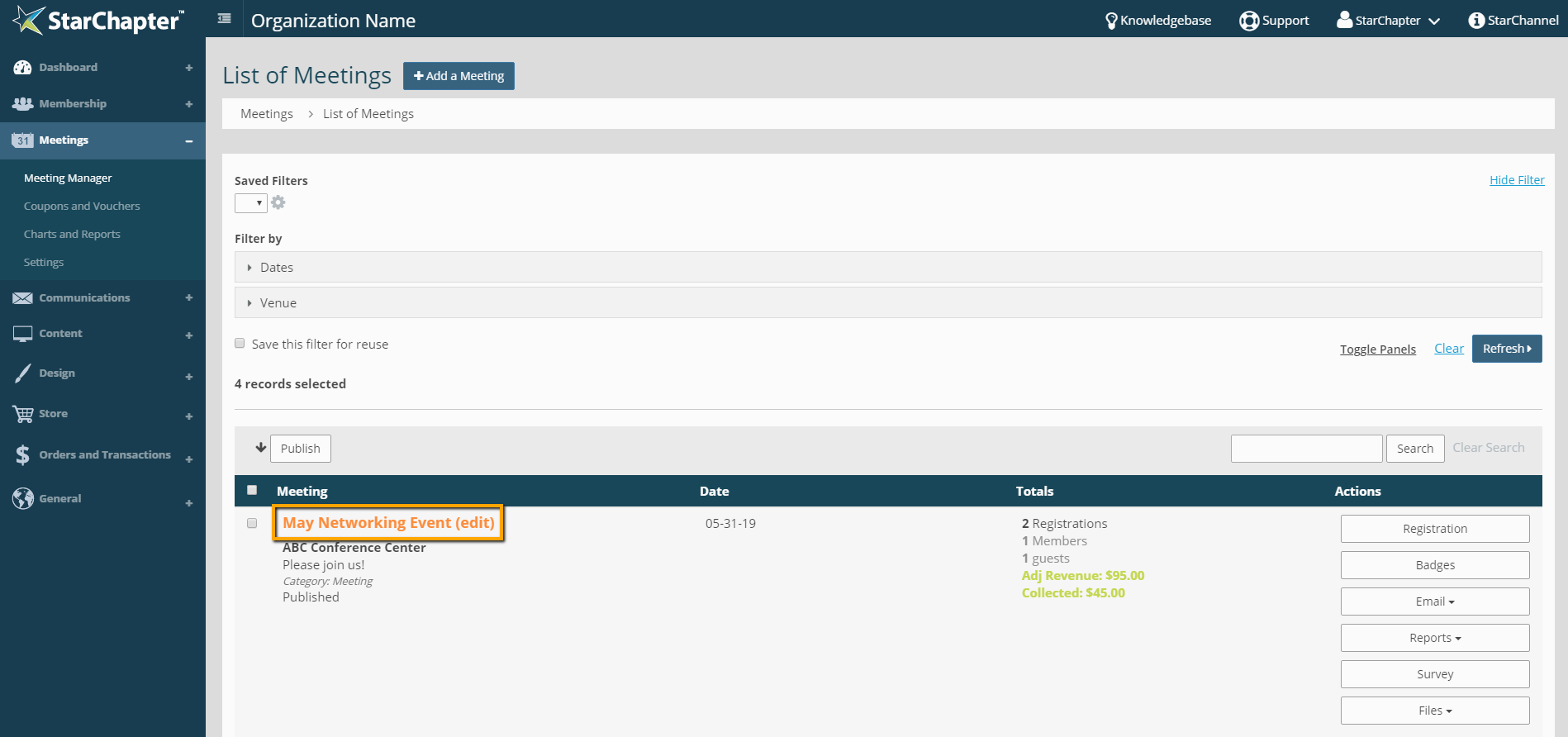
- Click Edit on the Registration Details section.

- Check the box for "Disable registration?"
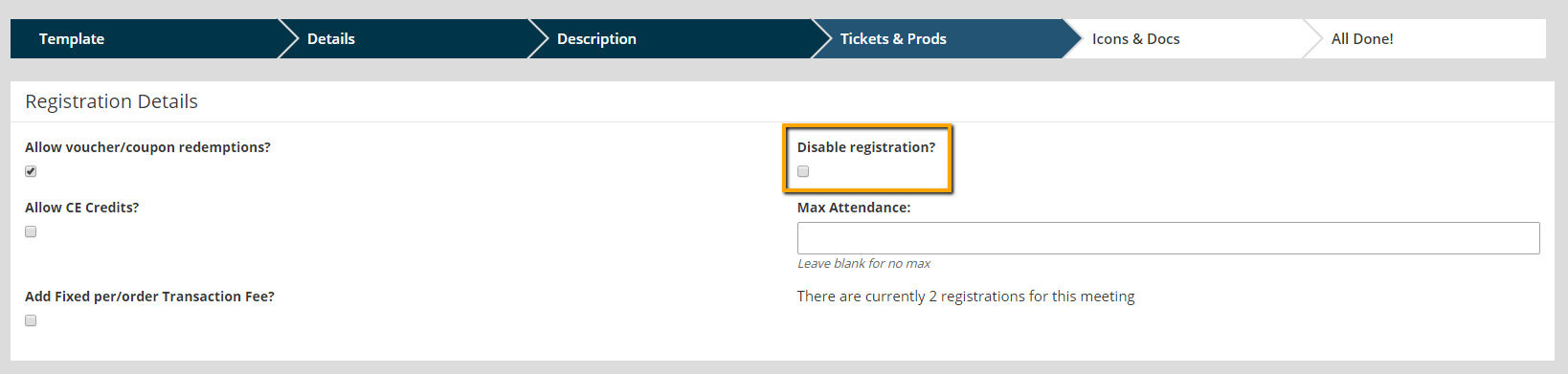
- Click Save.
To Add a Link to the Meeting Description
- Copy the link for the third party site's registration.
- Go to Meetings > Meeting Manager.
- Click on the Edit link for the meeting.
- Click Edit on the Description section.

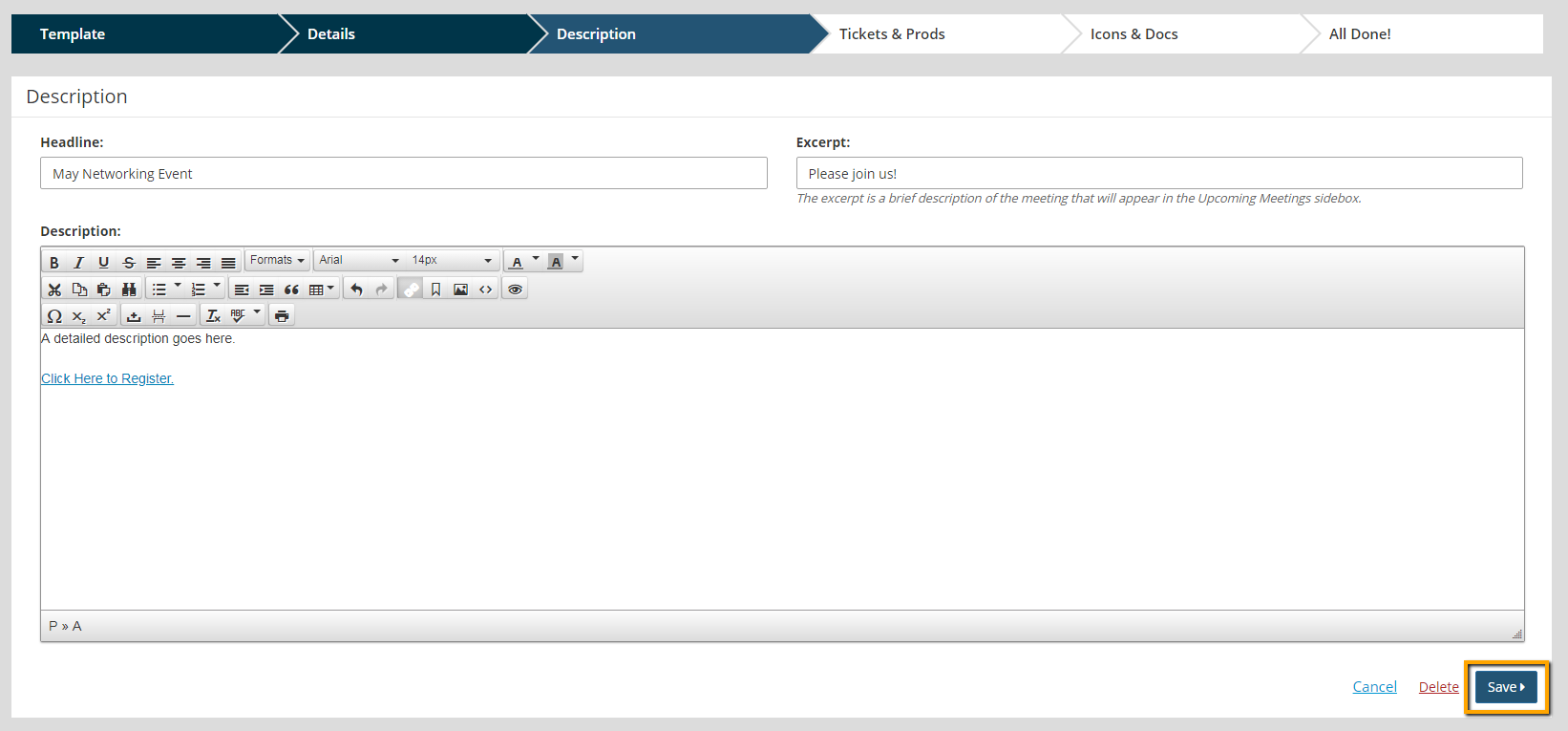
- Add text that should be linked.
- Highlight the text and click the link button in the task bar.
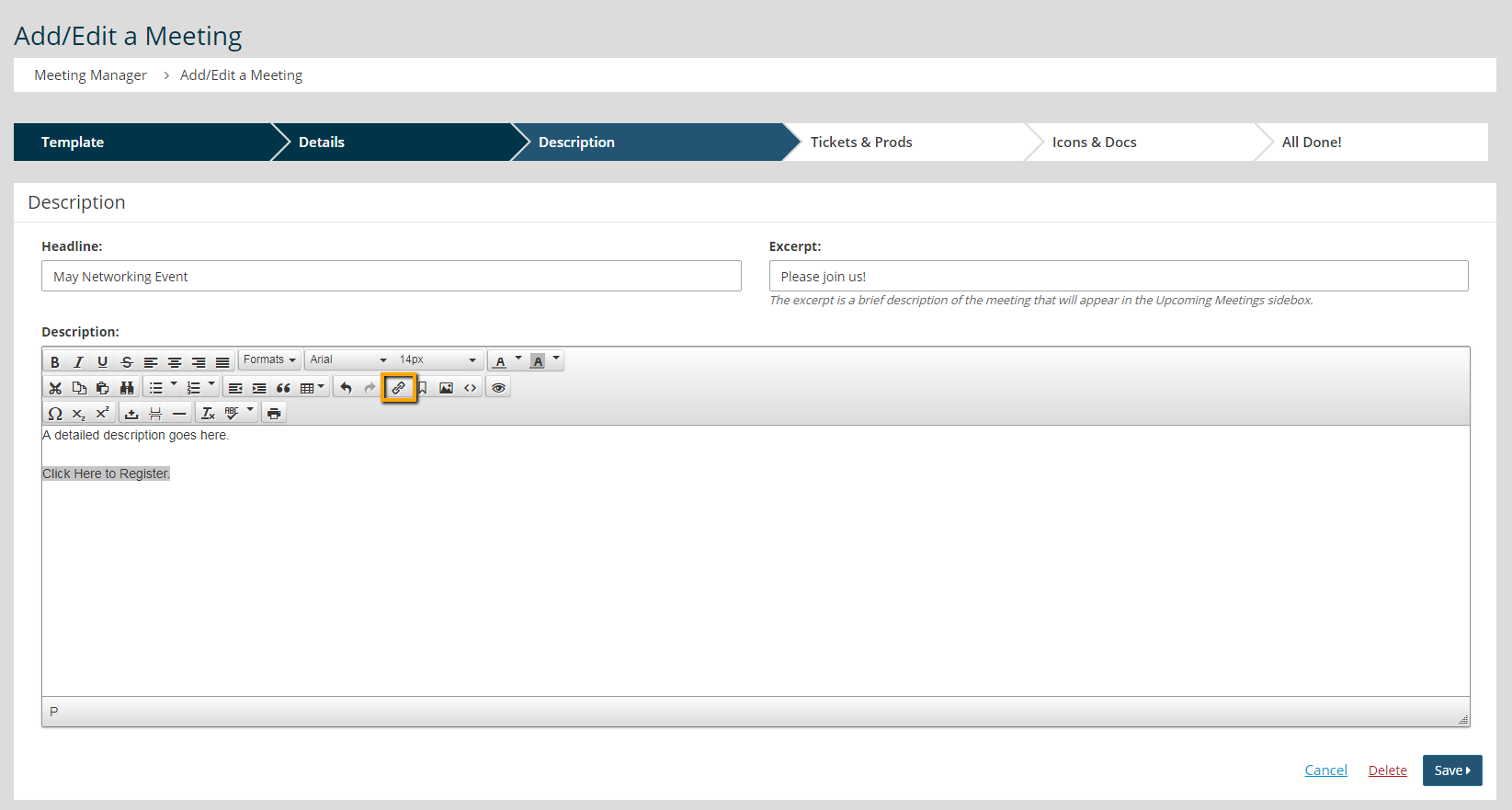
- Enter the URL for the third party site.
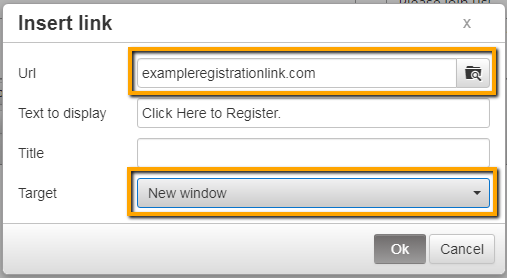

Tip: Make sure to set the Target field for the link to open up in a New Window.
- Click Save.