Moderate Blog Comments
Comments to blog posts can be subject to moderator approval. See Content > Community > Settings > Blog for global configuration options. Within each blog post, those global settings can be overridden within the Comments section of that specific post.

Approve or Decline a New Comment
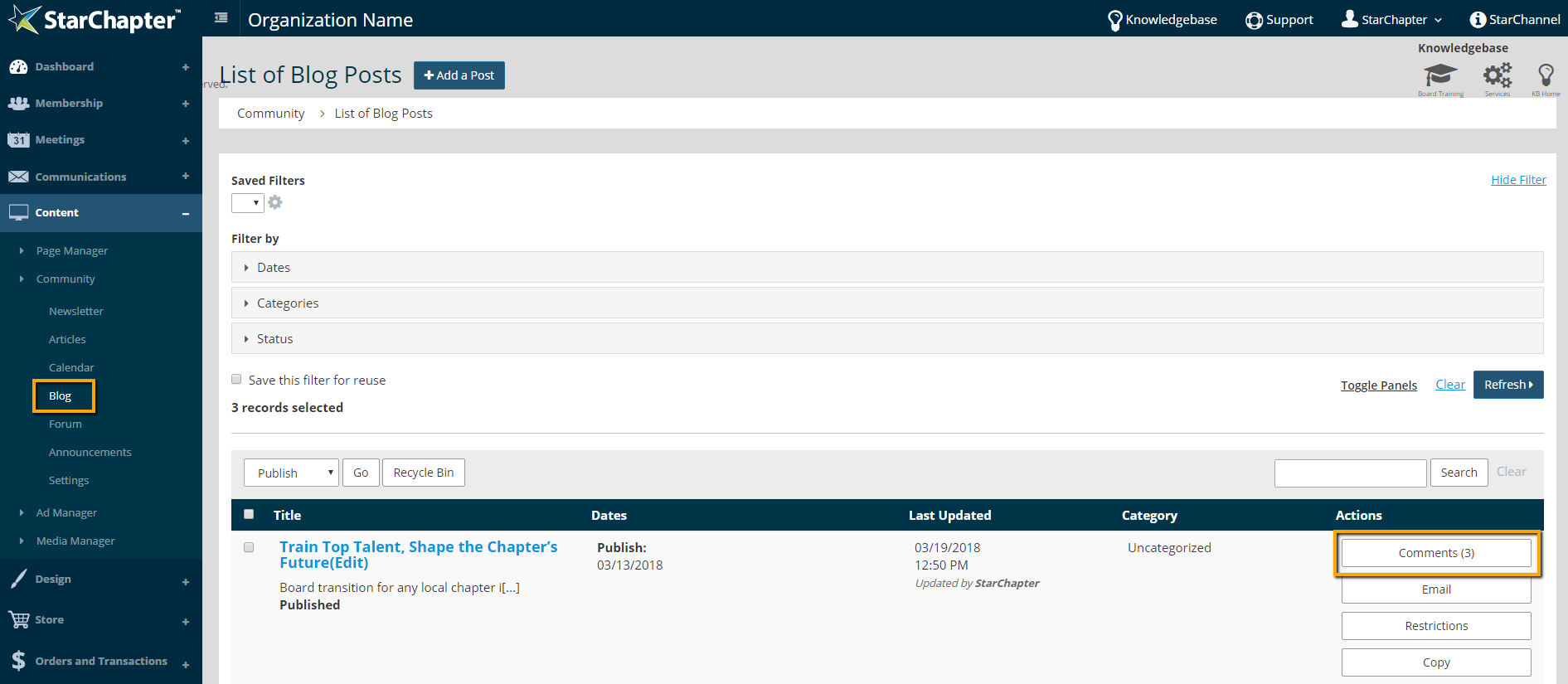
- Go to Content > Community > Blog
- Locate the appropriate blog post and click the "Comments" action button
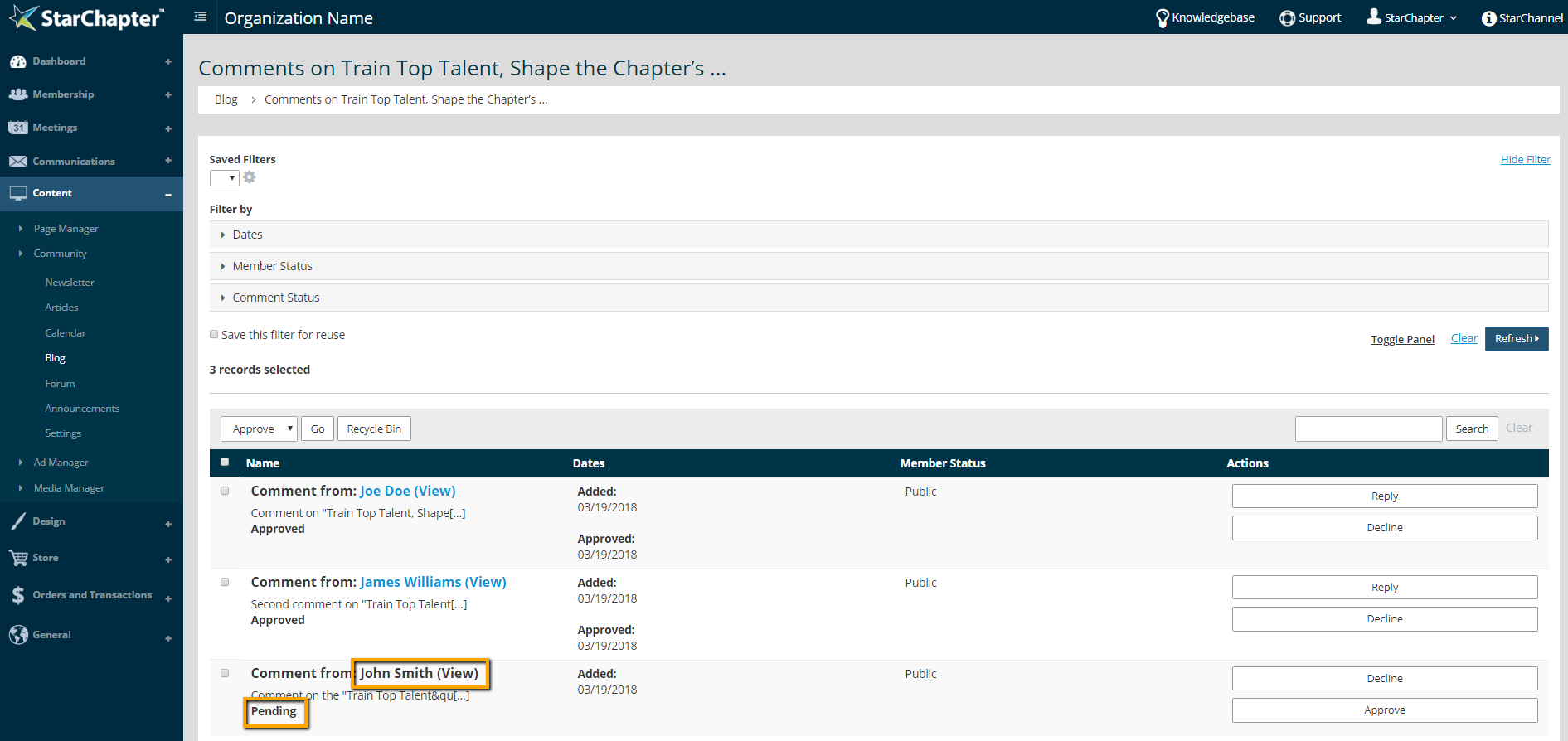
- Locate the Pending comment and click the name of the poster to review the comment
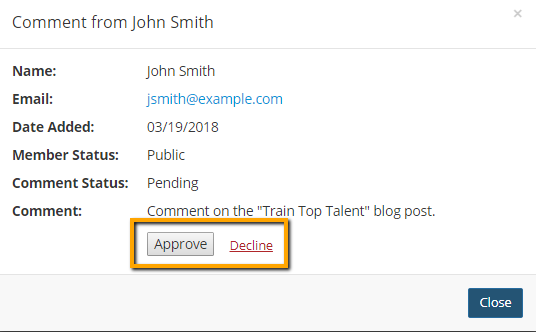
- In the pop-up screen, click "Approve" or "Decline", as appropriate