
Limit Payment Bypass to Members
Payment bypass allows users to bypass the credit card payment screen when placing an order. This would allow for check or cash payments to be mailed in or credit card payment to be made at a later date. While this can be available to all users, it can also be limited to members.
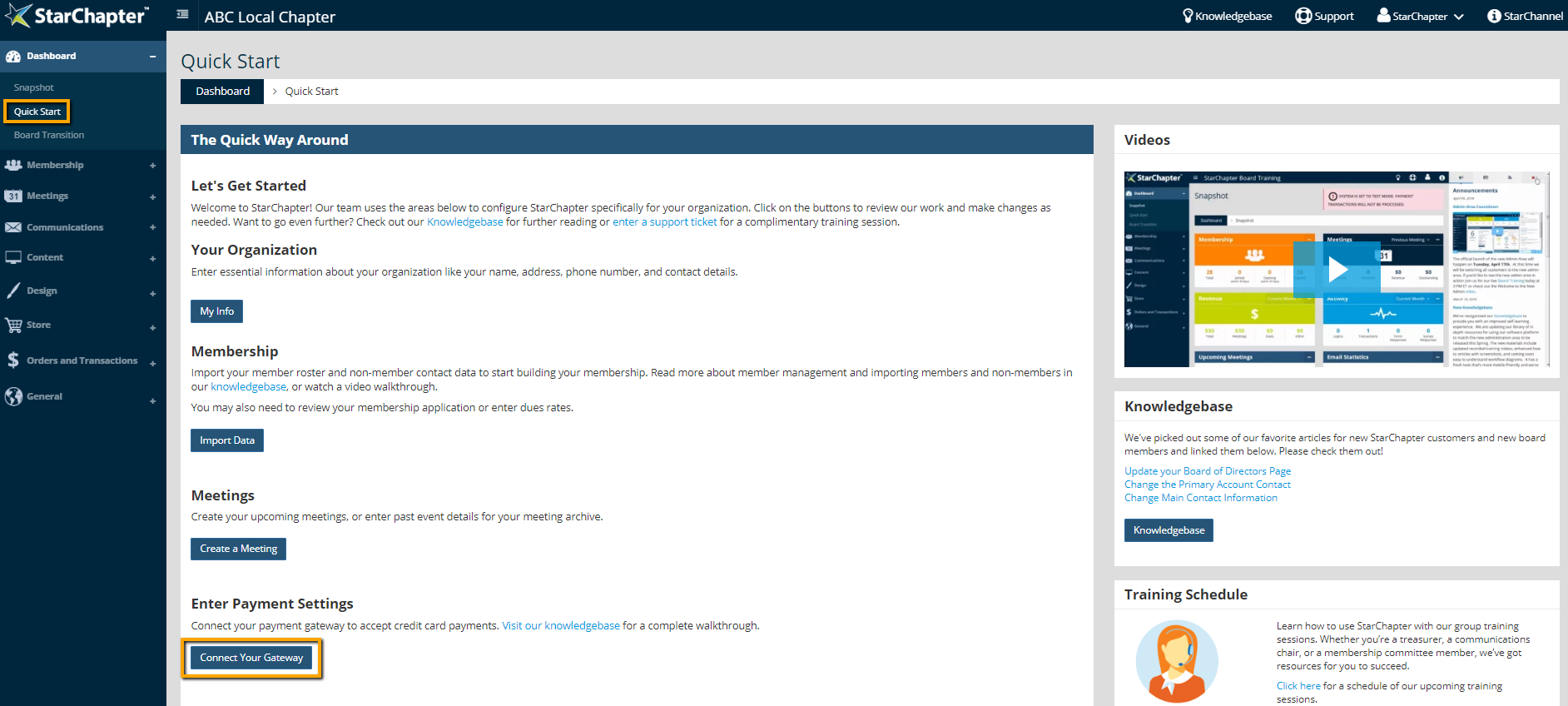
- Go to Dashboard > Quick Start.
- Click the Connect Your Gateway button.
- Click Next.
- Confirm that the "Allow Credit Card Bypass" setting is enabled.
- Check the "Prevent Guests from Bypassing Payment" setting.

- Click Next.


