Identify Best Selling Products
Often, the Store tool is used to manage sponsorships, raffle tickets, and other meeting-specific items. If there is a selection of physical products, it is helpful to track sales by both quantity and revenue to guage overall interest and plan future inventory.
By Quantity
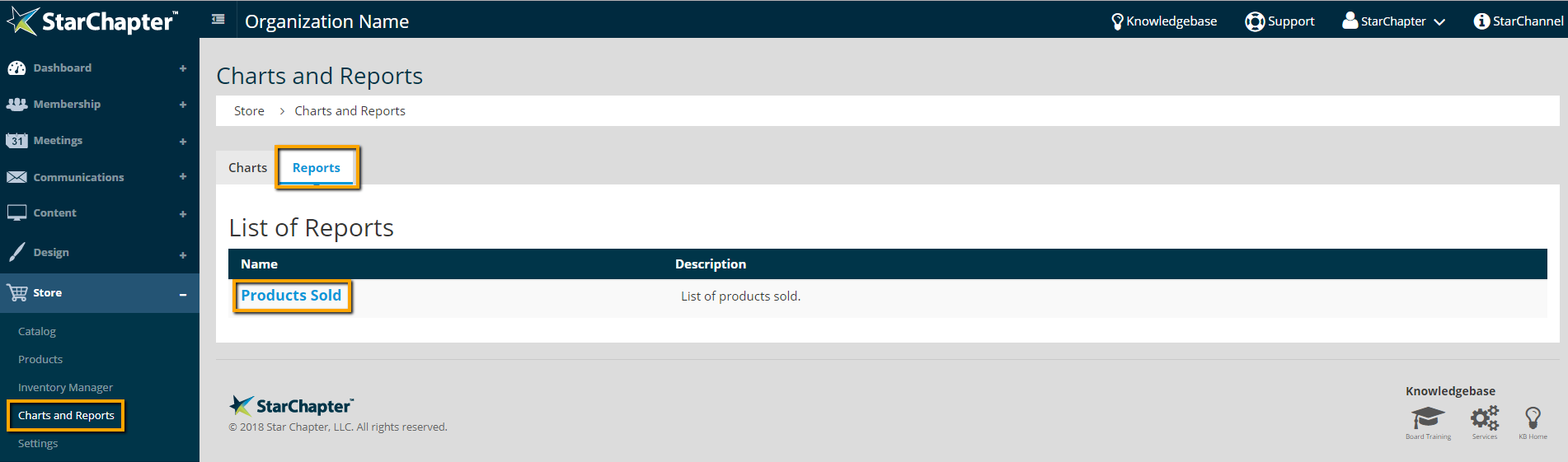
- Go to Store > Charts and Reports > Reports.
- Click the Products Sold report.
- Click Spreadsheet to export the report.
By Revenue
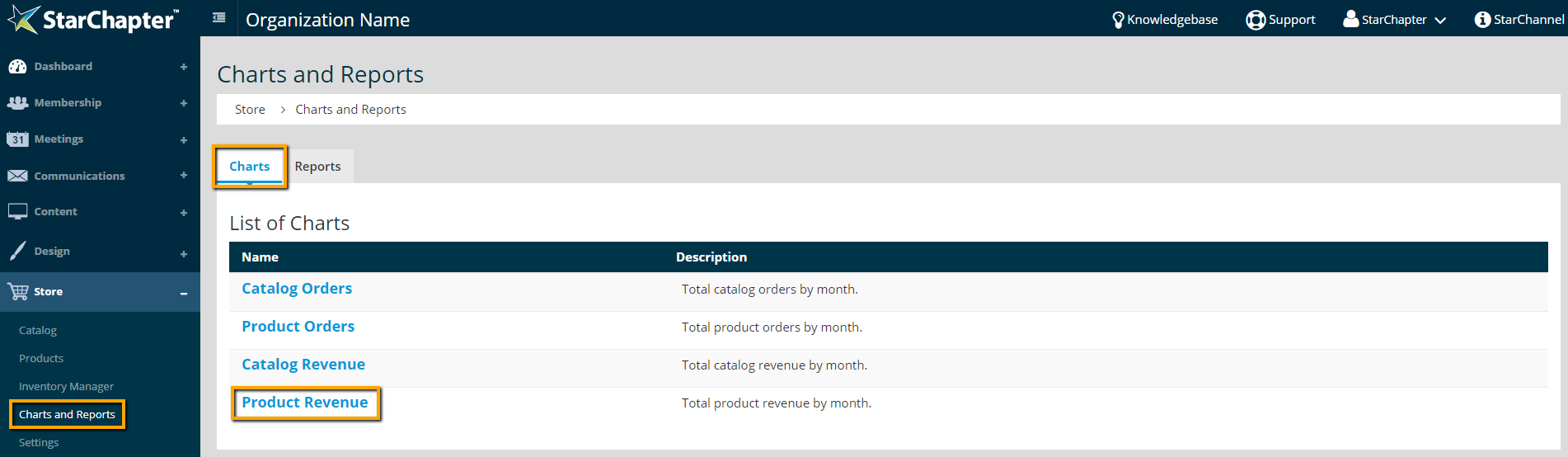
- Go to Store > Charts and Reports > Charts.
- Click Product Revenue.