
Freeform vs Template Newsletter
Some StarChapter layouts provide two newsletter options within Content > Community > Newsletter. When a new newsletter is created, update the "Type of Newsletter" to select your preferred newsletter tool.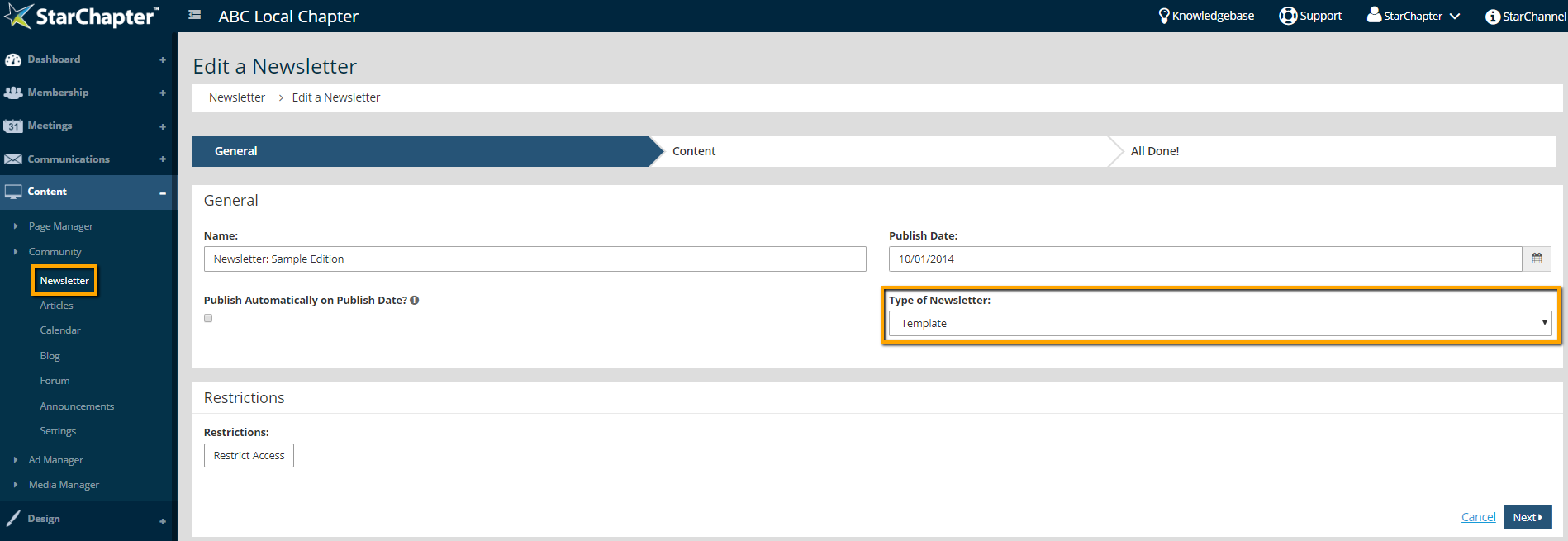
The Freeform option provides a full WYSIWYG editor for each newsletter section. Each section can include multiple images in addition to text content. Be aware that text wrapping is not supported in all email clients, so images used within the content of a newsletter will often not display as expected for email recipients. If there is not a Type of Newsletter drop-down available in your system, the Freeform option is your only option.
The Template option provides a limited WYSIWYG editor. This editor will not permit images within the text of the newsletter. Instead, a single image can be uploaded for each section. Because this one image can be anticipated, the email display will be more consistent throughout different email clients than the Freeform option. This is the option recommended for users who are not proficient at building emails for consistent display throughout different email clients.





