Enter a Product Order in the Admin Area
Products must be in a published Catalog before an order is opened.
- Go to Store > Products.
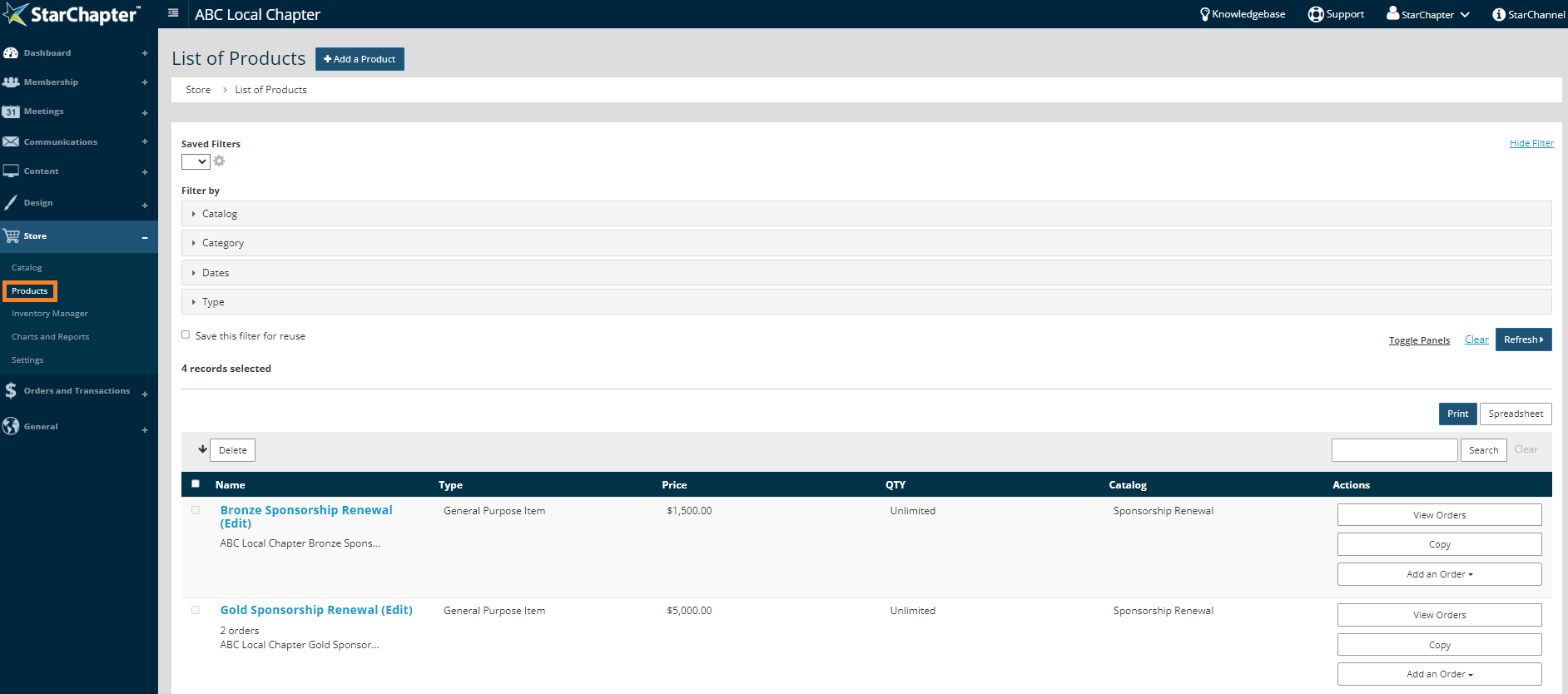
- Search for the appropriate product.
- Click Add an Order in the Actions menu and select the catalog name.

- Select which type of purchaser this order is for and fill in their information. Click Next.

- Click Add next to the product(s) to populate the cart.
- Click Next.
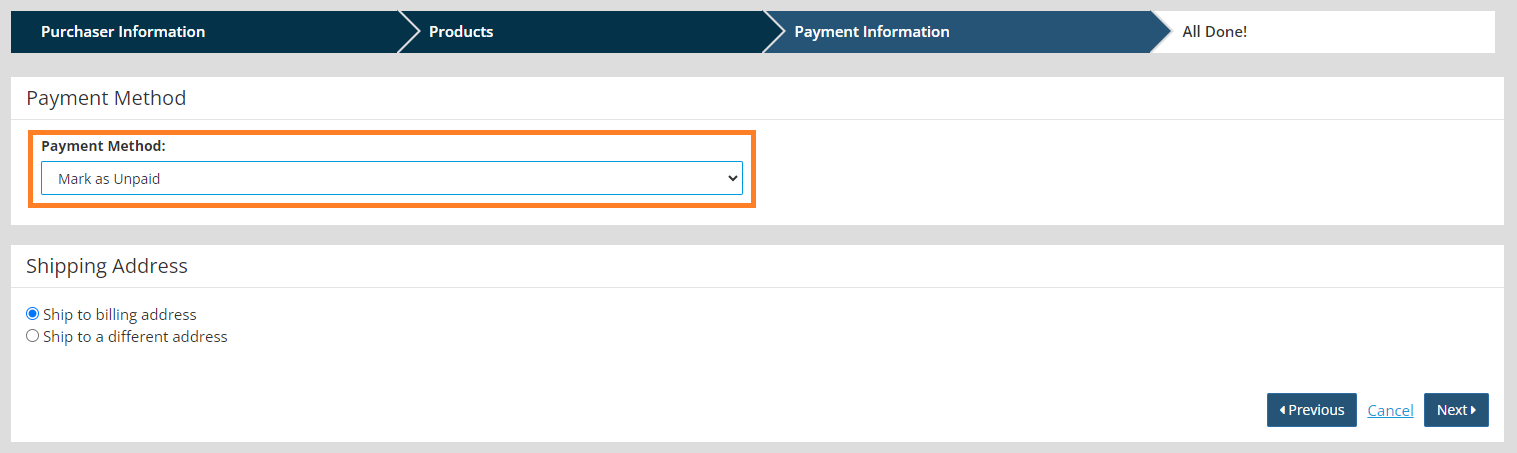
- Select the payment method from the Payment Method drop-down.
- Select the appropriate Payment Method. Use Mark as Unpaid to open the order without payment.
- Click Next.