Create an Article
The Articles tool provides a way to manage larger selections of text that don't fit well into the Blog, Announcements, or Newsletter tools. Articles can be categorized so users can focus on their specific interests and can be set to auto-publish or auto-archive on pre-set dates. All published articles will display on the /articles.php page of your StarChapter website and in any Articles content sections used on other pages.
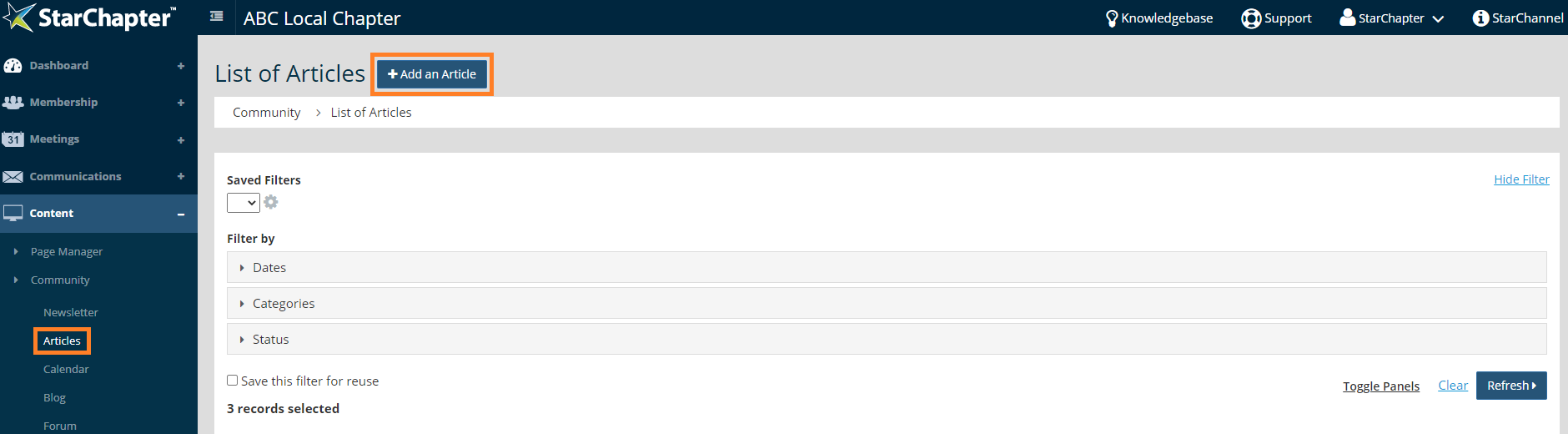
- Go to Content > Community > Articles.
- Click Add an Article.
- Enable and update the "Set Publish Date?" and/or "Set Archive Date?" fields, as appropriate. If a publication date isn't set, the Article can be manually published at the end of the setup wizard.
- Update the Category field, if appropriate.
- Set Restrictions, if appropriate.
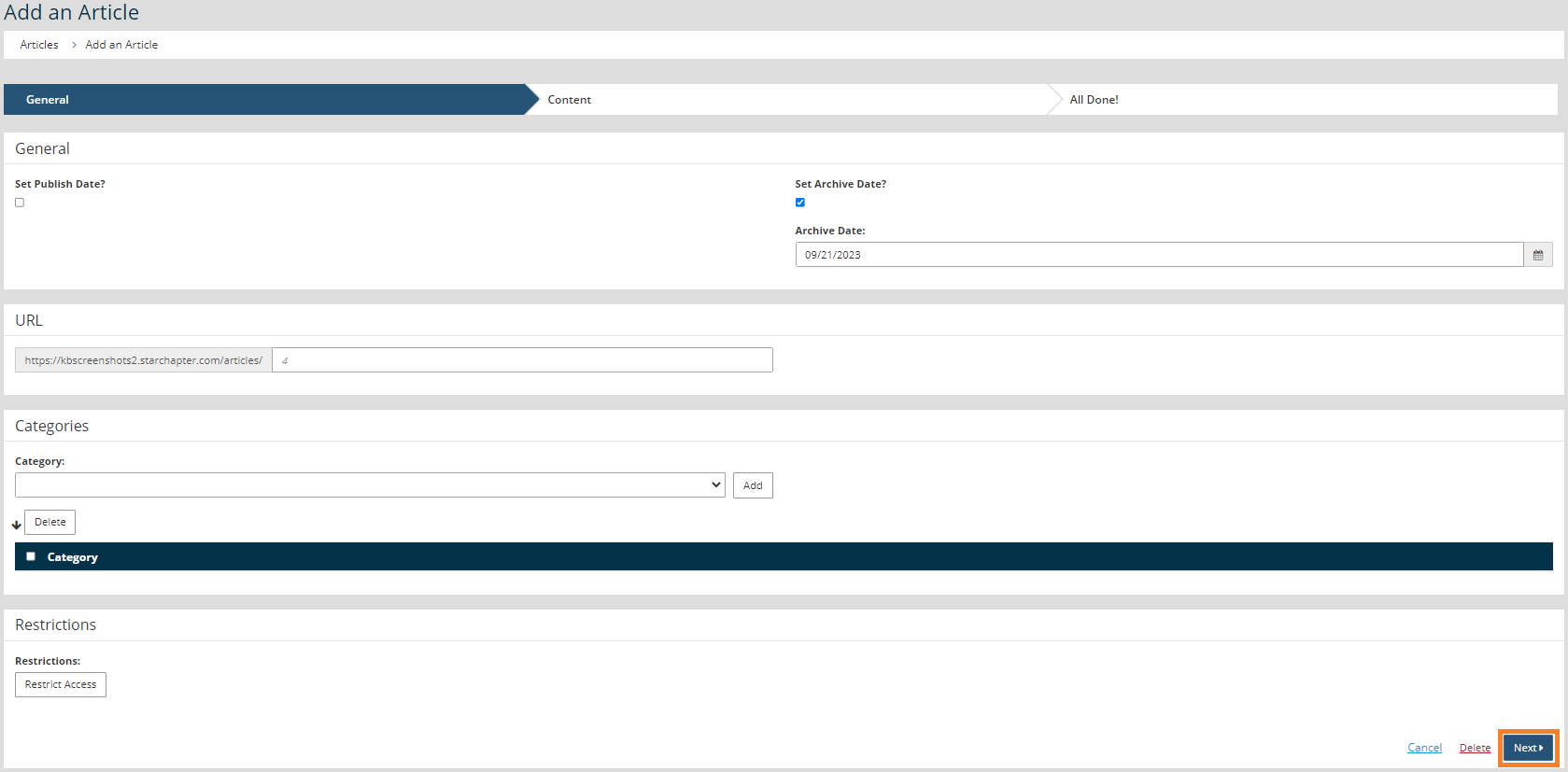
- Click Next.
- Update the Title field with the name of the article.
- Update the Content field with the body of the article.
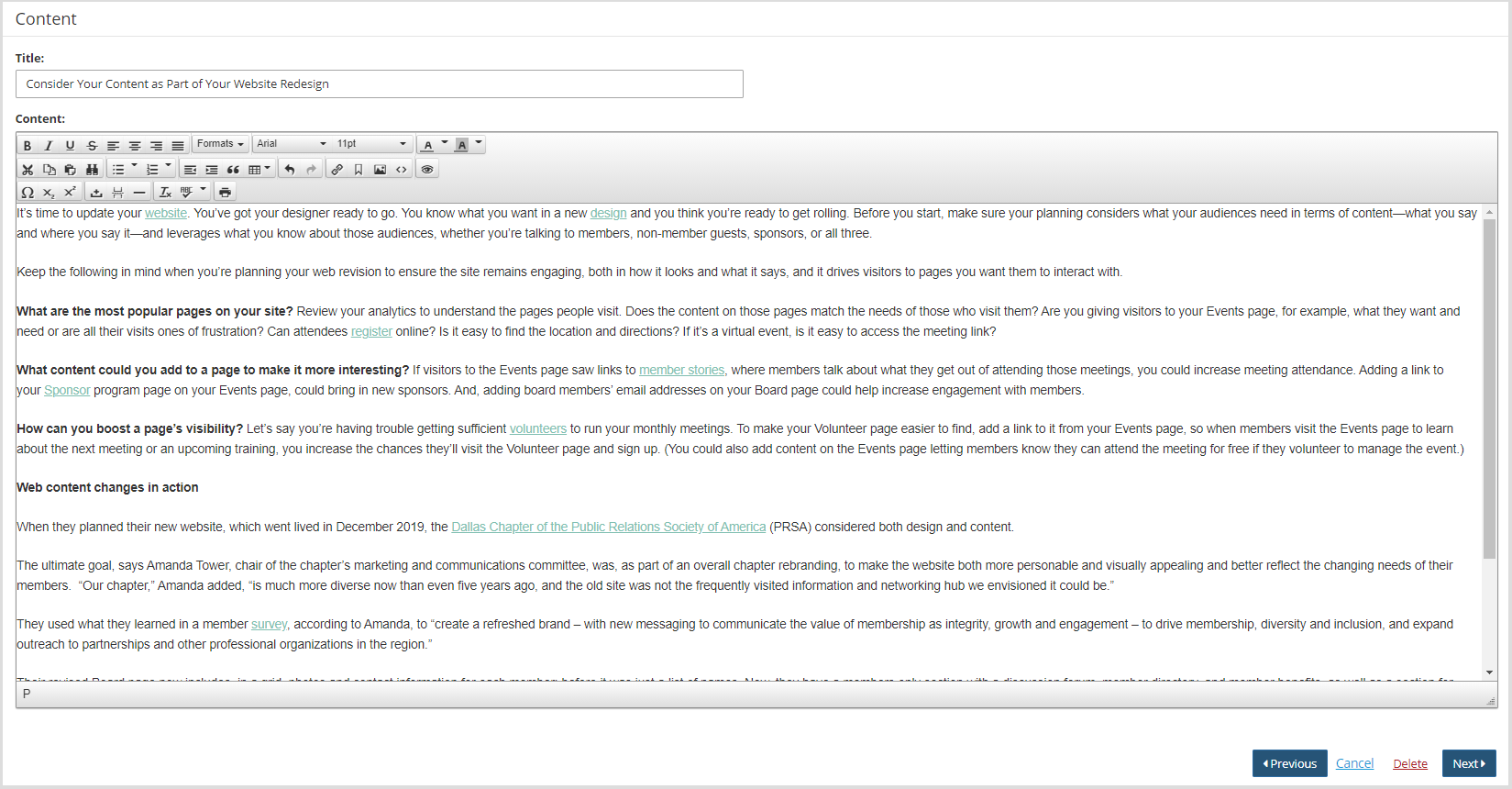
- Click Next.
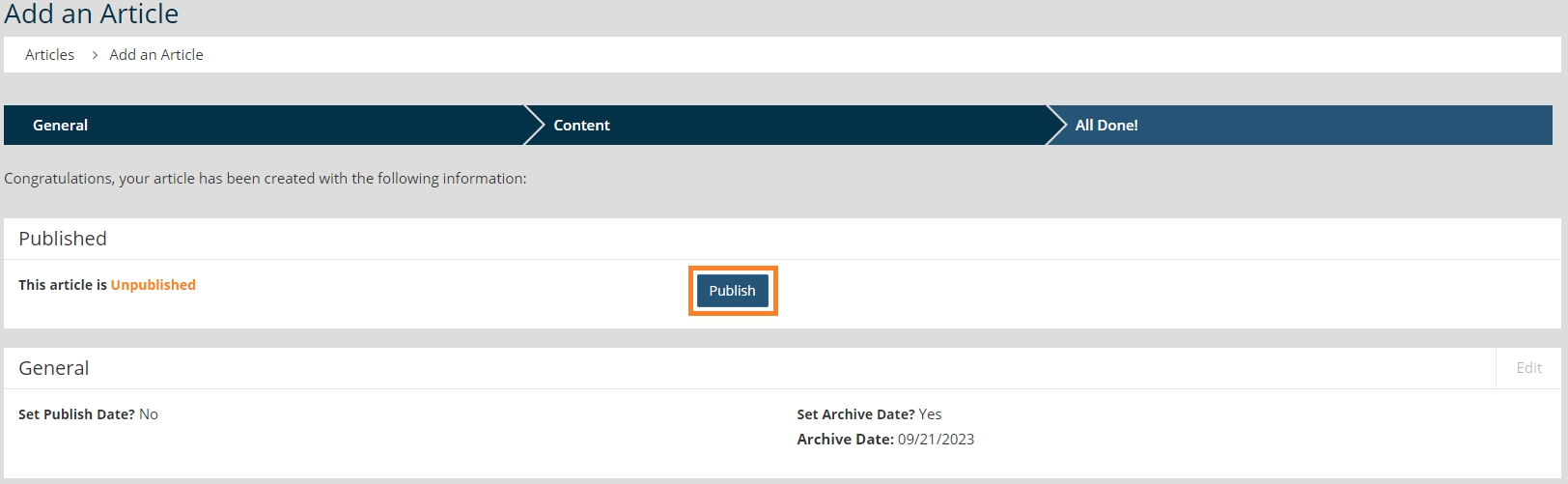
- If there wasn't a publication date set on the first page of the article setup, click the Publish button to make the Article live.