Create a Voucher
Vouchers allow a member to apply a credit to a meeting registration, making the ticket free.
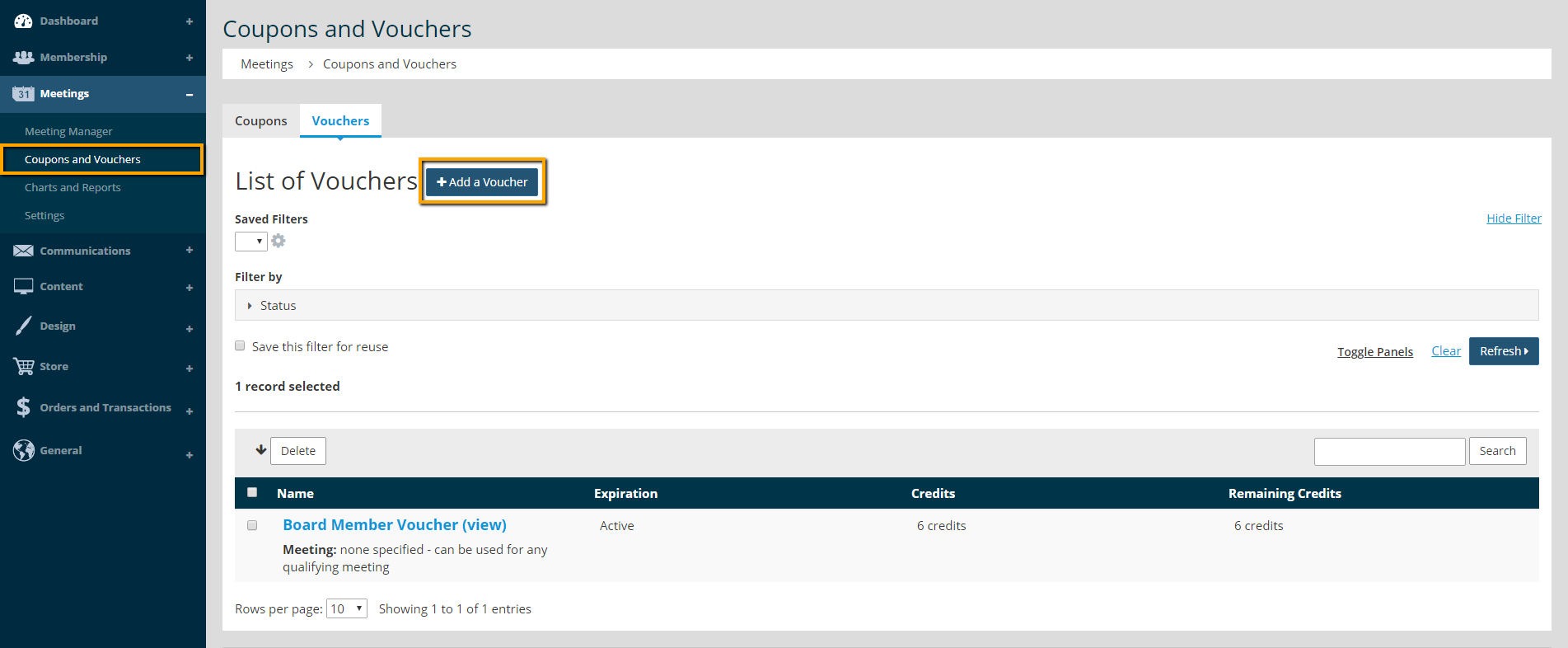
- Go to Meetings > Coupons and Vouchers > Vouchers.
- Click Add a Voucher.
- Fill in the fields to start creating the voucher. The credits are how many free events each member should recieve. The Start Date and Expiration Date set the window of time that the voucher can be used.
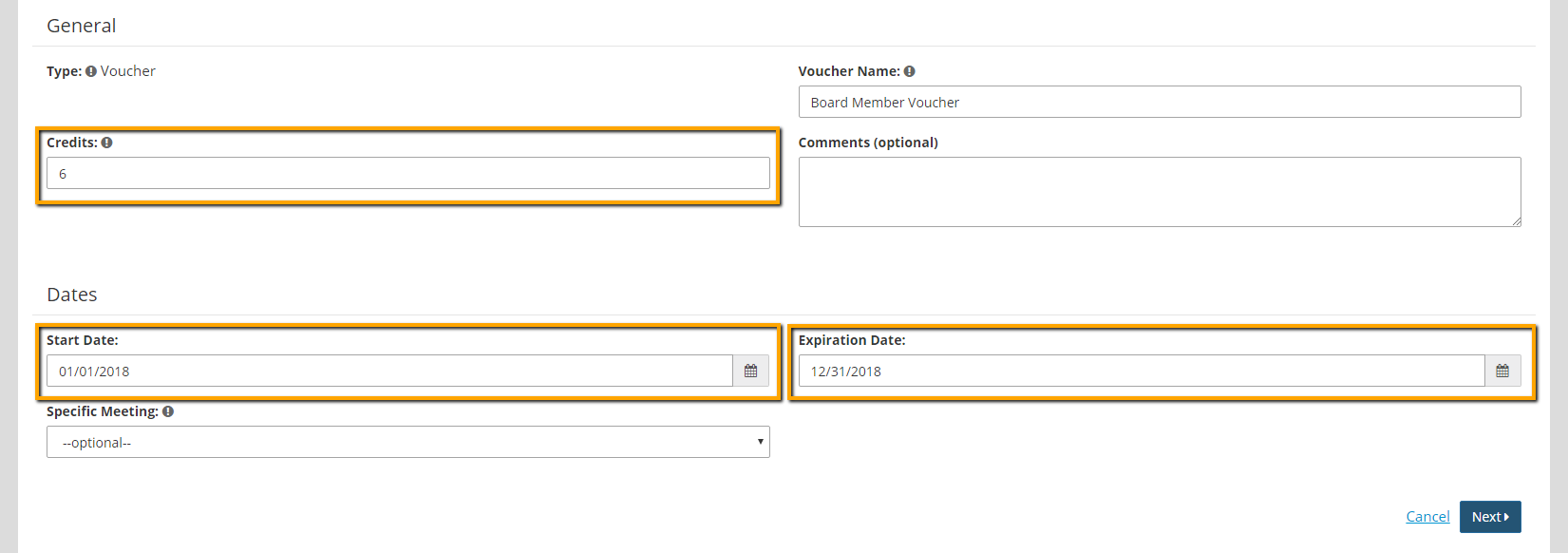

Warning: The voucher will be created for individuals in the group at the time the voucher is created. If additional individuals are added to the group after the voucher has been created, a voucher will have to be created for that individual.
- Click Next.
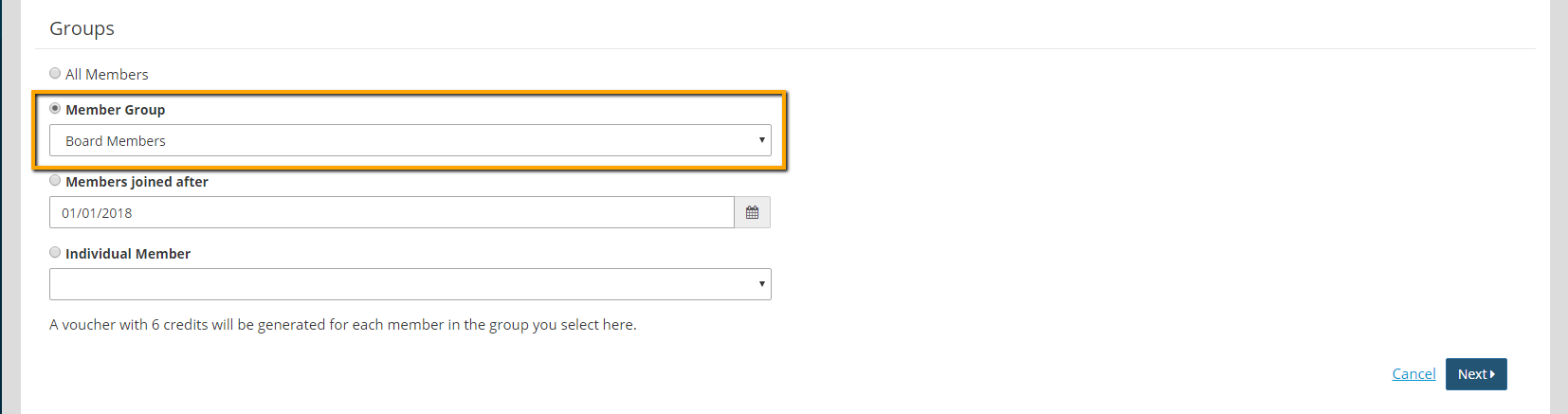
- On the Groups screen, select the group or individual who should be able to use the voucher.
- Click Next.
- On the Review and Create screen, review the fields and click Edit for a section to make changes.
- Click Create.