
Add Titles to the Board of Directors Page
The Board of Directors page is a dynamic page which pulls information from a Page Template, Group assignments, and member profiles. As board transitions occur, board positions and titles can be updated within Group Manager.
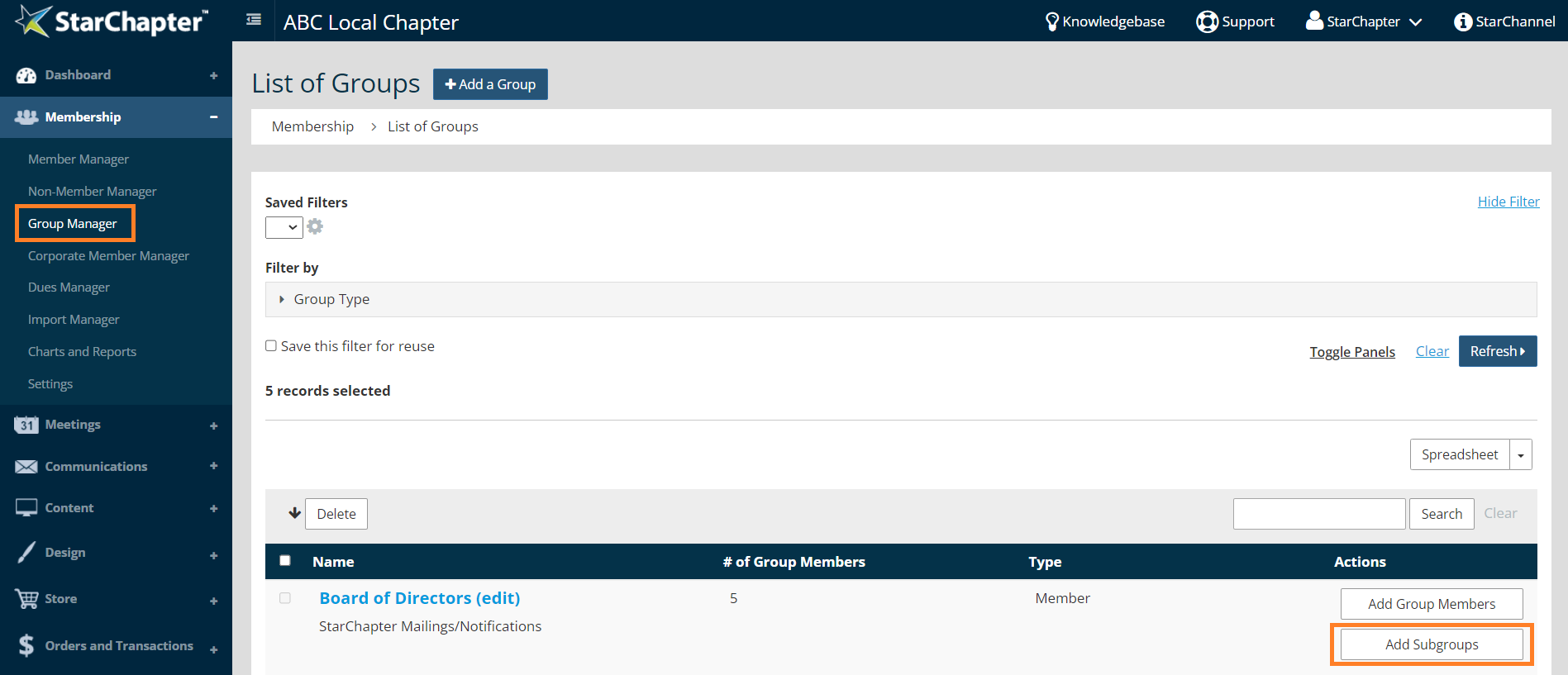
- Go to Membership > Group Manager.
- Click the Add Subgroups button beside the "Board of Directors" group. Each subgroup is associated with a position/title on the Board of Directors page.
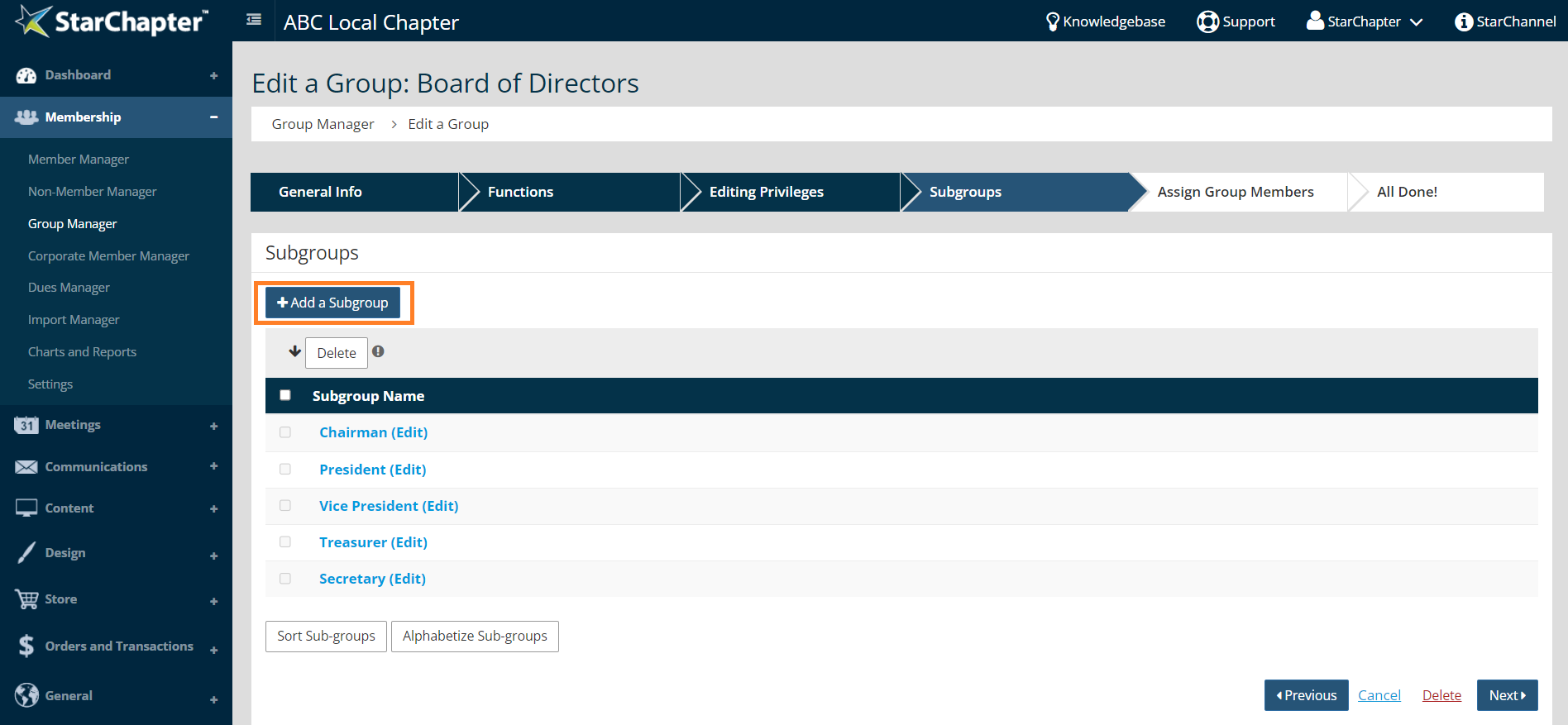
- Click the Add a Subgroup button.
- In the "Edit a Subgroup" pop-up window, enter the position/title within the "Name" field and the "Description" field. The "Name" field labels the subgroup within Group Manager, while the "Description" field is pulled onto the Board of Directors page.
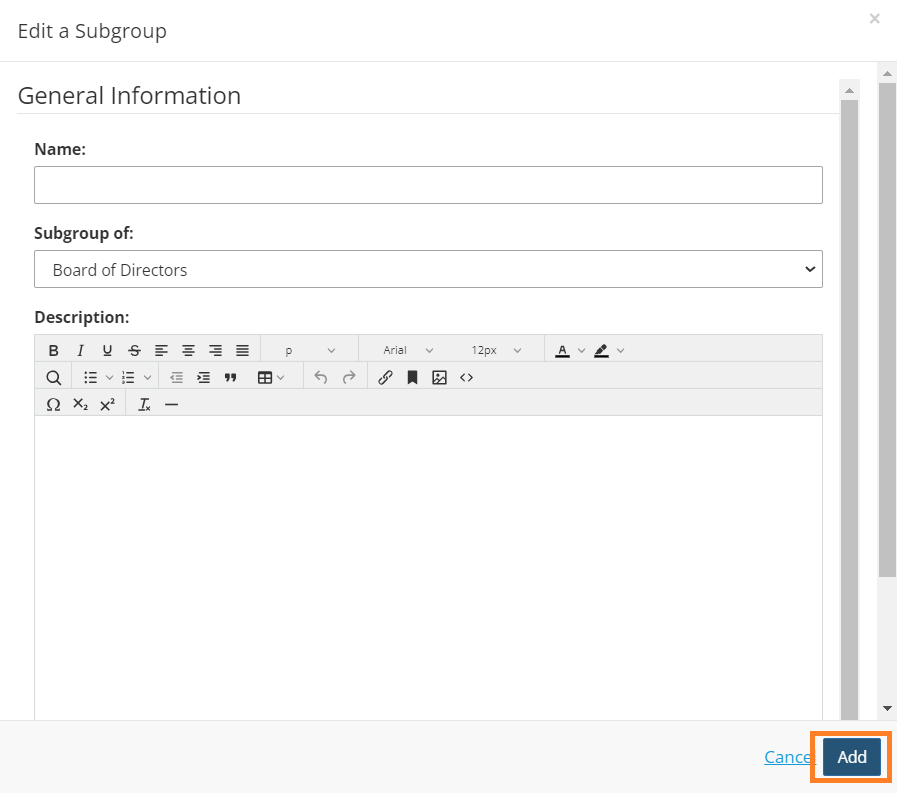
- Click Add.





