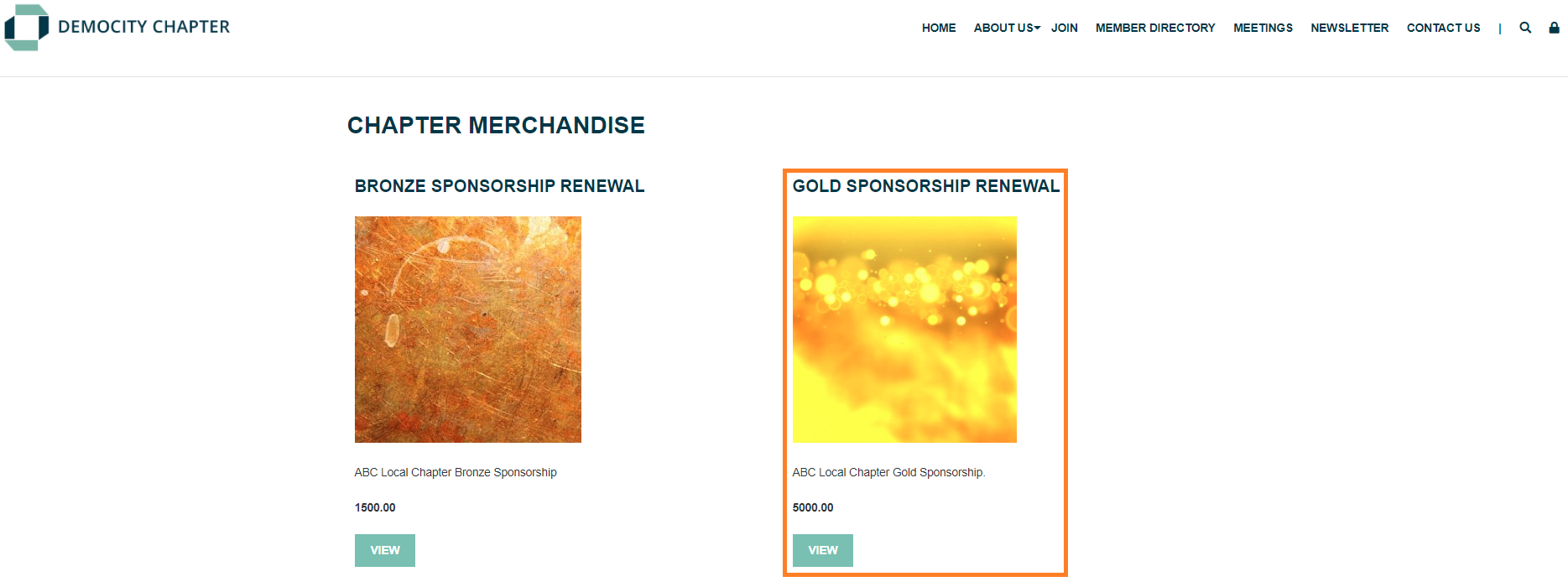
StarChapter uses content sections to organize website content and pull content dynamically from multiple areas throughout the system. This allows admin users to efficiently manage data and content and eliminate the need to duplicate effort. Each available content section has a different use and/or display within the system. As StarChapter has grown over the years, some content sections have been added that are specific to our current designs. If you see content sections described that you're not seeing in your Admin Area, you may want to consider aredesignof your StarChapter website.
Catalog Page
Pulls content from Store > Catalog.
Displays the name of the selected catalog and a link to access that catalog.

Catalog Spotlight Horizontal
Pulls content fromStore>Catalog.
Displays the name, icon, and description of the selected catalog and a link to access that catalog.
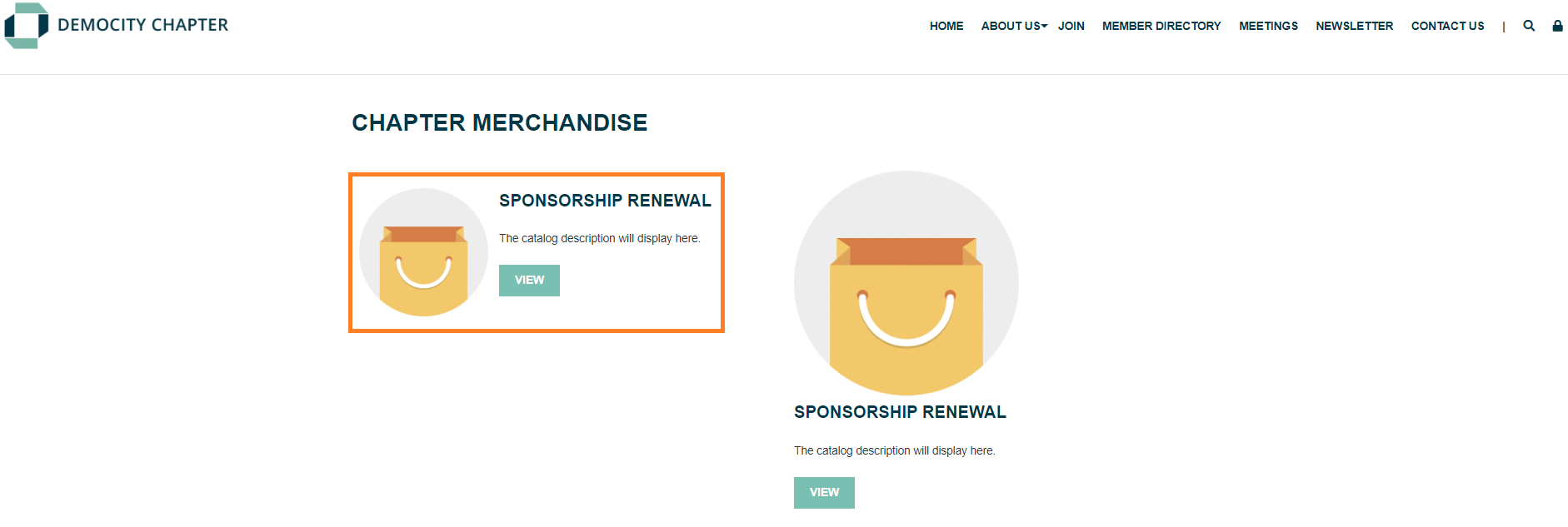
Catalog Spotlight Vertical
Pulls content fromStore>Catalog.
Displays the name, icon, and description of the selected catalog and a link to access that catalog.
Product Rotator
Pulls content fromStore>Products.
Displays the name, image, description, price, and a view button for each product in the select catalog.
One product will display at a time and will rotate every few seconds.
Product Spotlight
Pulls content fromStore>Products.
Displays the name, image, description, price, and a view button for the specific product selected for display.