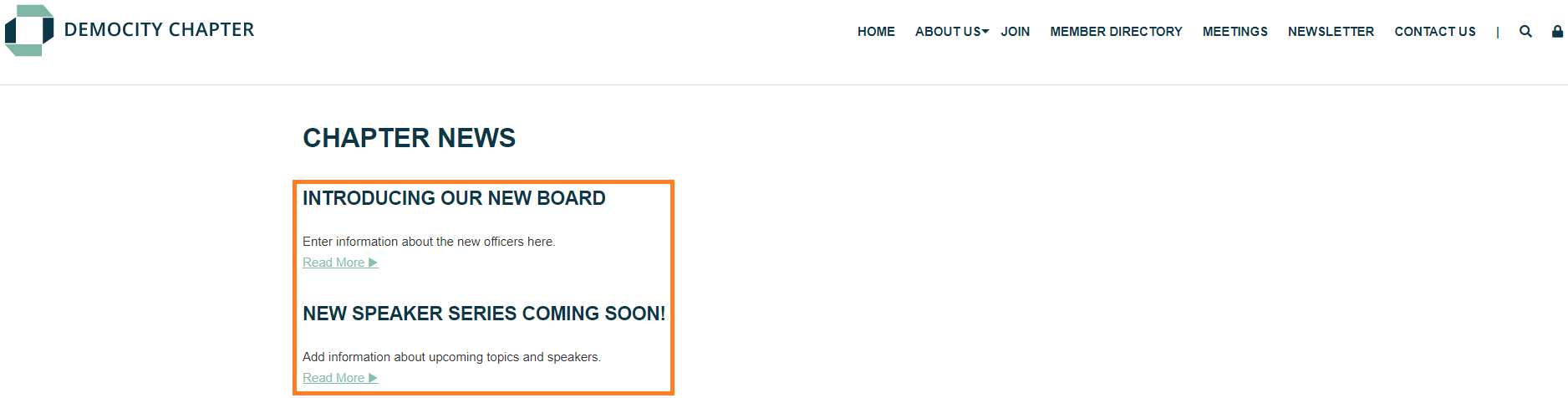
Announcement with Icon
- Pulls content from Content > Community > Announcements.
- Displays the most recently added Announcement with a centered "Latest Announcement" header and icon.
- Optimized for narrow content containers, such as the 50/50 or 33/33/33 container options.
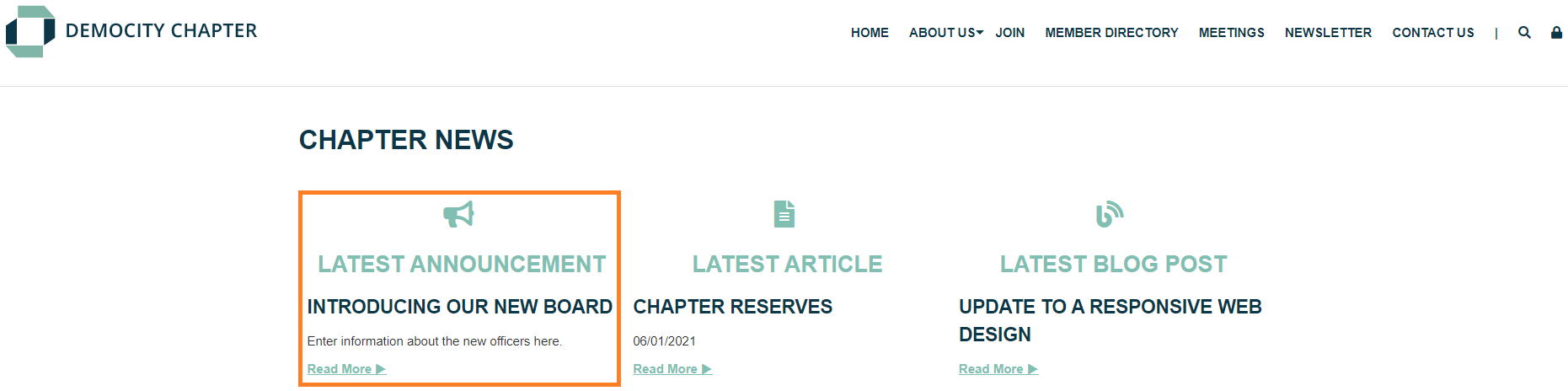
Announcements
- Pulls content from Content > Community > Announcements.
- Displays the title, short excerpt, and 'Read More' link for multiple published announcements.
- Configure the number of announcements to be displayed within the content section setup.
Article List Brief
- Pulls content from Content > Community > Articles. The content section
- Includes the title, publication date, and 'Read More' link for published articles.
- Configure the 1-3 column display and the total number of articles using the settings within the content section.
- Updates automatically when new articles are published.

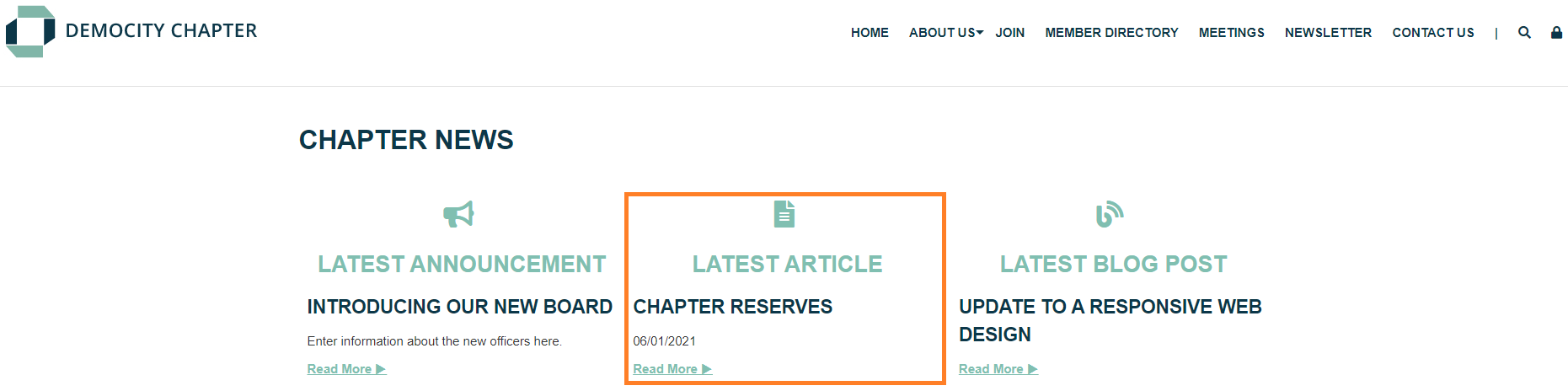
Article with Icon
- Pulls content from Content > Community > Articles.
- Includes a centered "Latest Article" header and icon, as well as the title, publication date, and Read More link for the most recently published article. This content section will
- Updates automatically when new articles are published.
- Optimized for narrow content containers, such as the 50/50 or 33/33/33 options.
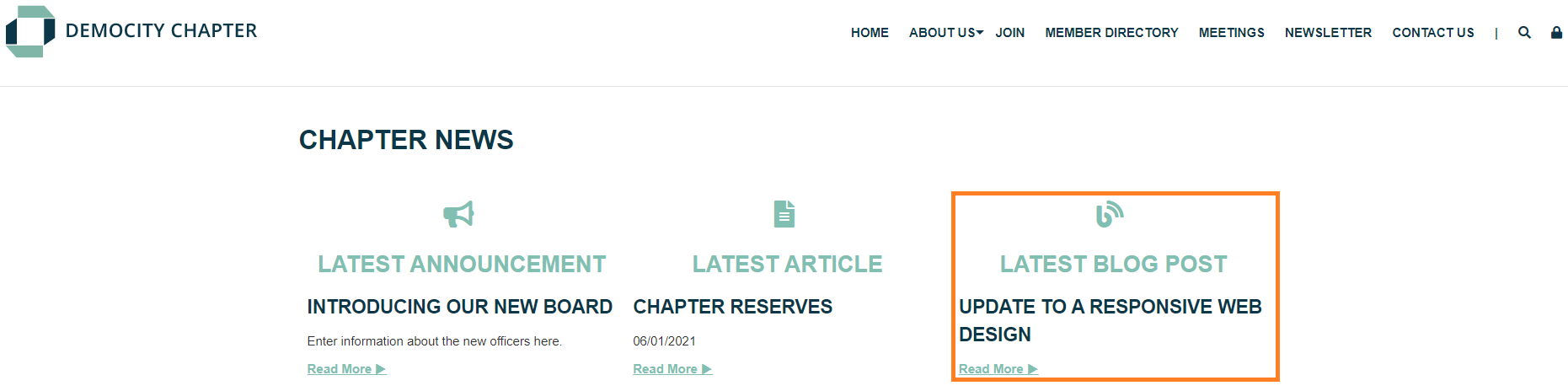
Blog Post with Icon
- Pulls content from Content > Community > Blog.
- A centered "Latest Blog Post" and icon display over the title, publication date, and 'Read More' link to the most recently published blog post.
- Optimized for narrow content containers, such as the 50/50 or 33/33/33 container options.
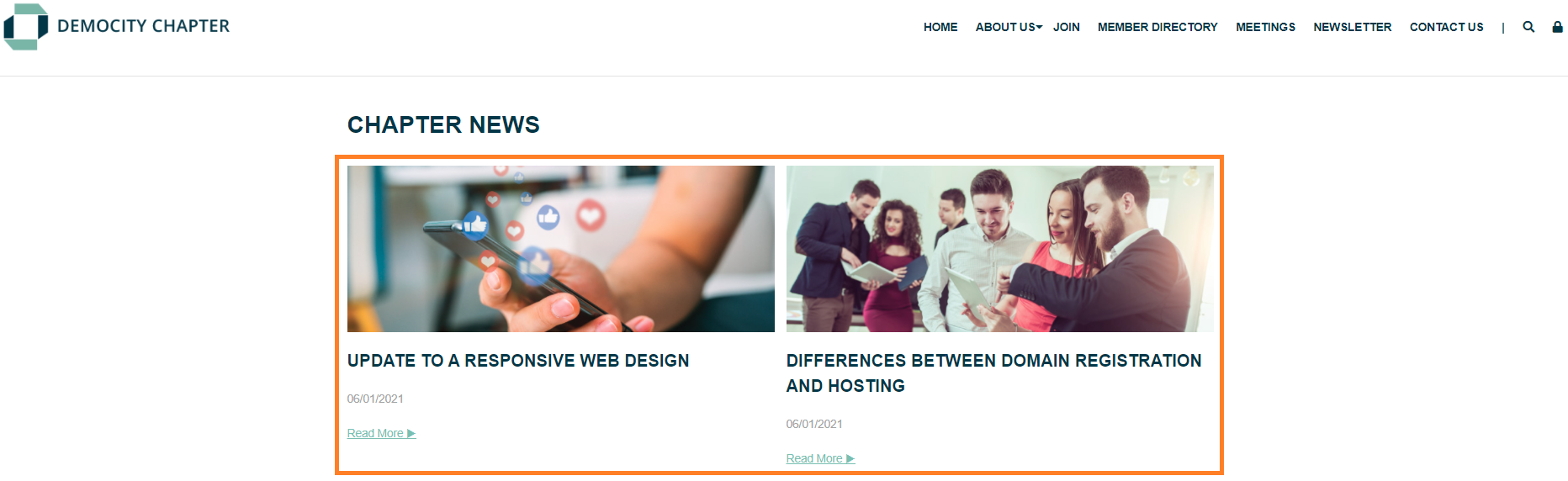
Blog Posts Brief
- Pulls content from Content > Community > Blog.
- Configure in 1 to 3 columns.
- Includes the icon image, title, publication date, and 'Read More' link.
- Updates automatically when new blog posts are published.
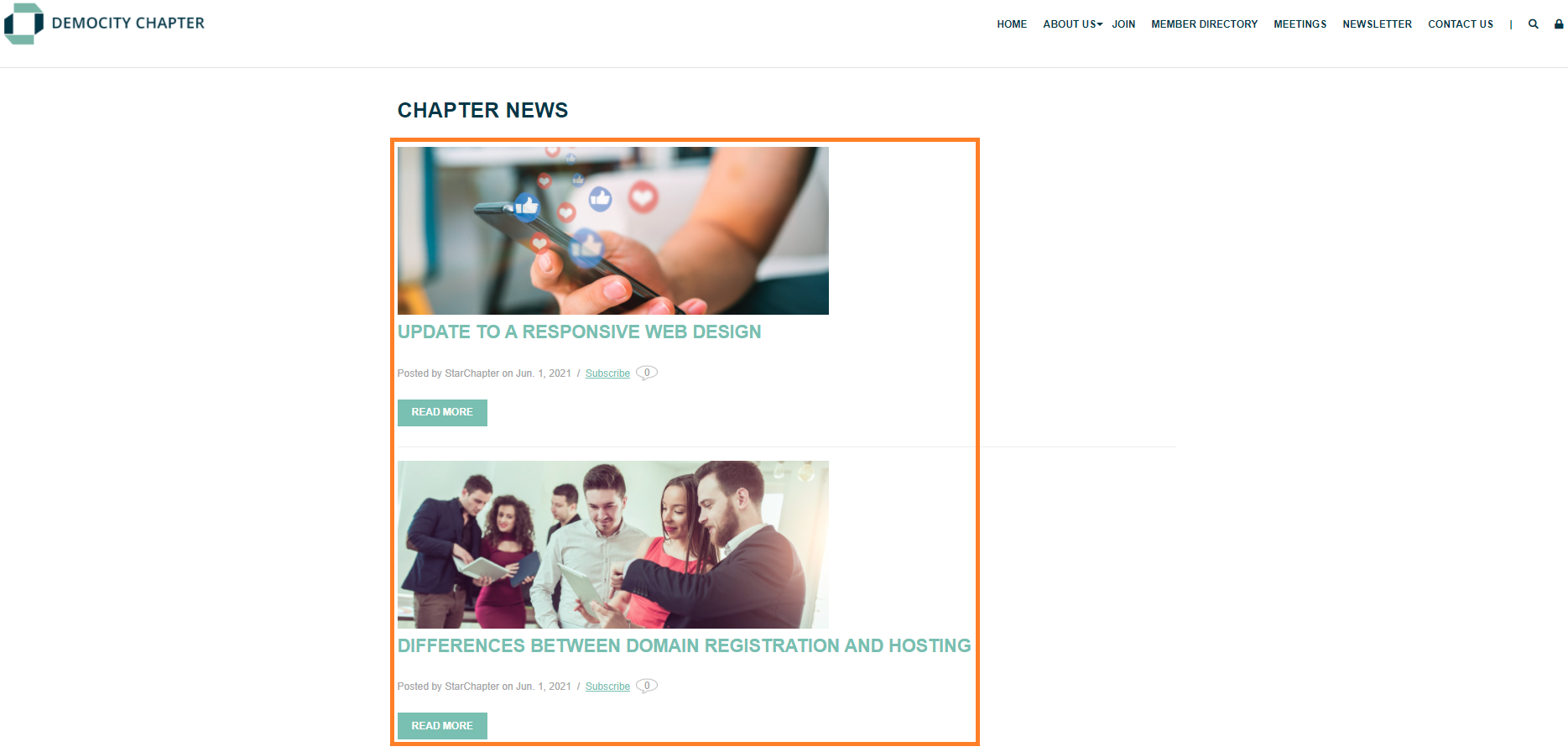
Blog Posts Full
- Pulls content from Content > Community > Blog.
- Includes the icon image, title, publication information, and a 'Read More'button to access the full text.
- Configure the content section to display a specific blog category and maximum number of posts.
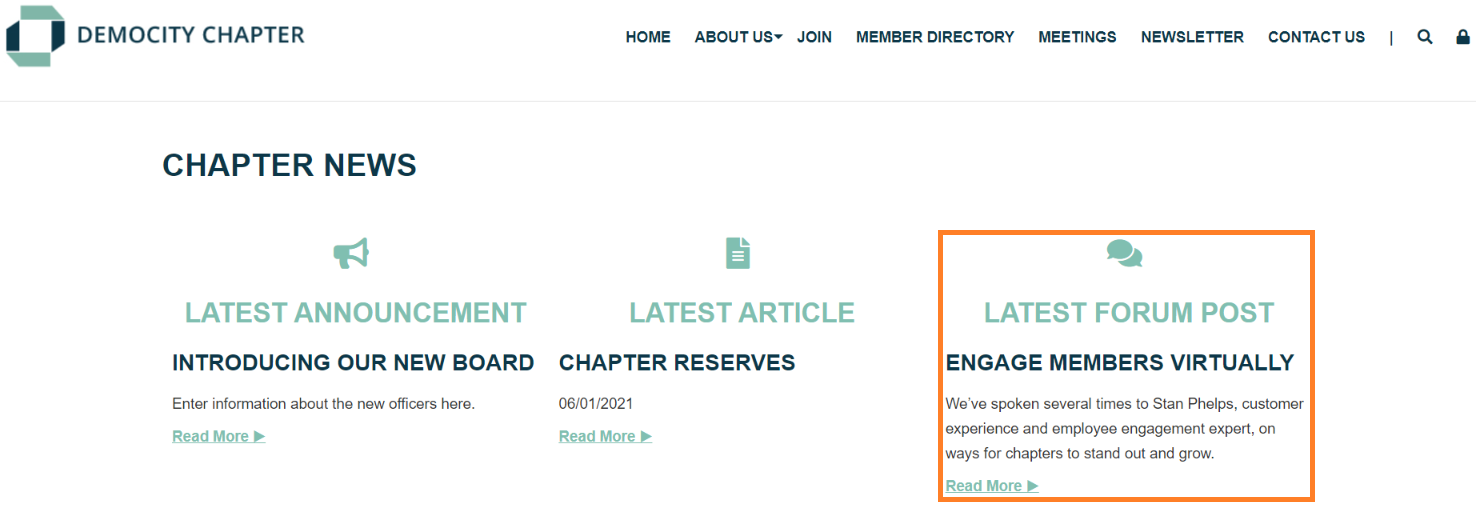
Forum Post with Icon
- Pulls content from Content > Community > Forum.
- A centered "Latest Forum Post" header and icon display over the title, excerpt, and a 'Read More' link to the most recent published Forum.
- Optimized for narrow content containers, such as the 50/50 or 33/33/33 container options.
- Updates automatically when new forum threads are created.
Forum Posts Brief
- Pulls content from Content > Community > Forum.
- Can be configured to 1-3 columns and will include the title, publication date, and a 'Read More' link for each forum post.
- Updates automatically when new forum threads are started.
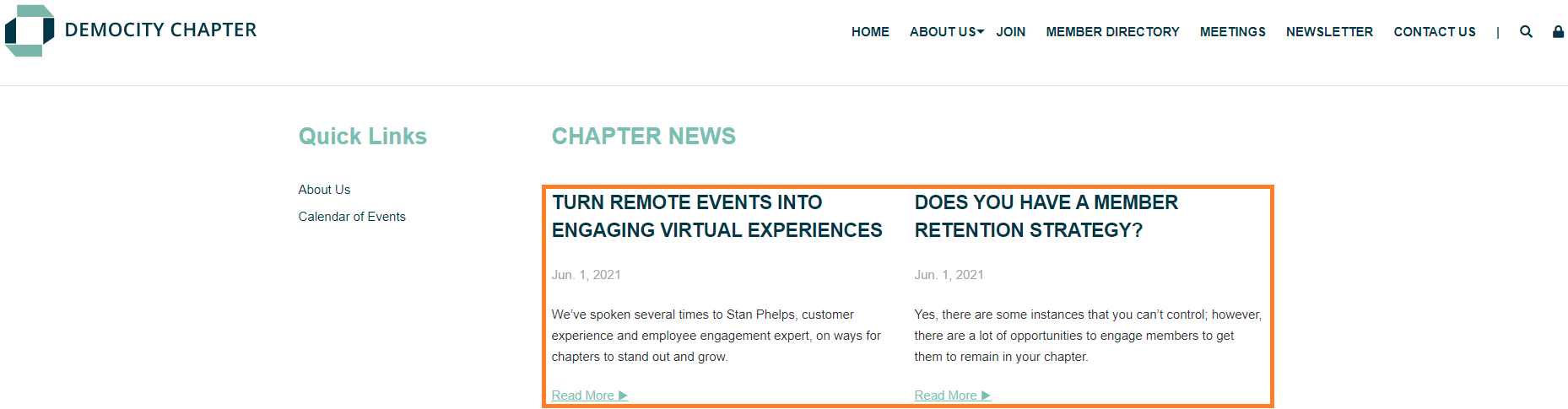
Forum Posts Full
- Pulls content from Content > Community > Forum.
- Includes the title, full text, name of the poster, and publication date of all published forum posts.
- Updates automatically when new forum threads are started.
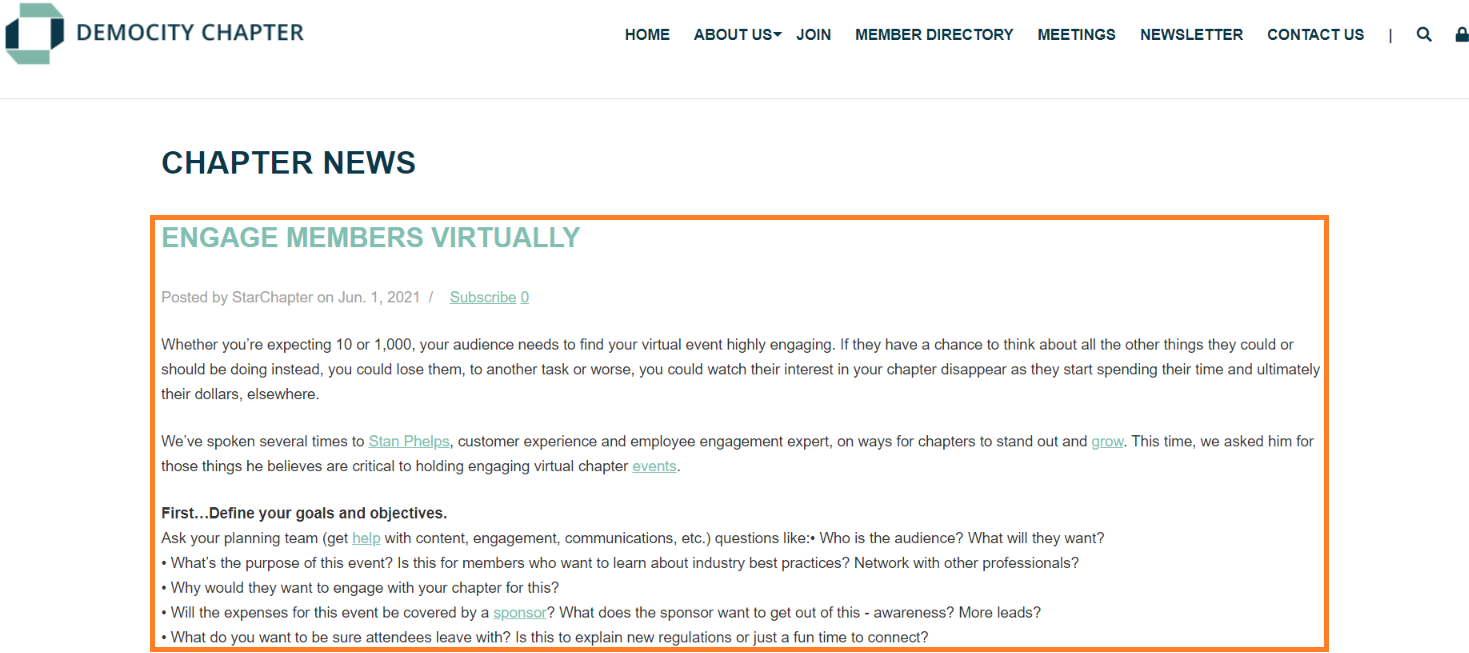
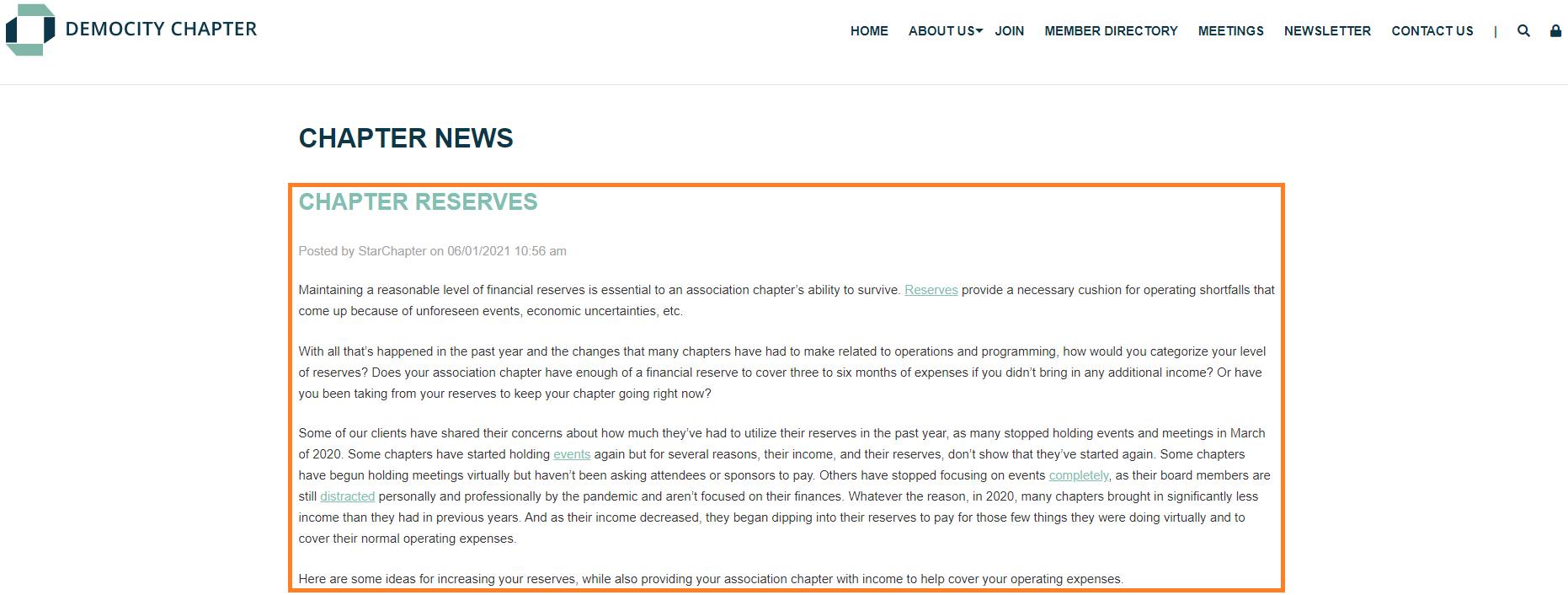
Full Articles
- Pulls content from Content > Community > Articles.
- Displays the title, full text, publication date, and name of the poster of all published articles.
- Updates automatically when new articles are published.
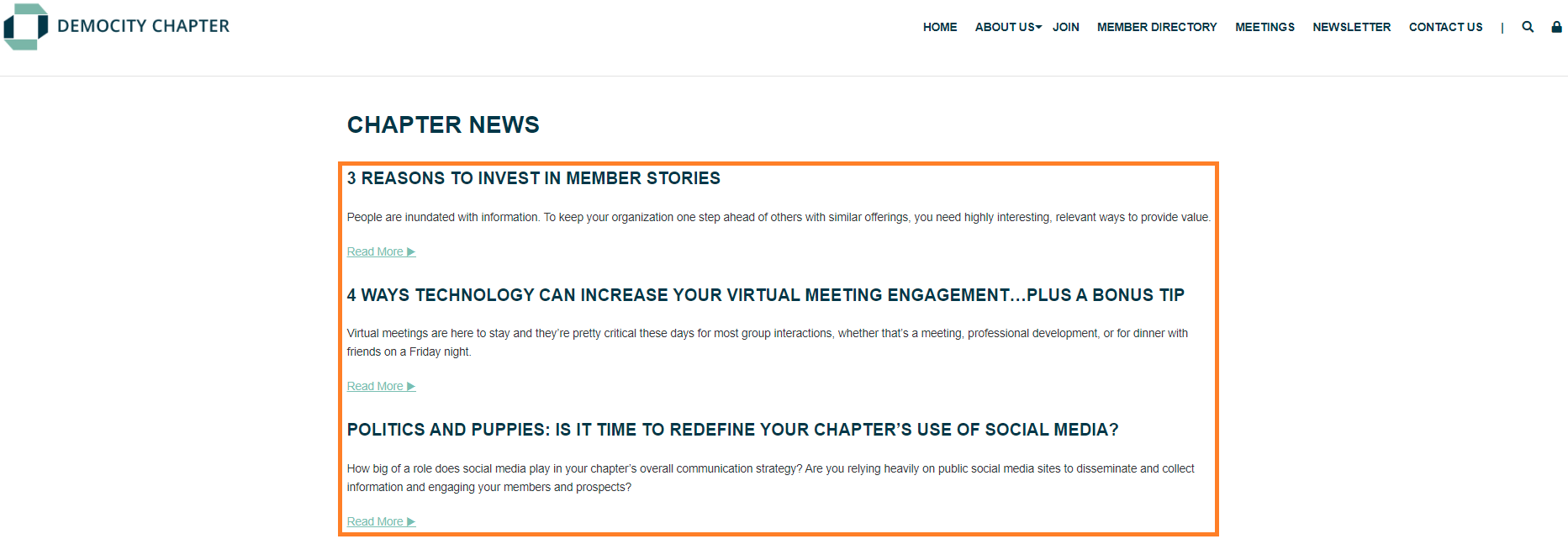
Newsletter Article List
- Pulls content from the current newsletter in Content > Community > Newsletter.
- Displays the title, excerpt, and 'Read More' link for each section of the current newsletter that has the "Include in Newsletter Article List?" setting enabled.
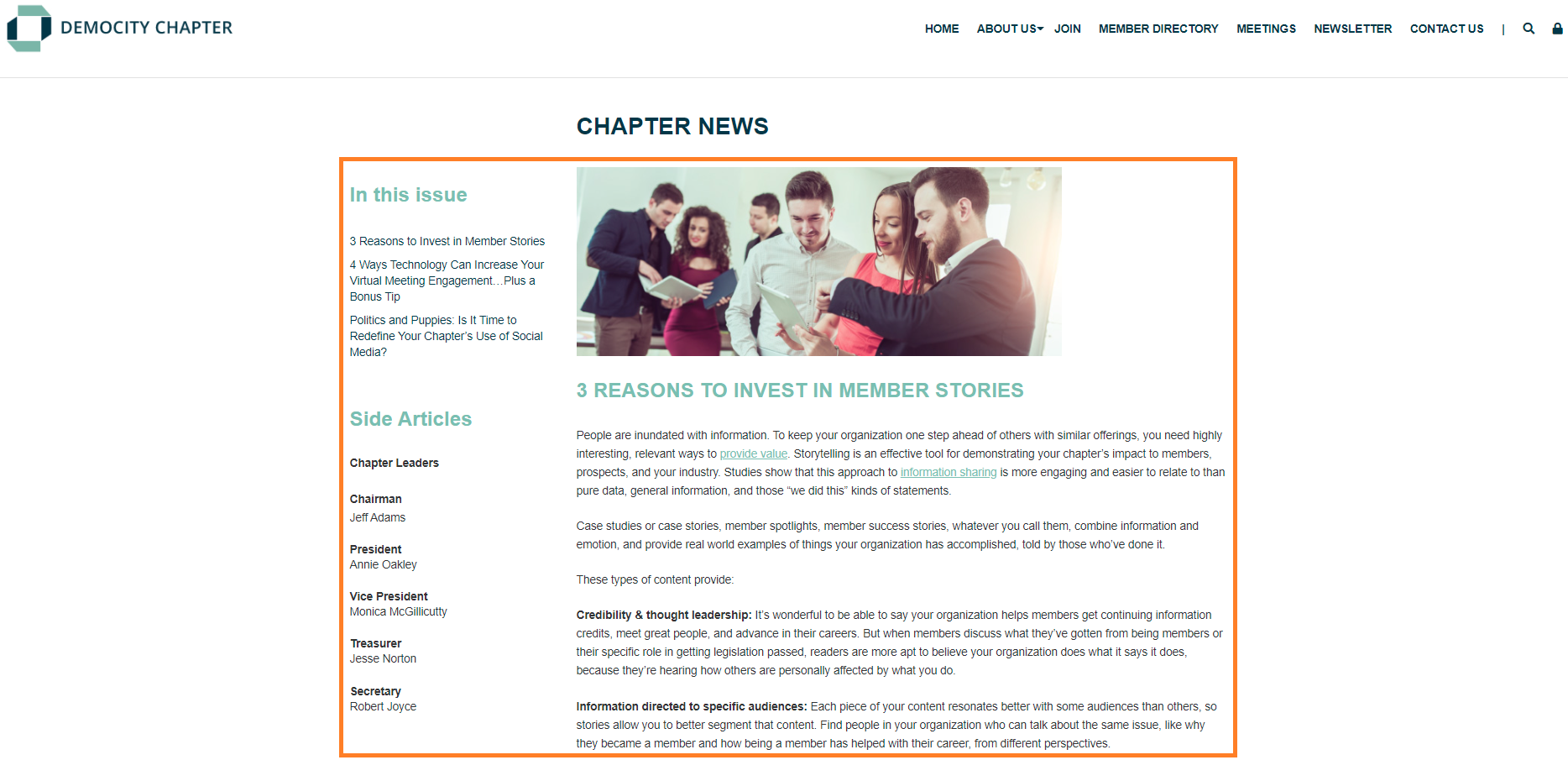
Newsletter Page with Large Images
- Pulls content from the current newsletter in Content > Community > Newsletter.
- Includes the full text of all primary content sections with the image displayed above the text.
- Configurations within the content section provide options for the Table of Contents, Side Articles, Newsletter Archive link, and/or current Classified ads in the system.
- Ideal in a 25/75 or 75/25 page layout.
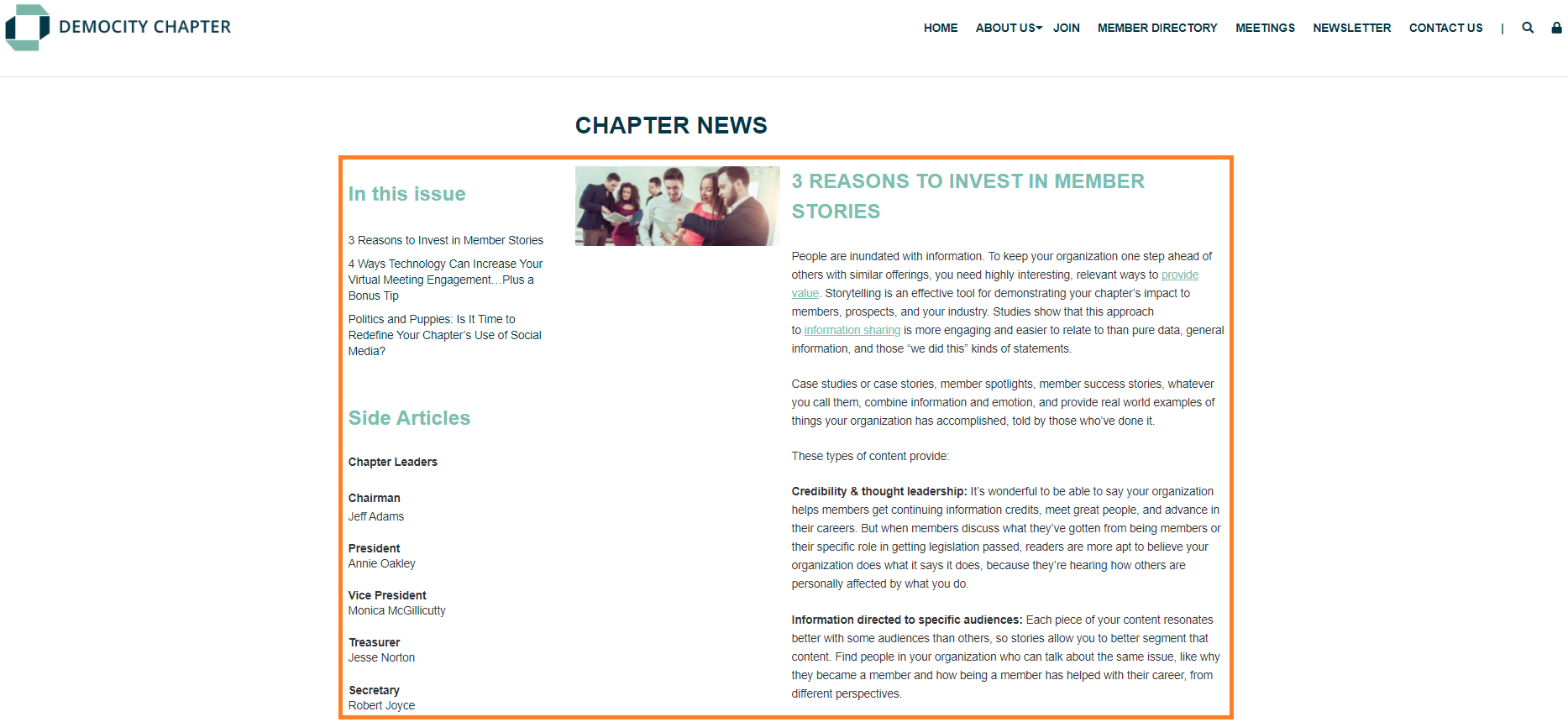
Newsletter Page with Small Images
- Pulls content from the current newsletter in Content > Community > Newsletter.
- Includes the full text of all primary content sections with the image displayed to the left the text.
- Configurations within the content section provide options for the Table of Contents, Side Articles, Newsletter Archive link, and/or current Classified ads in the system.
- Ideal in a 25/75 or 75/25 page layout.
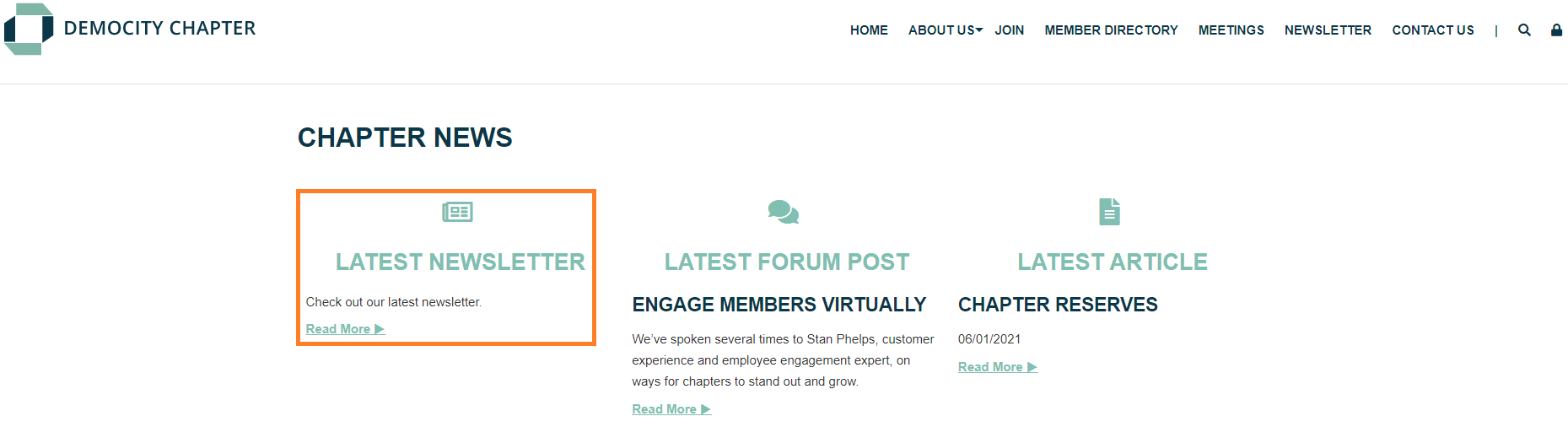
Newsletter with Icon
- Pulls content from the current newsletter in Content > Community > Newsletter.
- A centered "Latest Newsletter" header and icon display over "Check out our latest newsletter" text and a 'Read More' link for the current Newsletter.
- Optimized for narrow content containers, such as the 50/50 or 33/33/33 container options.
- Updates automatically when new forum threads are created.
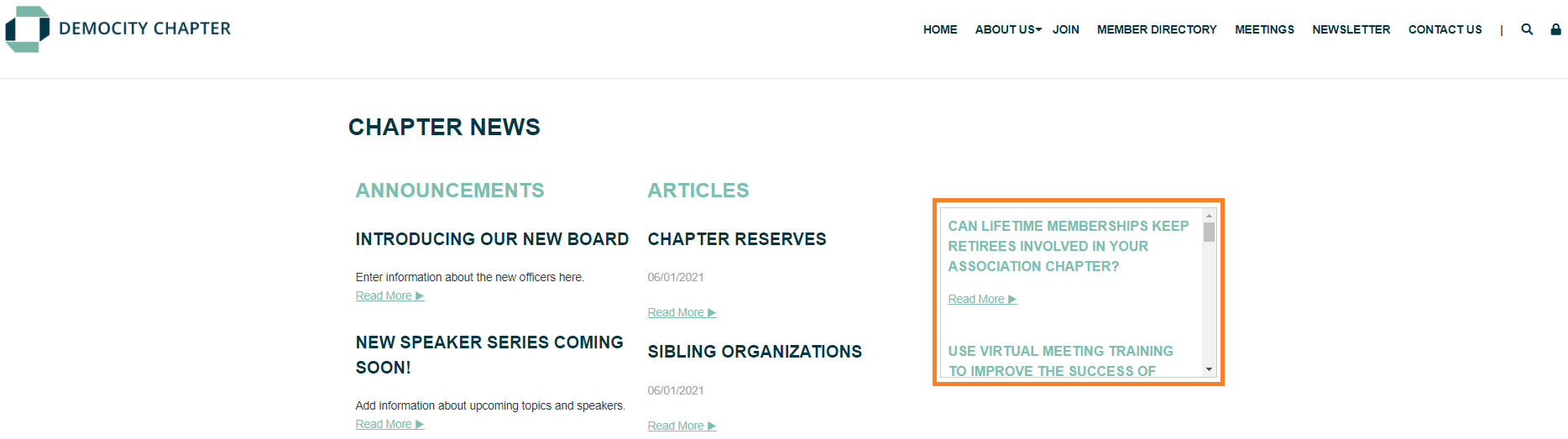
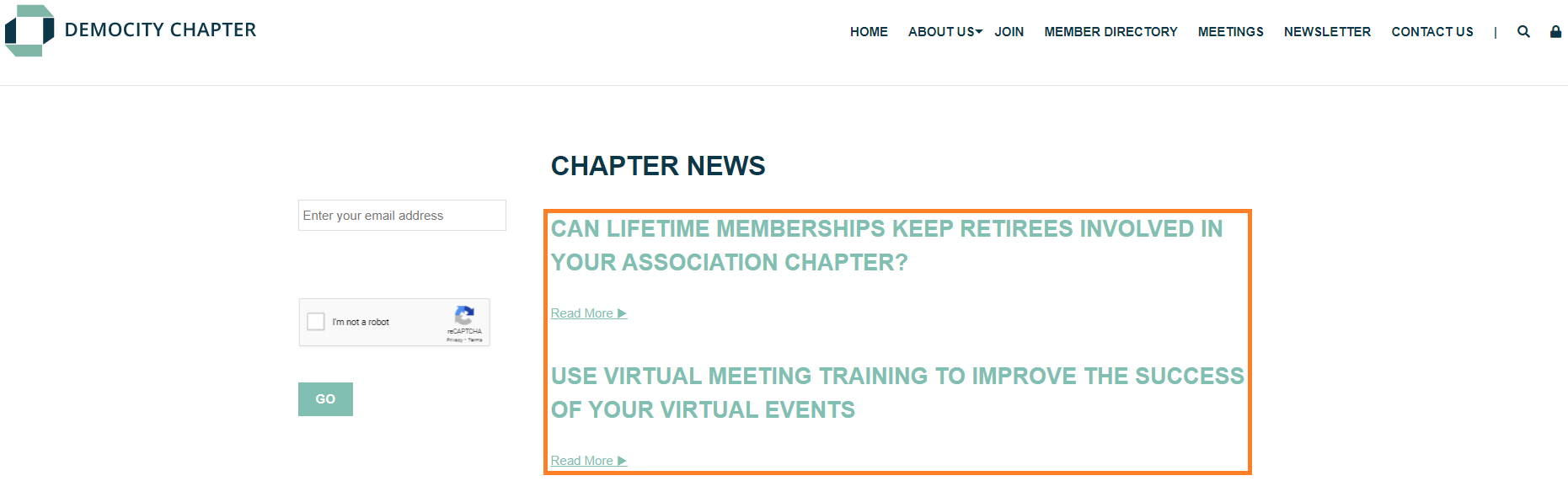
RSS Feed Large
- Pulls a dynamic newsfeed from another source into your StarChapter website.
- Displays with titles and 'Read More' links for each item.
- Ideal for a wider content section.
 |
Warning: The source for this information must be specifically formatted for use in RSS feeds and cannot just be the link to the news page you want to use. |
RSS Feed Minimal
- Pulls a dynamic newsfeed from another source into your StarChapter website.
- Displays with titles and 'Read More' links for each item and is formatted with a border and scroll to accommodate very long feeds.
|
Warning: The source for this information must be specifically formatted for use in RSS feeds and cannot just be the link to the news page you want to use. |