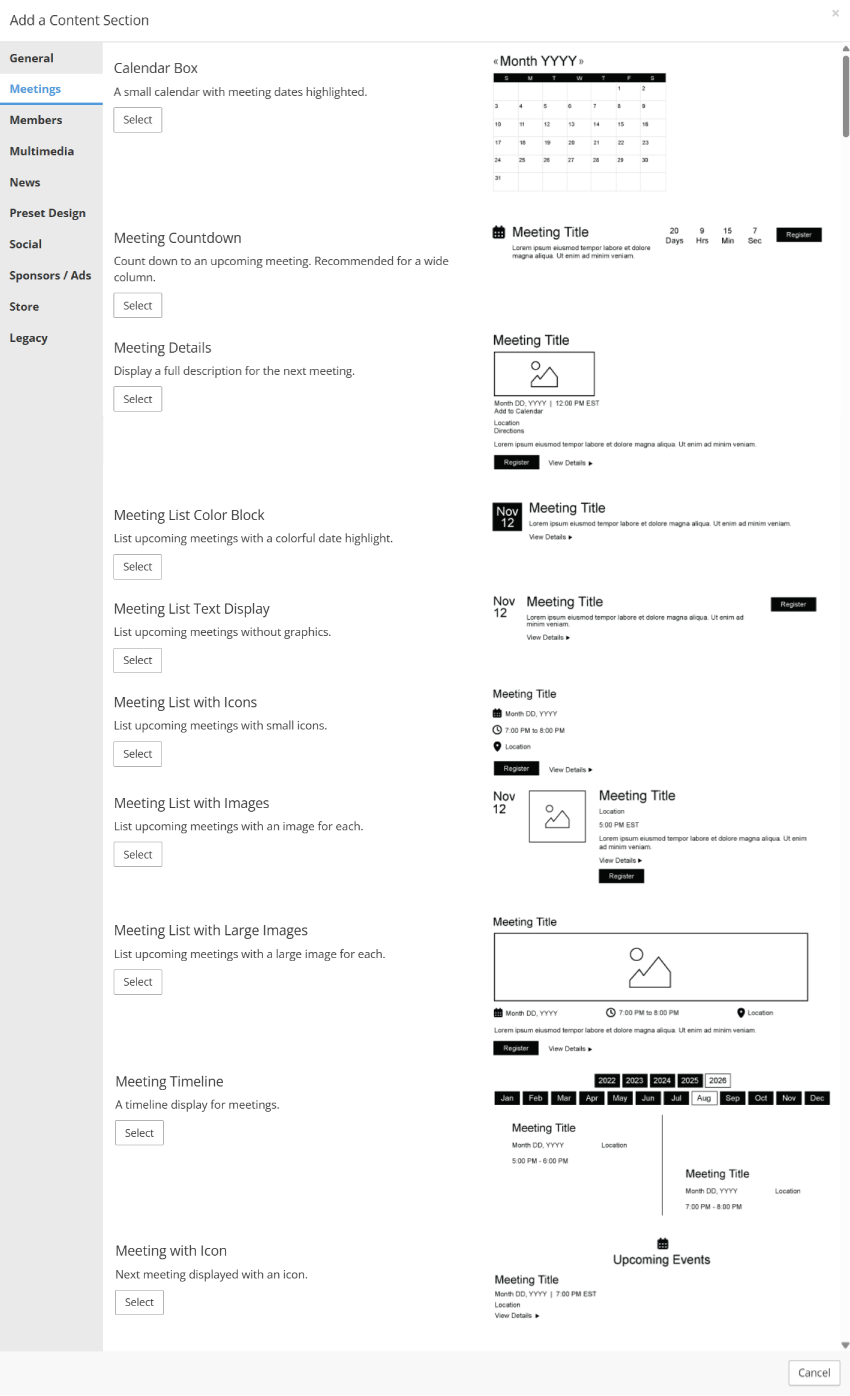
Calendar Box
- Place a traditional grid-formatted calendar on any website.
- Dates with meeting or calendar entries will be highlighted and linked to more information about those items.
- The calendar will fill the size of the content container, so it can be the full width of a page or a small resource in a sidebar.
Meeting Countdown
- Count down to the next meeting or the next meeting within a specific Meeting Category.
- Work particularly well on the Home Page to drive interest and urgency in meeting registration.

Meeting Details
- Display the next, upcoming, published meeting from Meetings > Meeting Manager.
- All key details will be included, as well as a link to view the full meeting description and ticket details.

Meeting List Color Block
- Display upcoming meetings that are configured to display based on the "Show in meeting list module?" setting.
- Large-format date box draws attention to the meeting and links to the full description of each meeting
- Can be configured in a one or two column display.

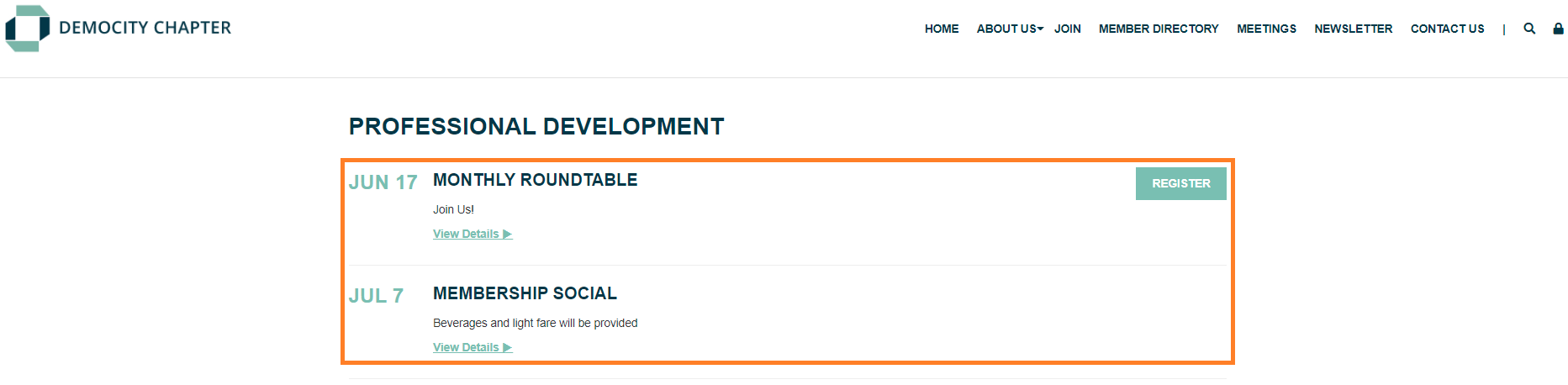
Meeting List Text Display
- Display upcoming meetings that are configured to display based on the "Show in meeting list module?" setting.
- Single column display with links to view full meeting descriptions and/or register.
Meeting List with Icons
- Display upcoming meetings that are configured to display based on the "Show in meeting list module?" setting.
- Lists key meeting details with small icons and links to the full meeting description and registration process.
- Can be configured in a one or two column display.

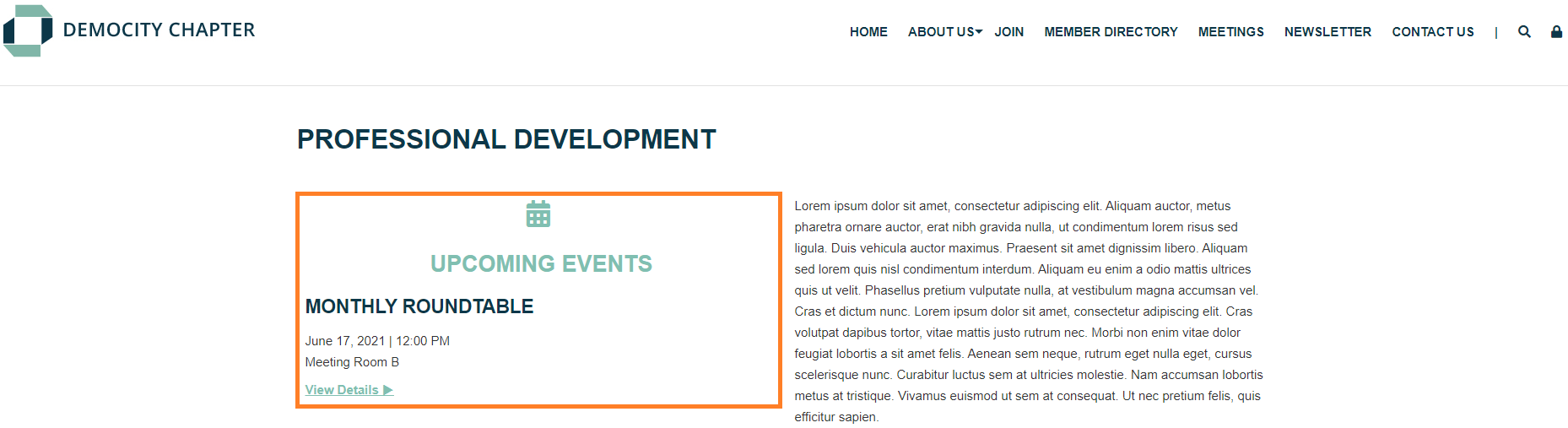
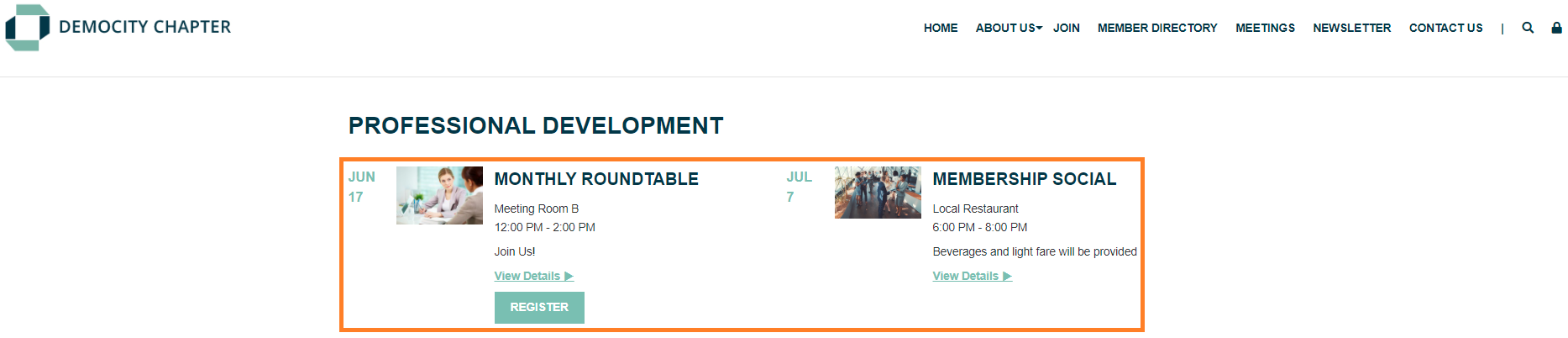
Meeting List with Images
- Display upcoming meetings that are configured to display based on the "Show in meeting list module?" setting.
- Includes the meeting's Icon image, lists key meeting details, and links to the full meeting description and registration.
- Can be configured in a one or two column display.
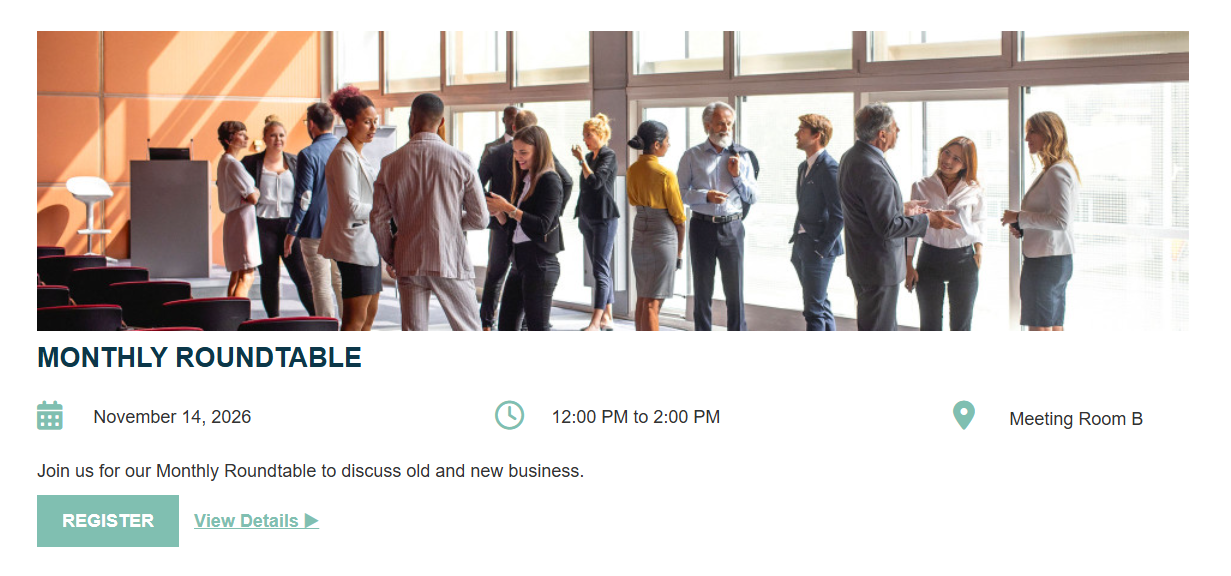
Meeting List with Large Images
- Display upcoming meetings that are configured to display based on the "Show in meeting list module?" setting.
- List upcoming meetings with a large image for each.
- Meeting details displayed horizontally below the image, using icons to highlight key information.
- Image will extend the width of the container, depending on the size of the image. Upload a large file for the meeting icon in the Meeting Manager to ensure a large image displays here.
- Ideal for meetings with large file images.