Create a New Subgroup
The Group Manager provides the opportunity to break down members or non-members into specific groups that can be targeted with email, ticket pricing, restricted content, and other functions throughout the system. The groups don't actually have assigned members but will contain subgroups that hold those members or contacts. While most subgroups will be set up when the original group was created, it is not uncommon for new subgroups to be needed as the organization grows.
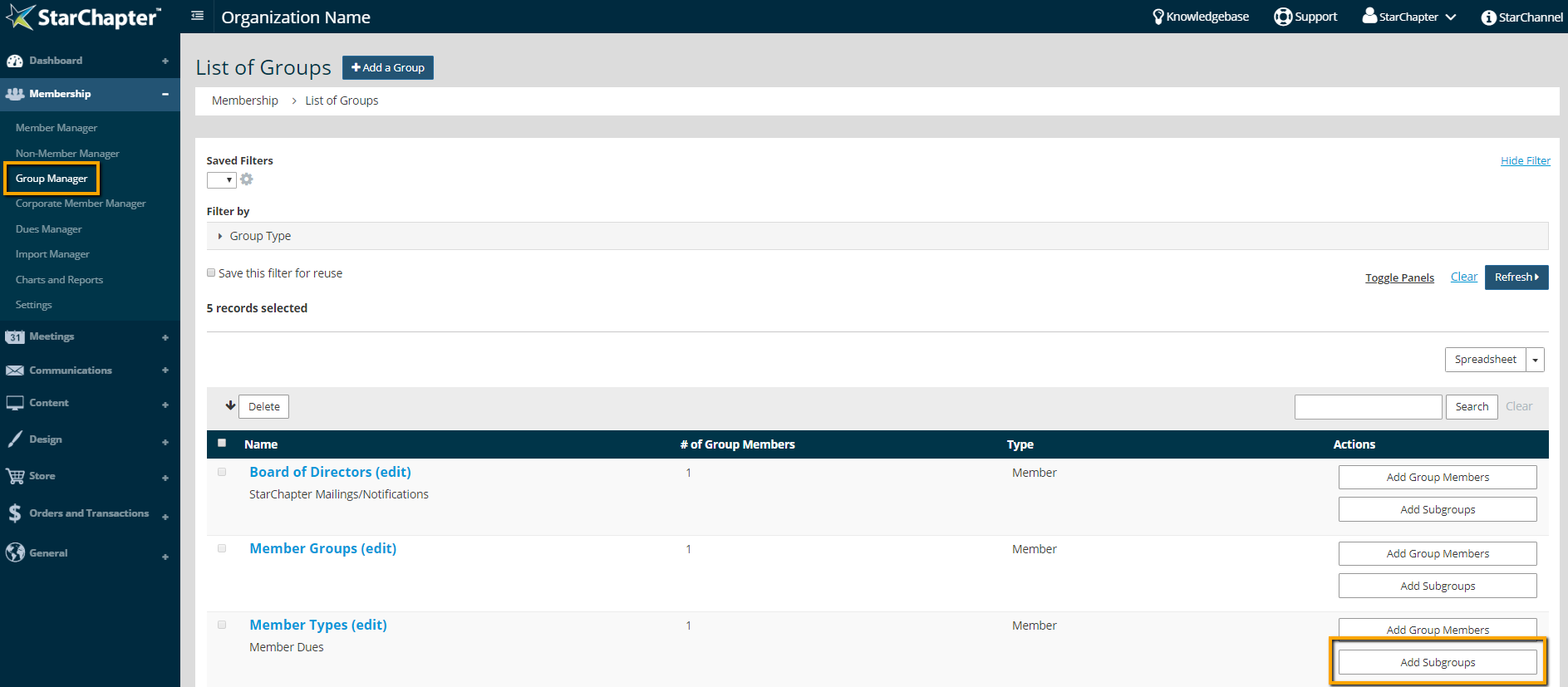
- Go to Membership > Group Manager.
- Click Add Subgroups next to the appropriate group.
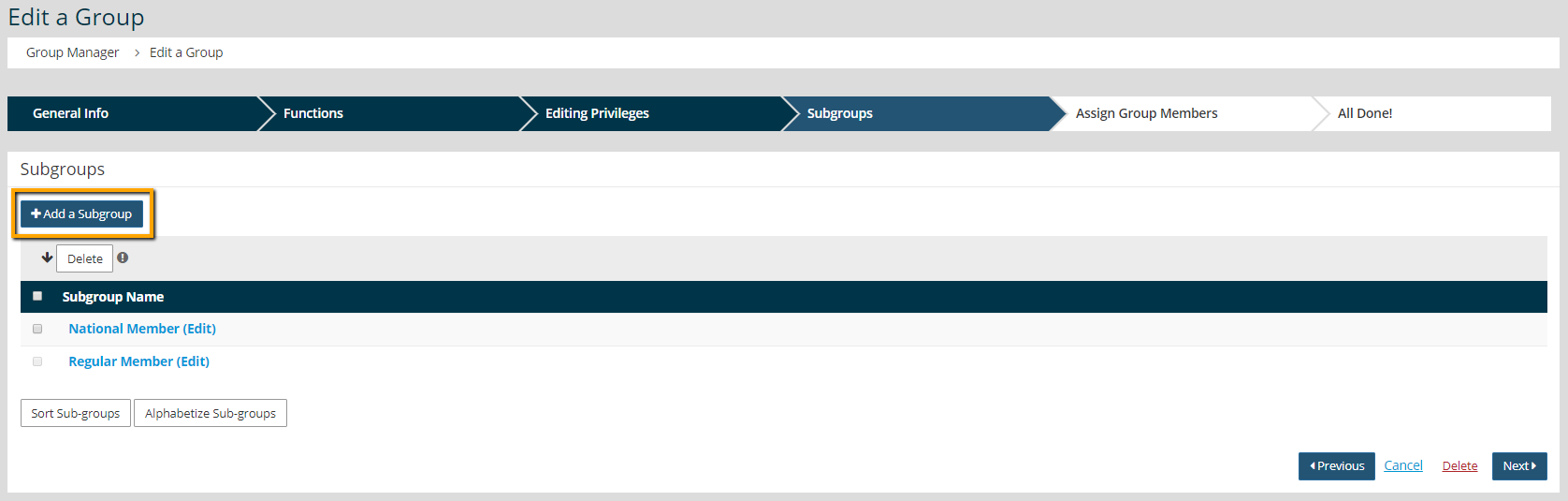
- Click Add a Subgroup.
- Name the new subgroup.
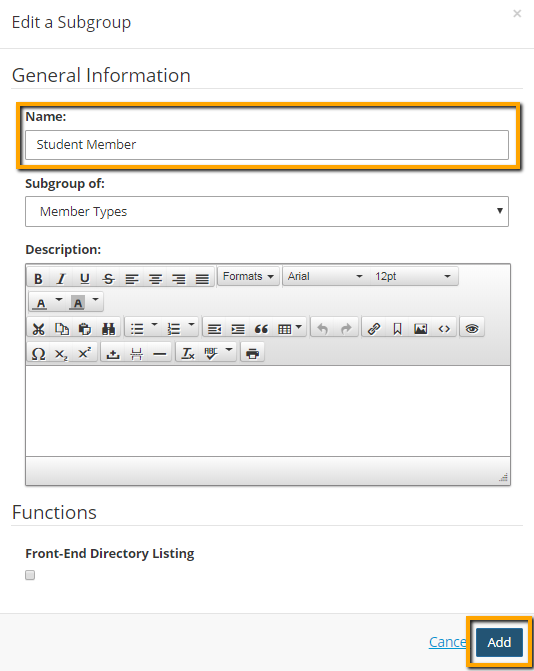
- Click Add.