Create a Meeting Template
Meeting templates are useful for regularly occurring events or complex events that would be difficult to recreate. Meeting templates can be created in a few ways.
To Create a Meeting Template in Meeting Manager
This method combines meeting setup with template creation.
- Go to Meetings > Meeting Manager.
- Click Add a Meeting.
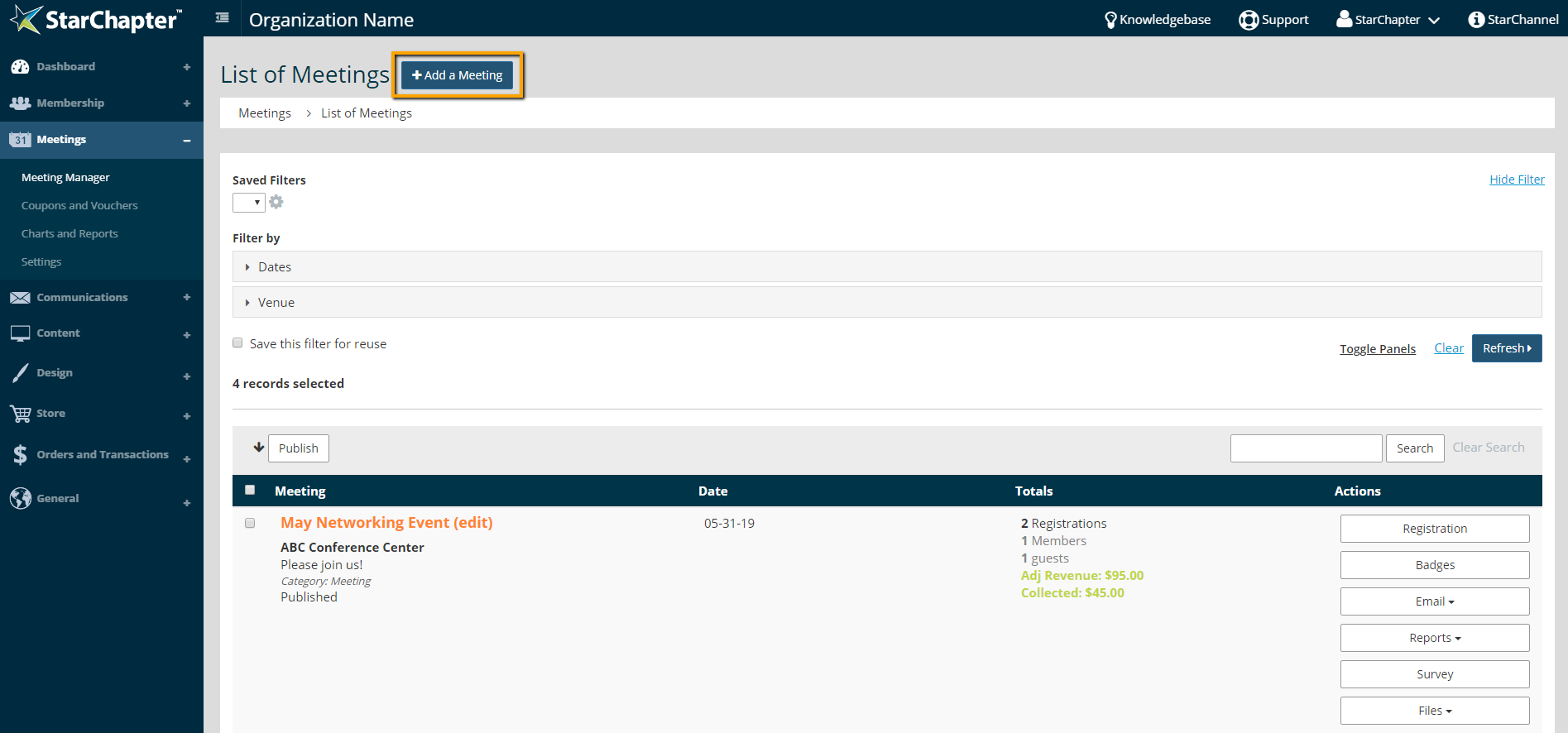
- Fill out the Meeting Name field.
- Select "Create New Template from This Meeting" in the "Please select a template to use for your new meeting" drop-down.

- Follow the prompts to complete the meeting set-up.
- On the All Done step, click Save to Template.
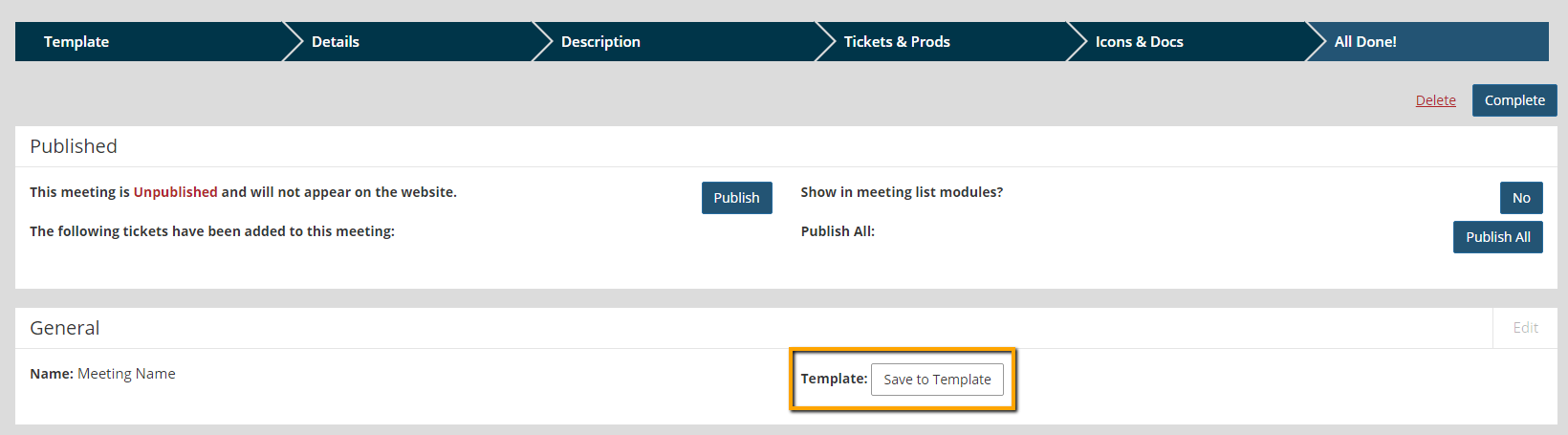
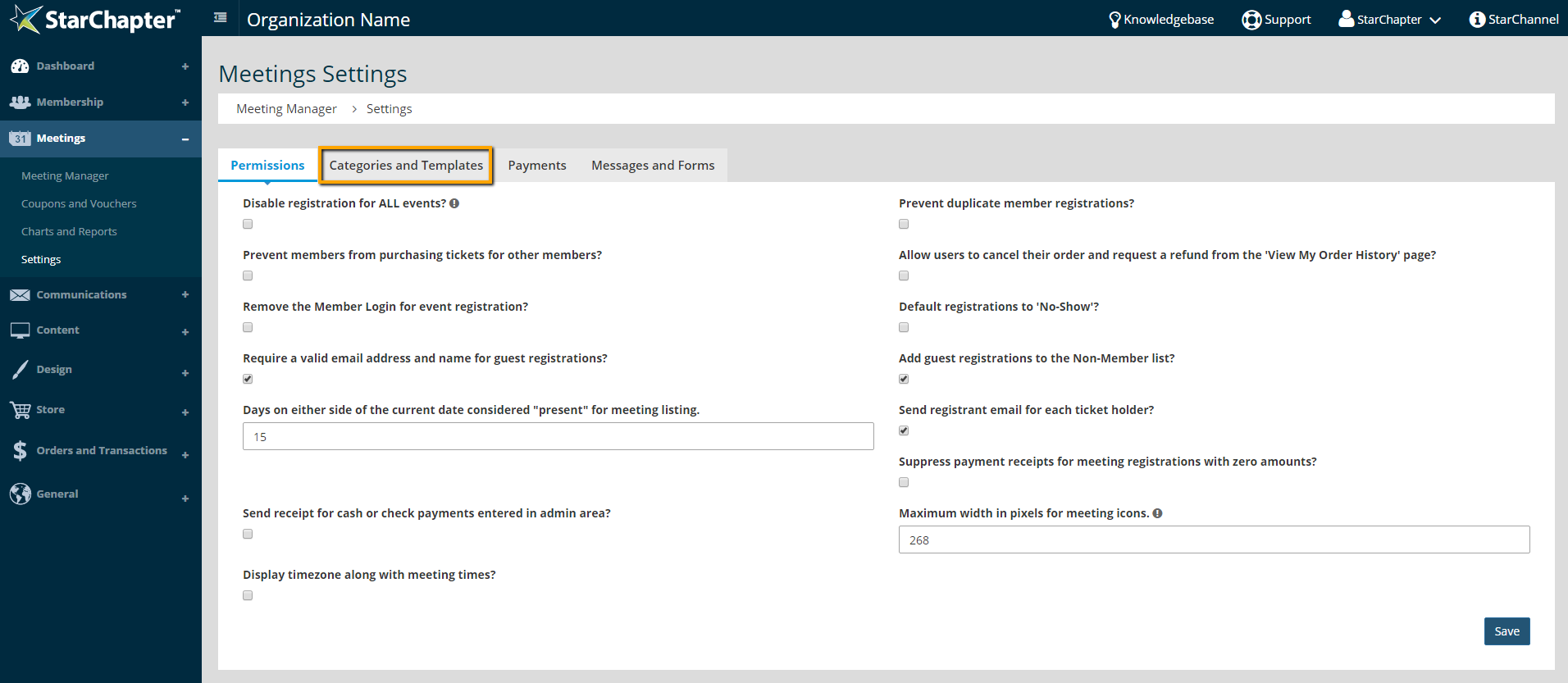
If any edits need to be made to the template, go to Meetings > Settings > Categories and Templates, and click Edit for the correct template.
To Create a Meeting Template in Settings
This method doesn't require an active meeting to create a template.
- Go to Meetings > Settings > Categories and Templates.
- Under Meeting Templates, click Add a Template.
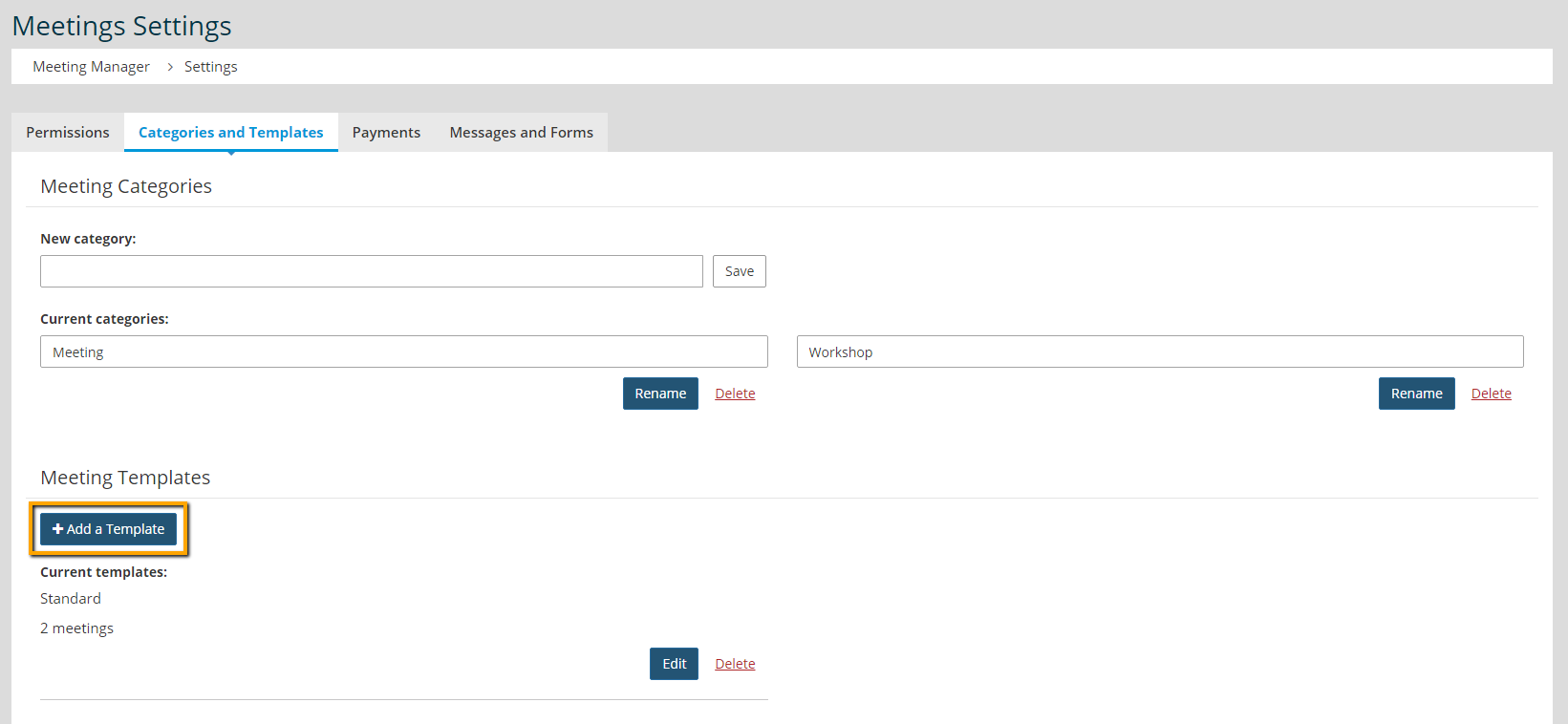
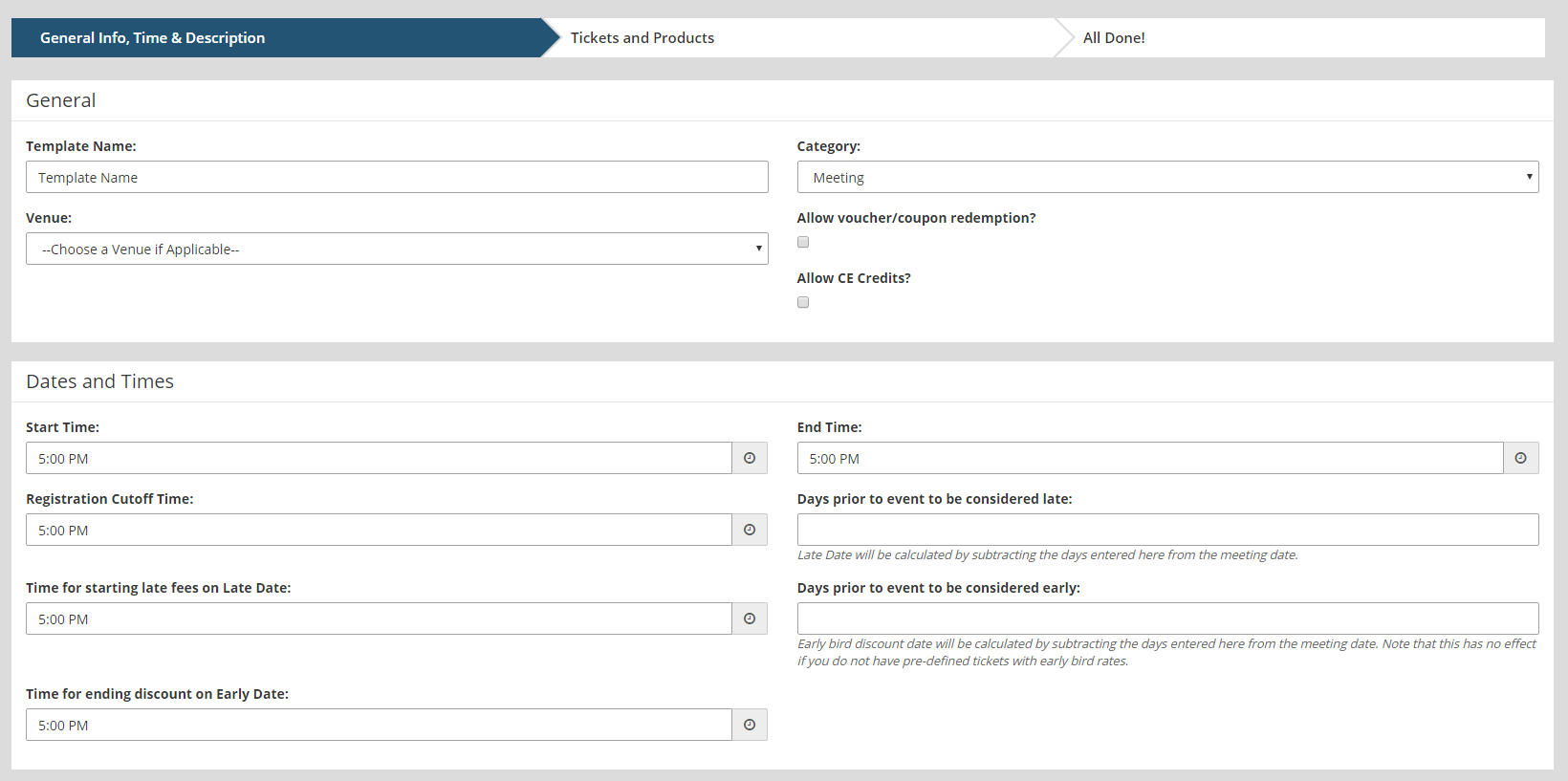
- Fill in the Template Name.
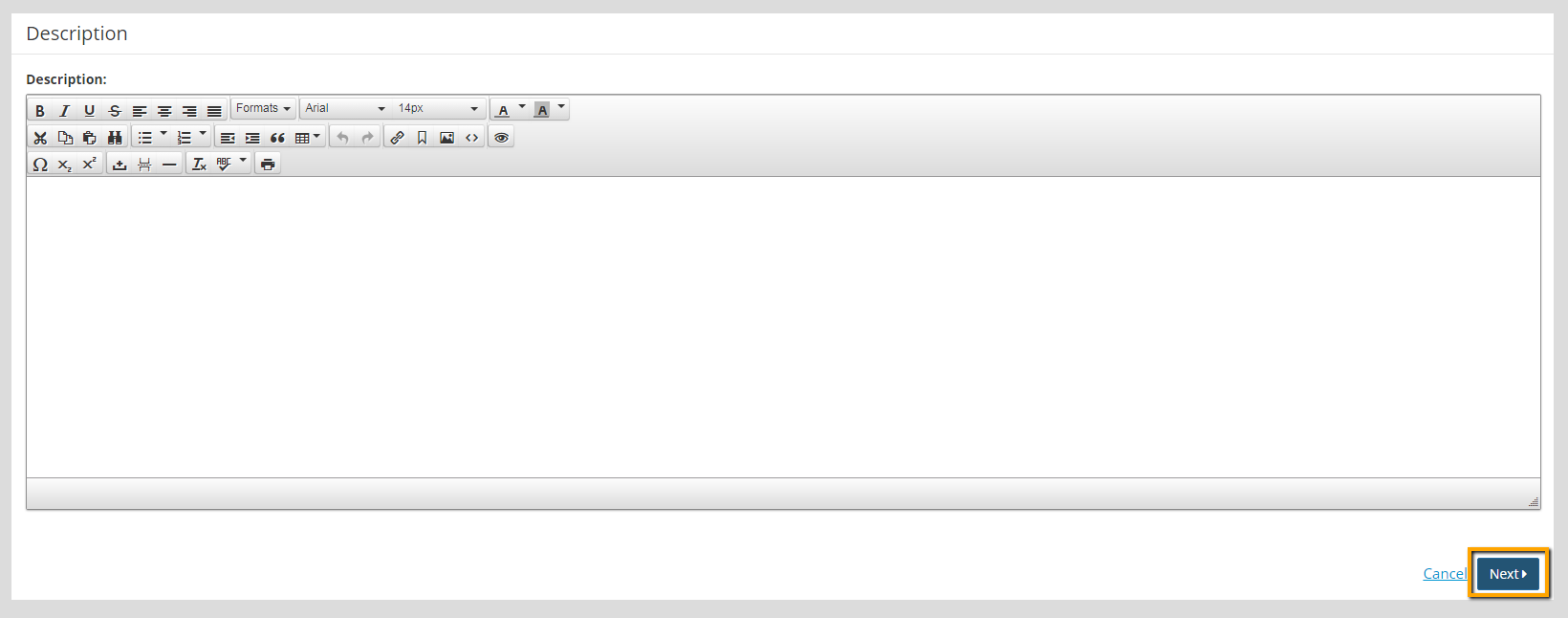
- Fill in the template venue, times, and/or description, if needed for the template.
- Click Next.
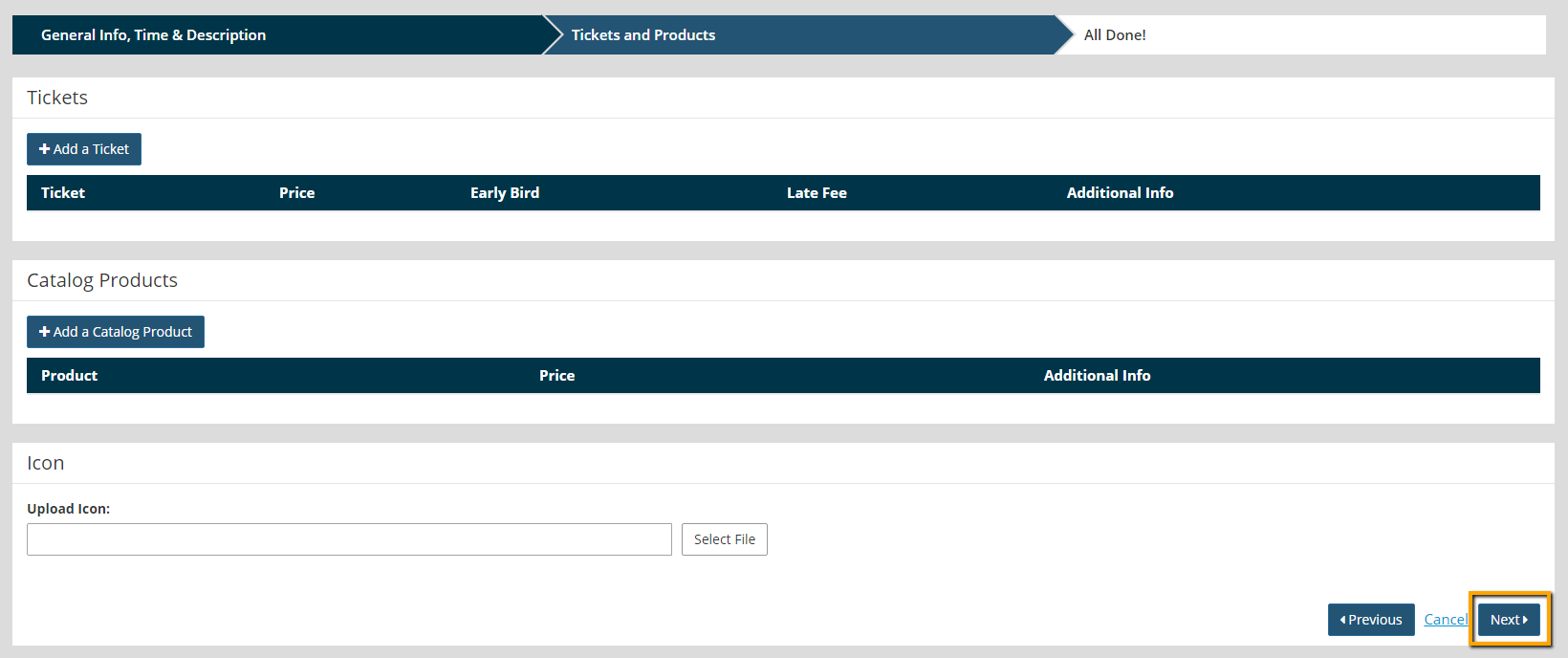
- Add tickets, products, and/or an icon , if needed.
- Click Next.
- Review the template, and click Complete.