
Configure Join Settings
When a new applicant submits an online application form in StarChapter and pays dues, they may be provided immediate Member Area access or they may be placed in a Pending status until approved by a system admin. Pending members will be included on mass email communications but will not receive a Welcome Email, if that process is automated, and they will be unable to login and access member benefits. This default status is controlled by configuration within the Member Form that was used.
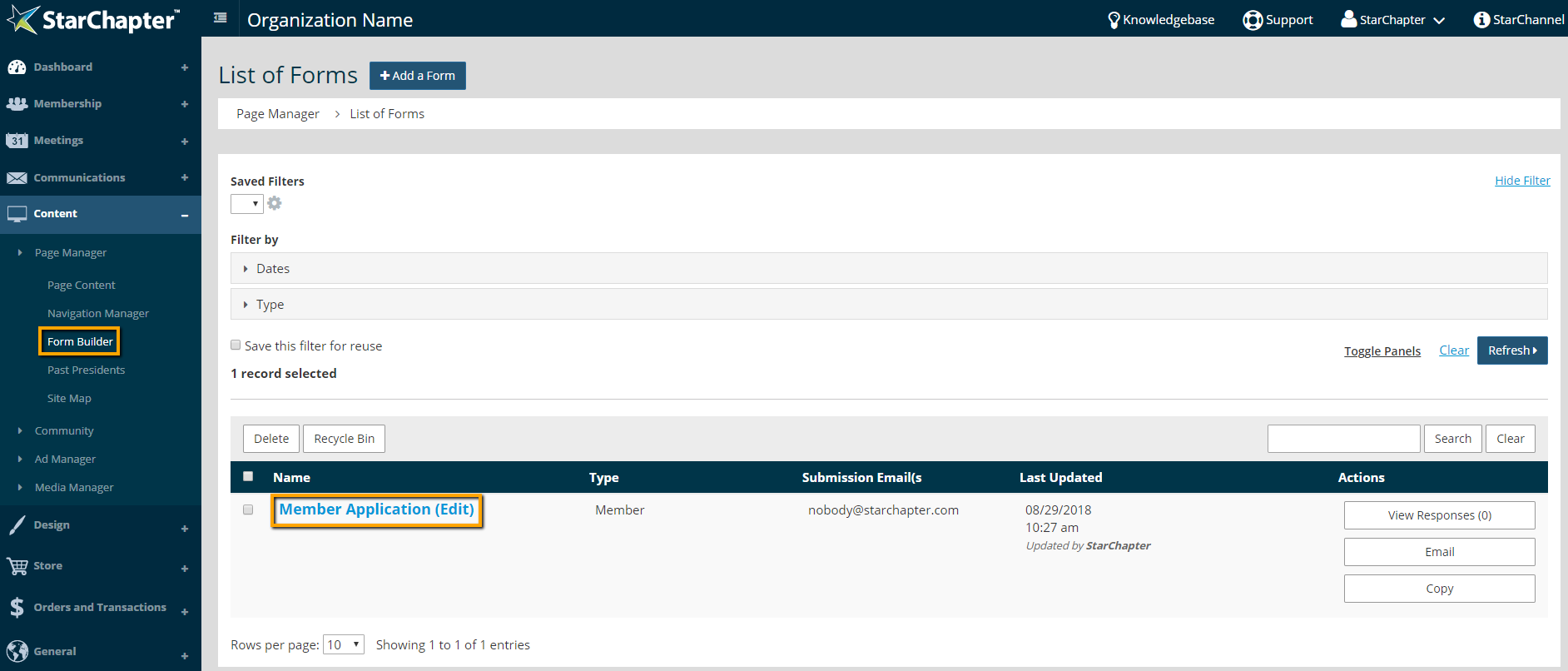
- Go to Content > Page Manager > Form Builder.
- Find and click the name of the appropriate Member form.
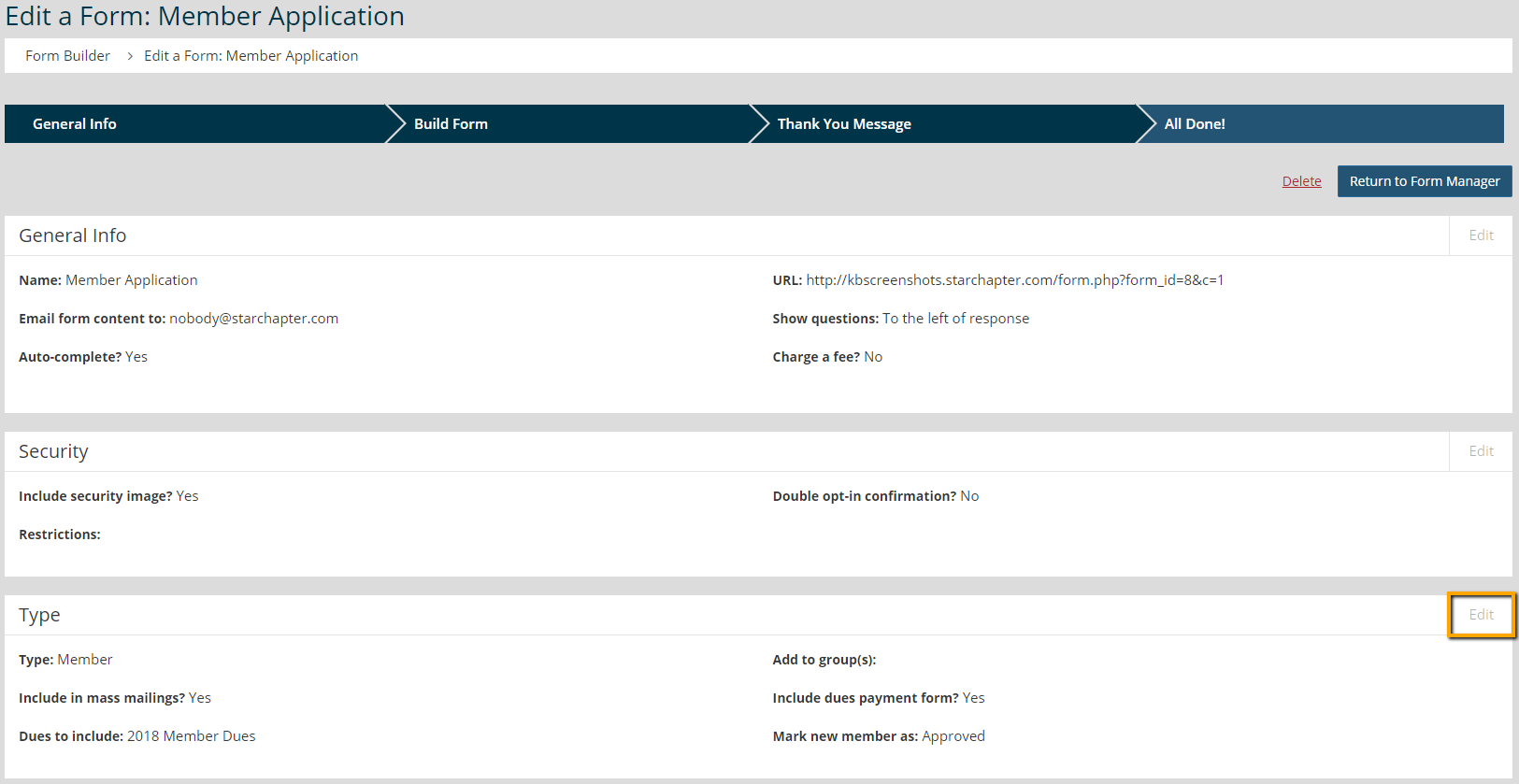
- Click Edit in the Type box.
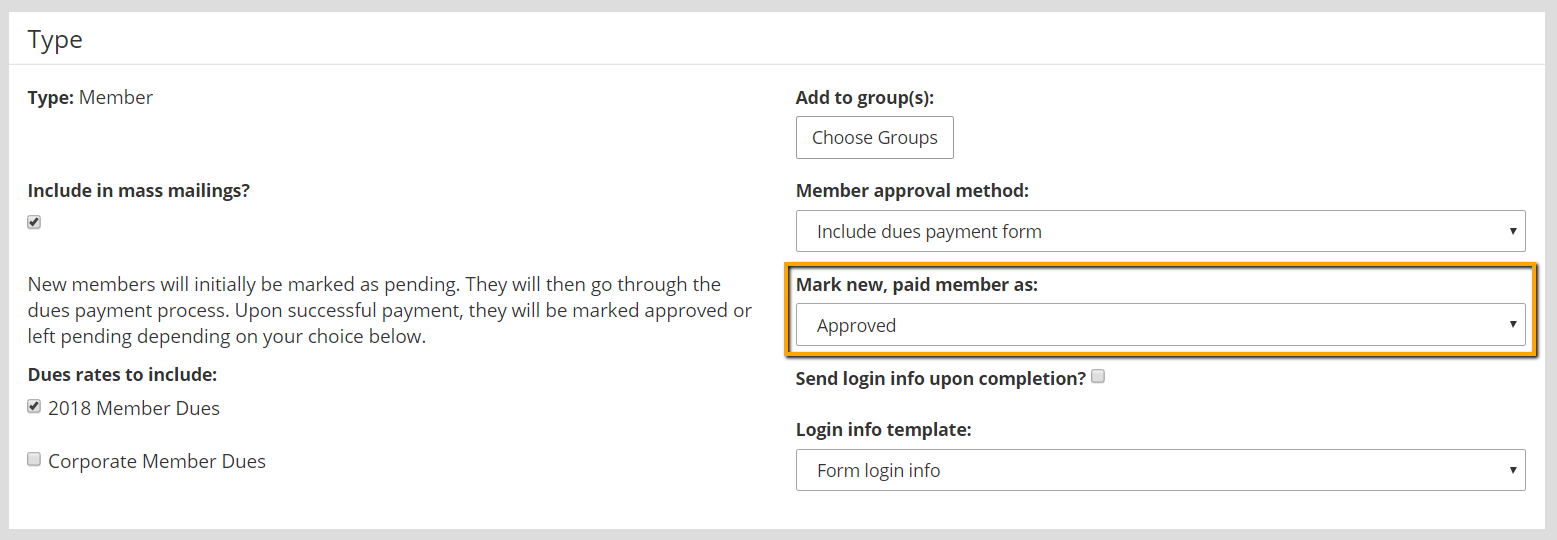
- Select "Approved" or "Pending" in the "Mark new, paid member as" field. Pending members will be unable to login until an Admin approves their membership.

Tip: Pending members may be seen even if the form is set to approve members automatically. This means that an application form was submitted without payment.
- Click Next to save the udpate.





