You are viewing this design in preview mode. The design MUST be published to be live on your website.
    •   New Board Member?
    •   Support
    •   Video Library
    • Workflow Library
    •  Page Content Library
    •  Email Builder Content Library

    Knowledgebase

    • Home
    • > Content
    • > Photo Gallery
    • > Clean Up Photo Galleries

    Clean Up Photo Galleries

    Over time, photo galleries can accumulate and become difficult to browse. Cleaning up galleries can keep the gallery page easier to manage and allow users to find pictures with more ease. Images can also impact the storage space available within your StarChapter system, so paring down galleries can free up space for new images and documents.

    Delete a Gallery from the System

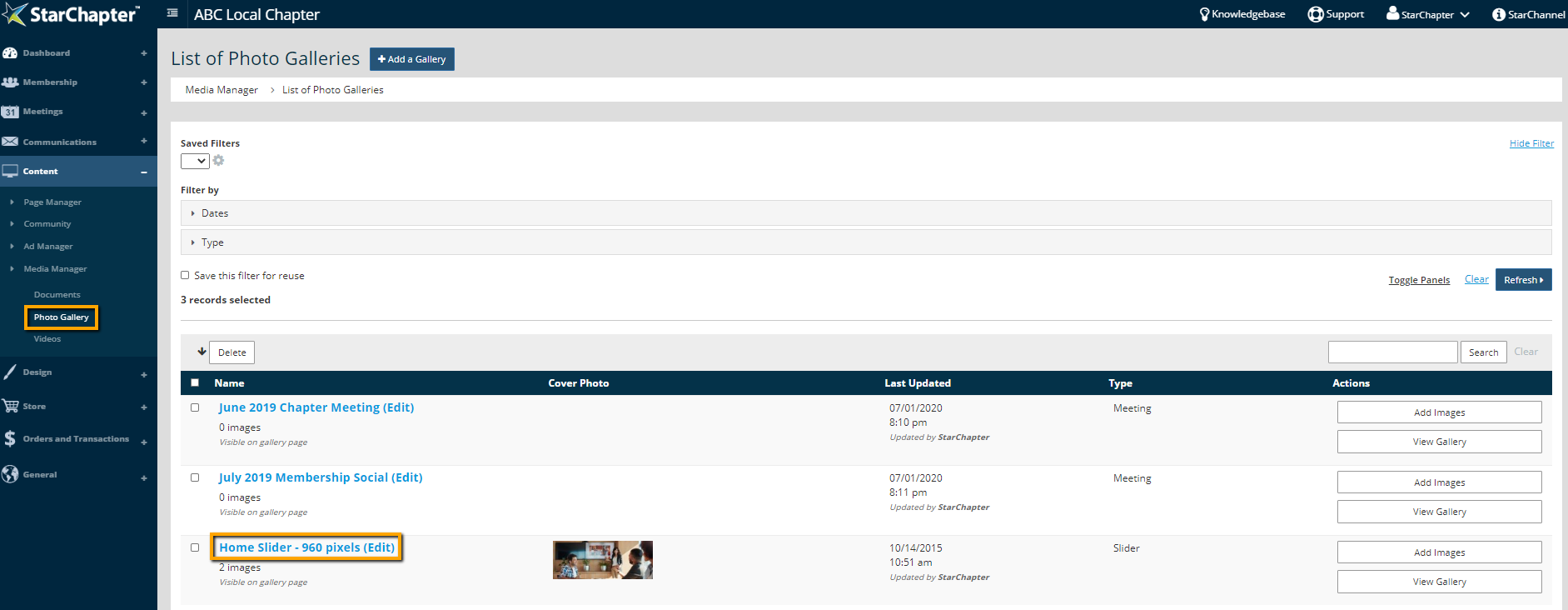
    1. Go to Content > Media Manager > Photo Gallery.
    2. Check the box to the left of every gallery to be deleted.
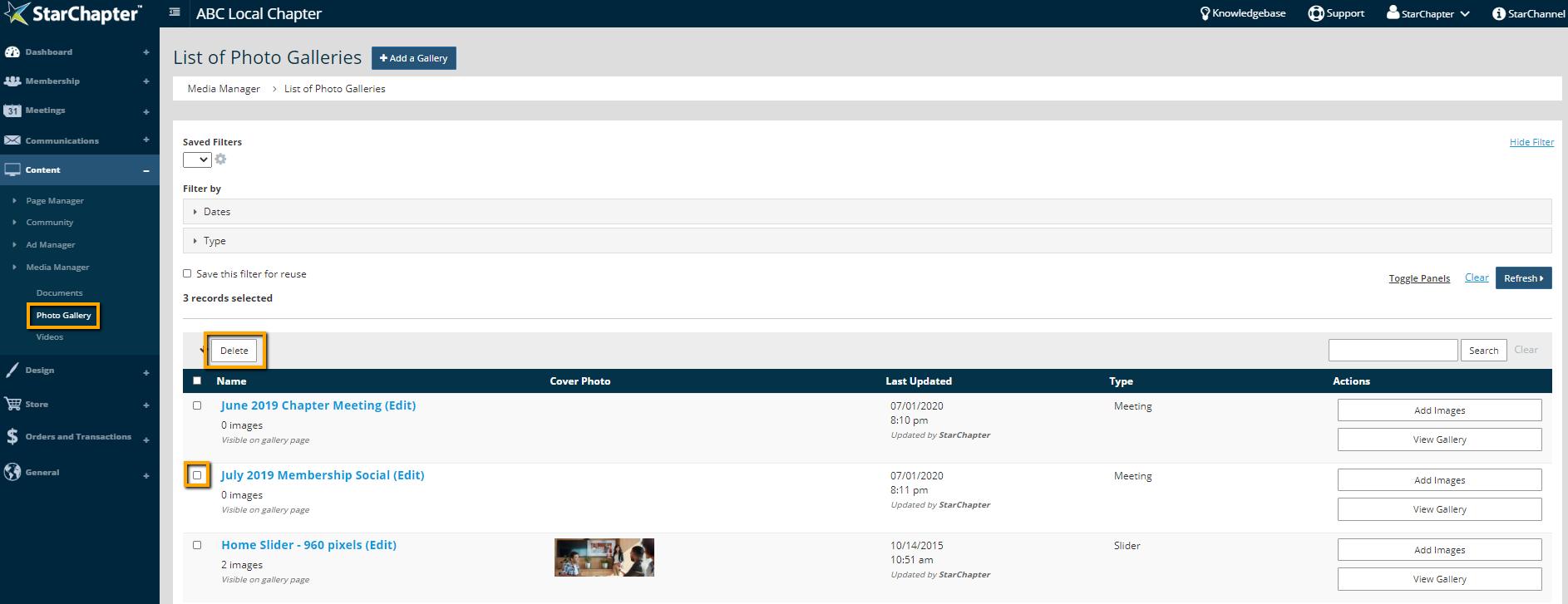
      Delete Photo Galleries

      Warning Icon

      Warning: When a gallery is deleted, all photos within that gallery are deleted from the system as well.

    3. Click the Delete button at the top of the gallery table.

    Delete Images from a Photo Gallery

    1. Go to Content > Media Manager > Photo Galleries.
    2. Click the gallery to be pared down.

      select a gallery

    3. Click Edit in the Images section of the gallery.
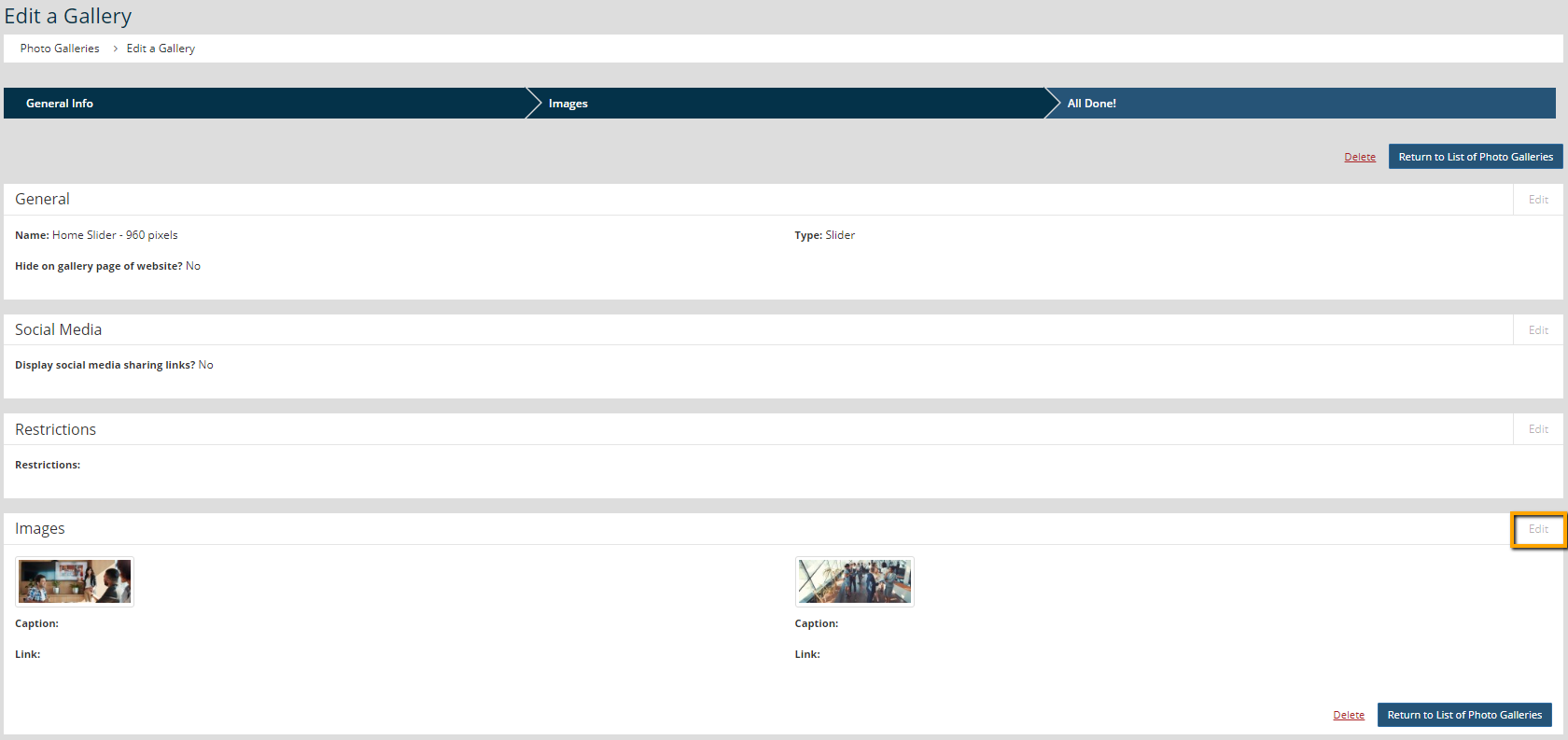
      Edit gallery images

    4. Click Delete on one of the images to be removed.

      Delete an image

    5. Click OK in the pop-up window to confirm the deletion.
    6. Repeat steps 4 and 5 to delete additional images.

    Archive a Gallery

    Archiving a gallery allows you to maintain it within the admin area without having it display on the website. 
    1. Go to Content > Media Manager > Photo Gallery.
    2. Select the gallery of interest.
    3. Click Edit in the General section of the gallery.

      Edit the gallery configuration

    4. Select the box to "Hide on gallery page of website?"
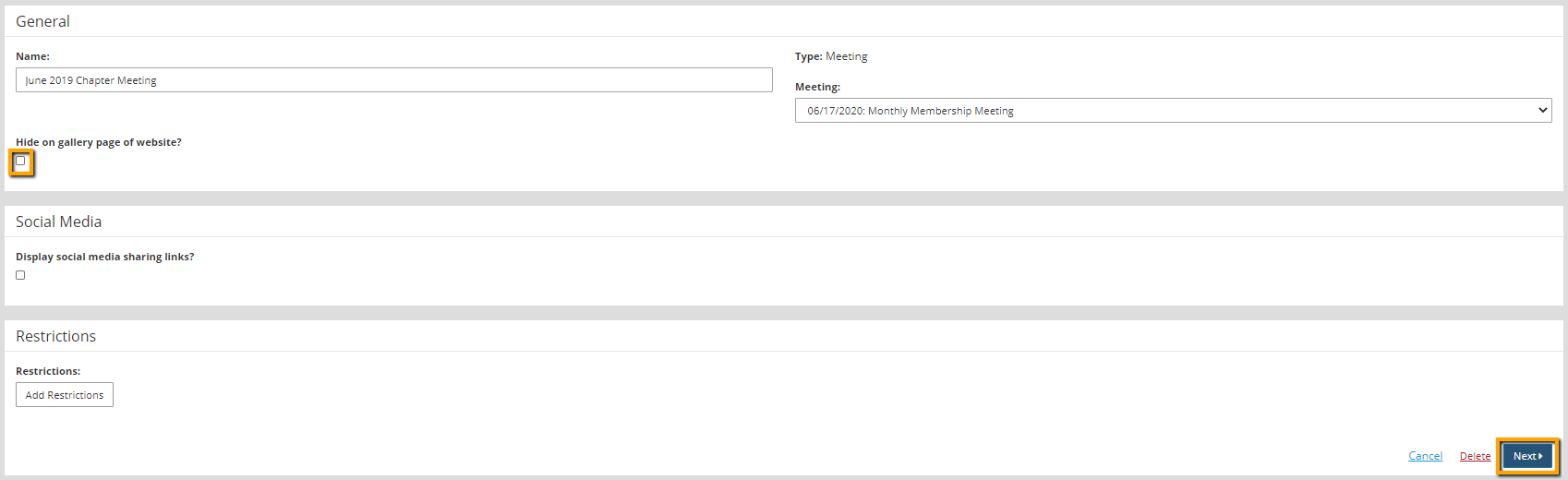
      How to hide a gallery

    5. Click Next to apply the change.

    Chapter Insights

    Posted by [email protected] on 02/14/2018 11:41 am  /   Content

    content part of redesign

    Consider Your Content as Part of Your Website Redesign

    member stories

    3 Reasons to Invest in Member Stories

    Cotent Blog Image - Advanced SEO – Name it Right, and they will Read

    Advanced SEO – Name it Right, and they will Read

    Content Blog Image - Advanced SEO – The 80/20 Rule for Success

    Advanced SEO – The 80/20 Rule for Success

    video for sponsorship

    Video is Key to Your Sponsor Strategy

    © 2026 StarChapter Software LLC All rights reserved.

    •  
      Board Training
    •  
      Services
    •  
      KB Home
    • Master Service Agreement
    • |
    • Privacy Policy
    . .