
Assign a Newsletter Section to be the Featured Section
One option available while creating or editing a newsletter is whether a section should be a featured section or not. Only one featured section can be set per newsletter. Assigning a featured newsletter section is a great way to highlight a specific section in your Newsletter.
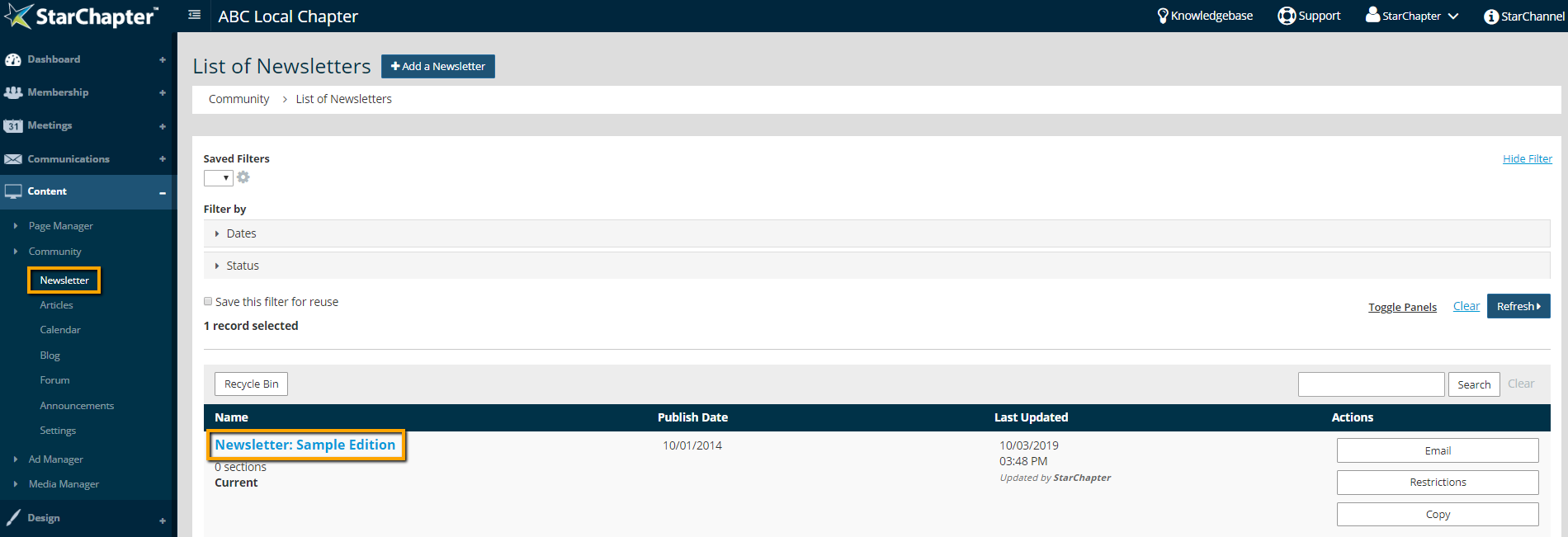
- Go to Content > Community > Newsletter and click on your Newsletter of Interest.
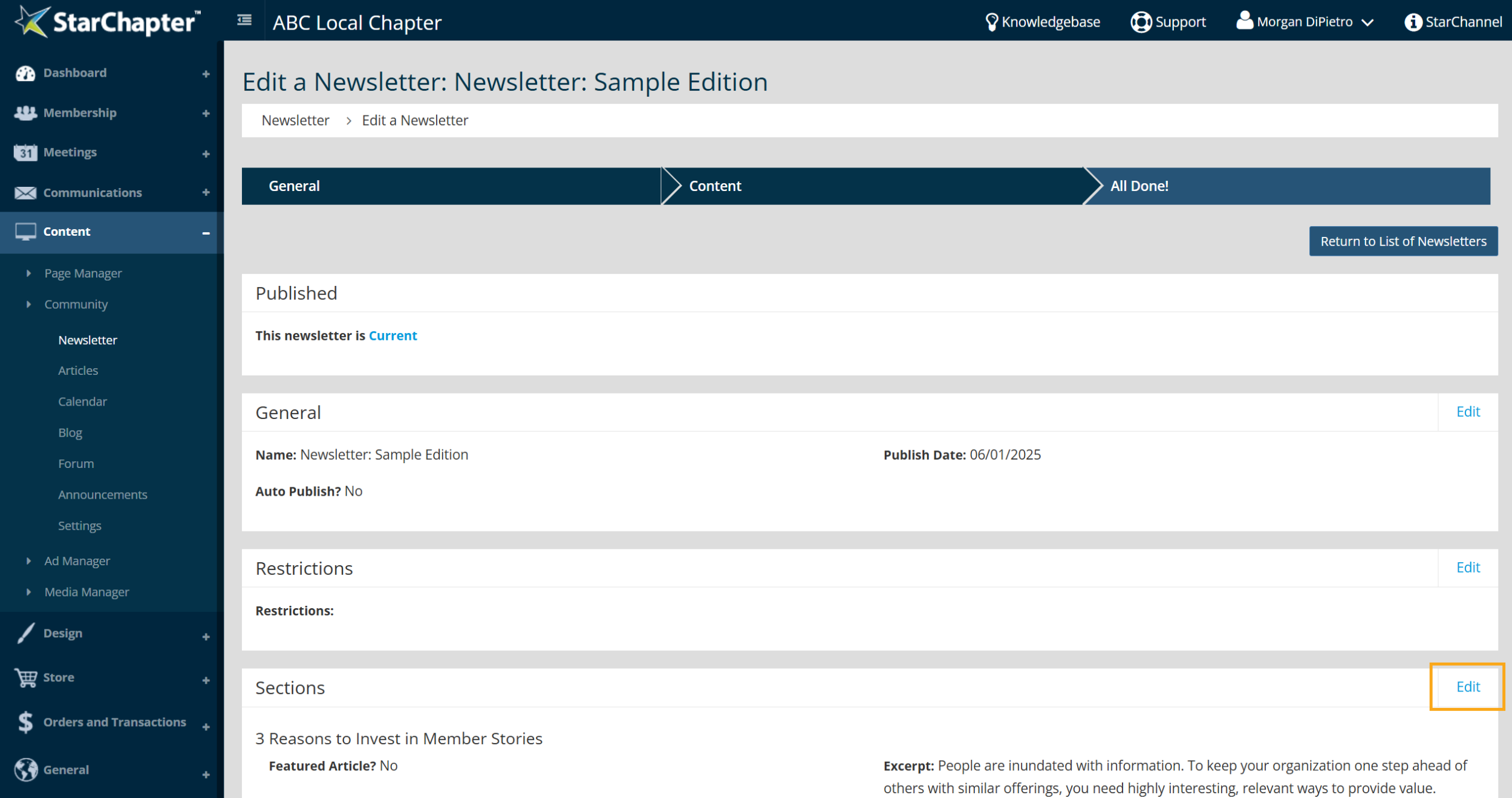
- Click Edit in the Sections area of the newsletter.
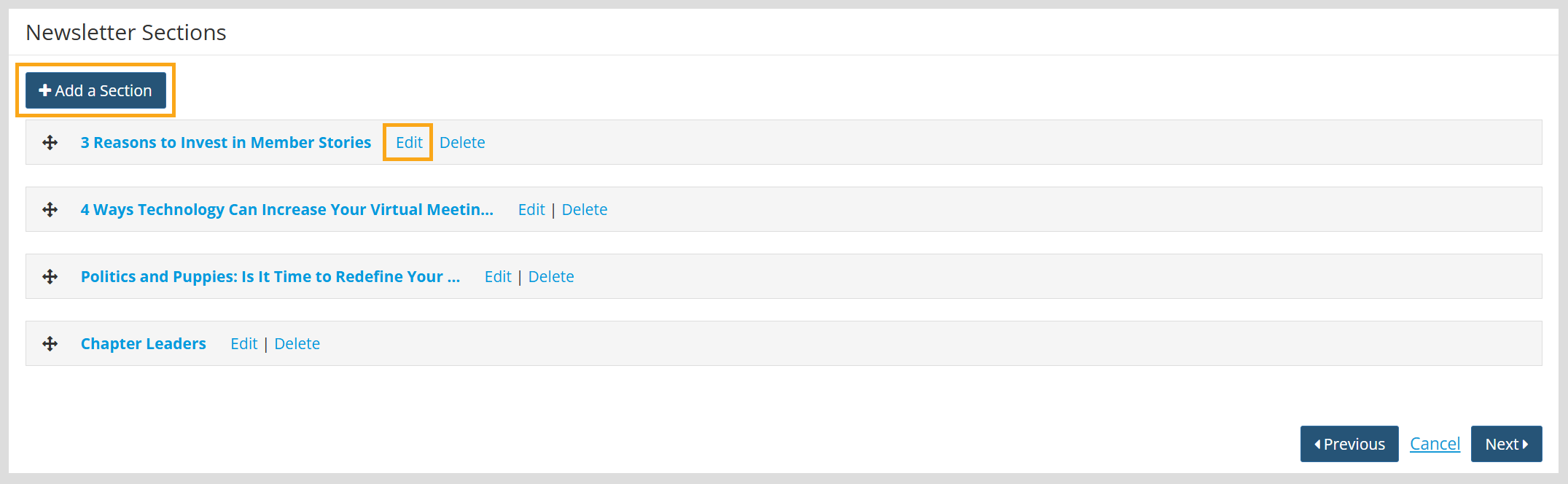
- Click Add a Section or Edit on and Existing section to access the section pop up
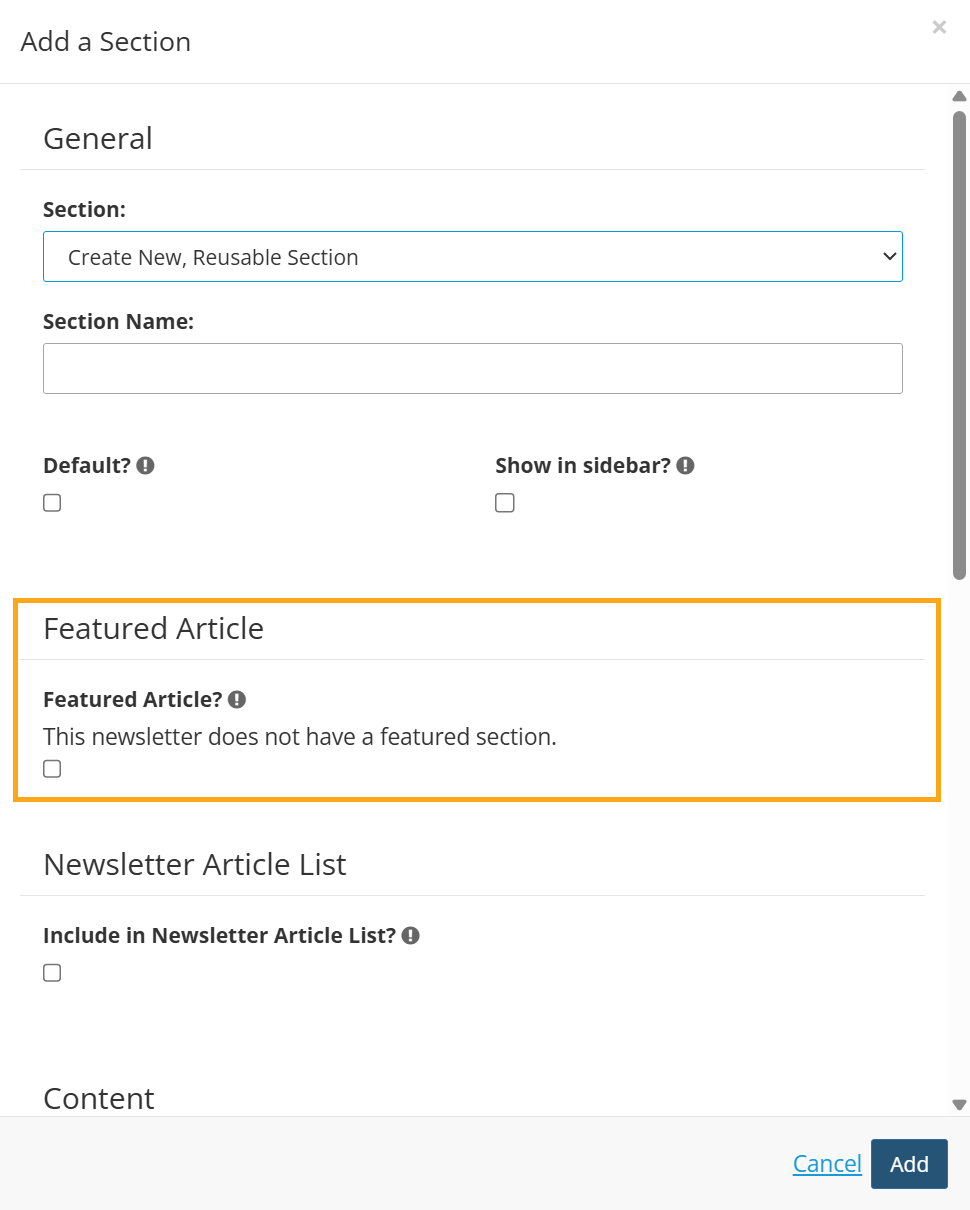
- Check the "Featured Article?" setting.
- Complete the rest of the section setup and add your content if creating a new section.
- Click Add.
 |
Tip: If a Featured Article has already been set within the newsletter, the text "This newsletter does not have a featured section." is replaced by "Currently "XX" is the featured article." to let you know which article within that newsletter is set as the featured article. |





